
Multiple input types
Generate presentations from prompts, topics, pasted text, URLs, PDFs, YouTube links, and DOCX content, so different source formats can flow into the same slide-building process.

MagicSlides is an AI presentation generator that turns text, topics, documents, URLs, and videos into slide decks. It creates presentations in Google Slides by default and supports PowerPoint export, with multilingual output and AI-assisted editing.
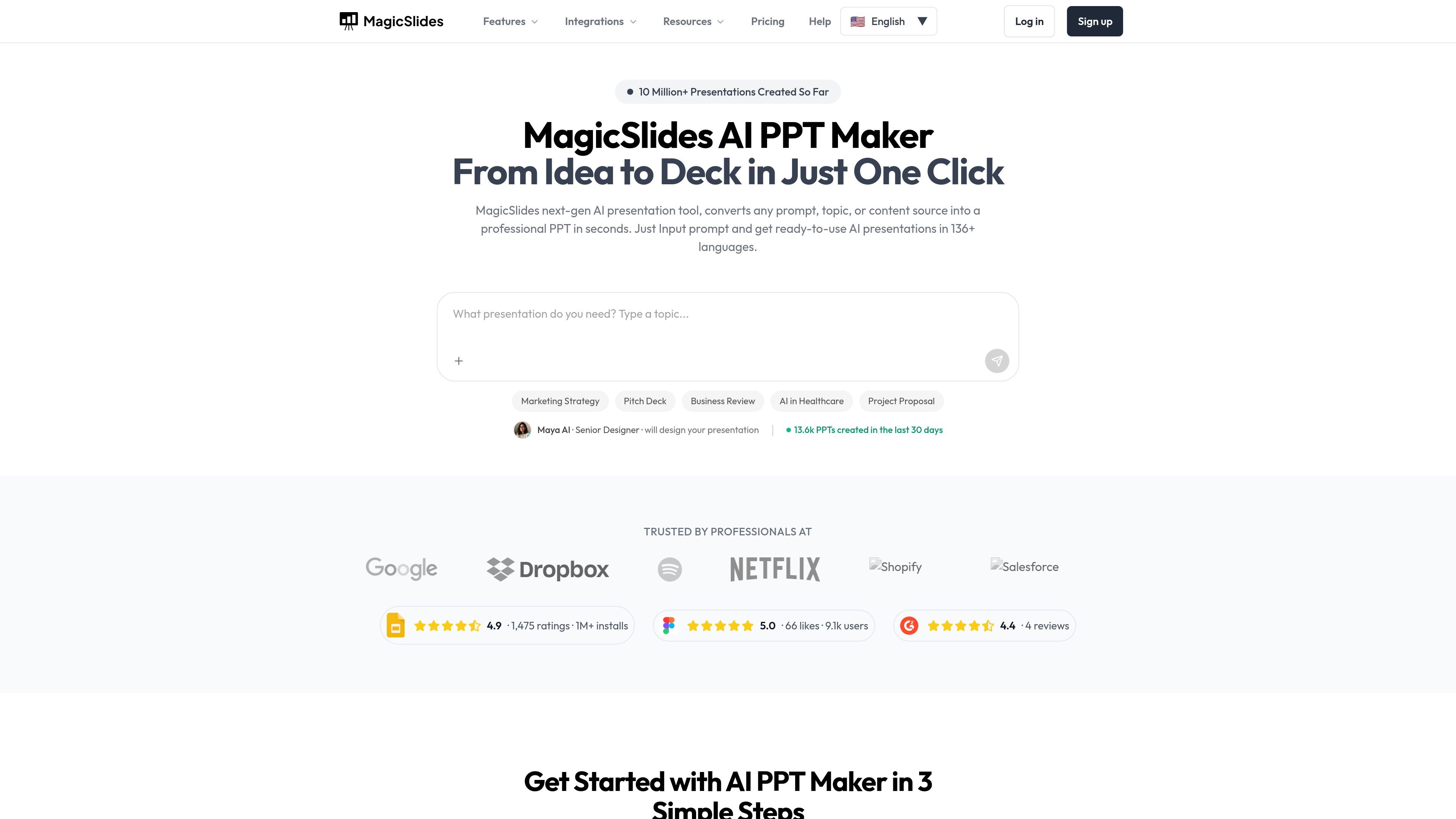
MagicSlides is an AI presentation generator that turns prompts, topics, documents, URLs, YouTube links, and other content sources into slide decks. The product is positioned as a way to create presentations in seconds rather than building them manually.
It creates presentations in Google Slides by default, supports PowerPoint export, and offers an AI chat assistant for creating new decks, editing slides, cloning slides, and making layout or design changes. The site also highlights support for 136+ languages and a library of conversion paths such as text to PPT, topic to PPT, PDF to PPT, and YouTube to PPT.
Generate presentations from prompts, topics, pasted text, URLs, PDFs, YouTube links, and DOCX content, so different source formats can flow into the same slide-building process.
Use the AI chat assistant to create presentations from scratch, add slides, clone slides, edit content, and get design suggestions through natural language.
Create decks in Google Slides by default and export them as PowerPoint files, with editing also available inside MagicSlides.
Choose from slide types such as pros/cons, bullet point + image, timeline, and SWOT analysis to structure common presentation formats quickly.
Work in 136+ languages, with multilingual support called out across the homepage and product pages for presentation generation.
Connect the product with other tools through listed integrations such as Google Slides add-on, Figma plugin, ChatGPT integration, Chrome extension, Telegram bot, Zapier automation, MCP, and mobile apps.
Turn meeting notes, articles, reports, or other written material into a structured presentation without manually outlining every slide.
Convert a topic, prompt, or research idea into a presentation when you need a starting draft for a pitch, class, or internal review.
Create or refine pitch decks, client proposals, and business updates with AI-assisted slide generation and editing.
Rebuild or improve an existing presentation by pasting content or uploading source material, then editing the generated slides afterward.
Generate slides in multiple languages for audiences that need localized presentation content rather than a single-language deck.
MagicSlides supports 136+ languages, and the homepage says you can use any language you want when generating presentations.
Yes. MagicSlides creates presentations in Google Slides by default, and you can download them as a PowerPoint (PPTX) file anytime.
Yes. You can edit the generated slides after creation, including layout, content, and design, in the app or in presentation editors.
Yes. The product pages say you can upload or paste existing content and have MagicSlides rebuild or improve the presentation.
The pricing page says support is available by email for installation, licensing, and usage while the support period is valid, but it does not include custom features or customization.

Slidesgo is a presentation template platform for Google Slides, PowerPoint, and selected Canva workflows. It offers free and Premium templates, plus AI-assisted presentation creation and team-friendly access options.

ChatBA is a generative AI product for creating slide decks from prompts. The public site emphasizes instant presentation generation and includes help content for templates, sharing, and data sources.

紫东太初是一款由中科院自动化所和武汉人工智能研究院推出的多模态大模型,支持多轮问答、文本创作、图像生成、3D理解和信号分析。它适合需要处理图文音、三维或信号数据的问答与内容生成场景。

Une plateforme IA tout-en-un qui combine des outils pour l'image, la vidéo, la voix, l'écriture et le chat afin d'améliorer la créativité et la collaboration.

Grok 4.7 is an xAI model for software development and knowledge work, including extended coding tasks and professional analysis. It is available through Grok Build, Cursor, the Grok API, and other developer platforms, with token pricing starting at $2 per million input tokens and $6 per million output tokens.

Wysera is an AI business platform that combines PostWyse for content and OpsWyse for CRM and revenue workflows, powered by the shared Wyse AI. It is built for solo operators, teams, and agencies that want approval-first automation across publishing, lead follow-up, and related operations.