
Automatic layout learning
Learns window positions, sizes, and display assignments while you work, saving changes within about 1.5 seconds with periodic checks.

Many Displays is a macOS menu bar utility that automatically restores windows to their previous displays, positions, and sizes after sleep, login, unlock, or monitor reconnects. It is aimed at Mac users with multi-monitor setups, including identical displays.
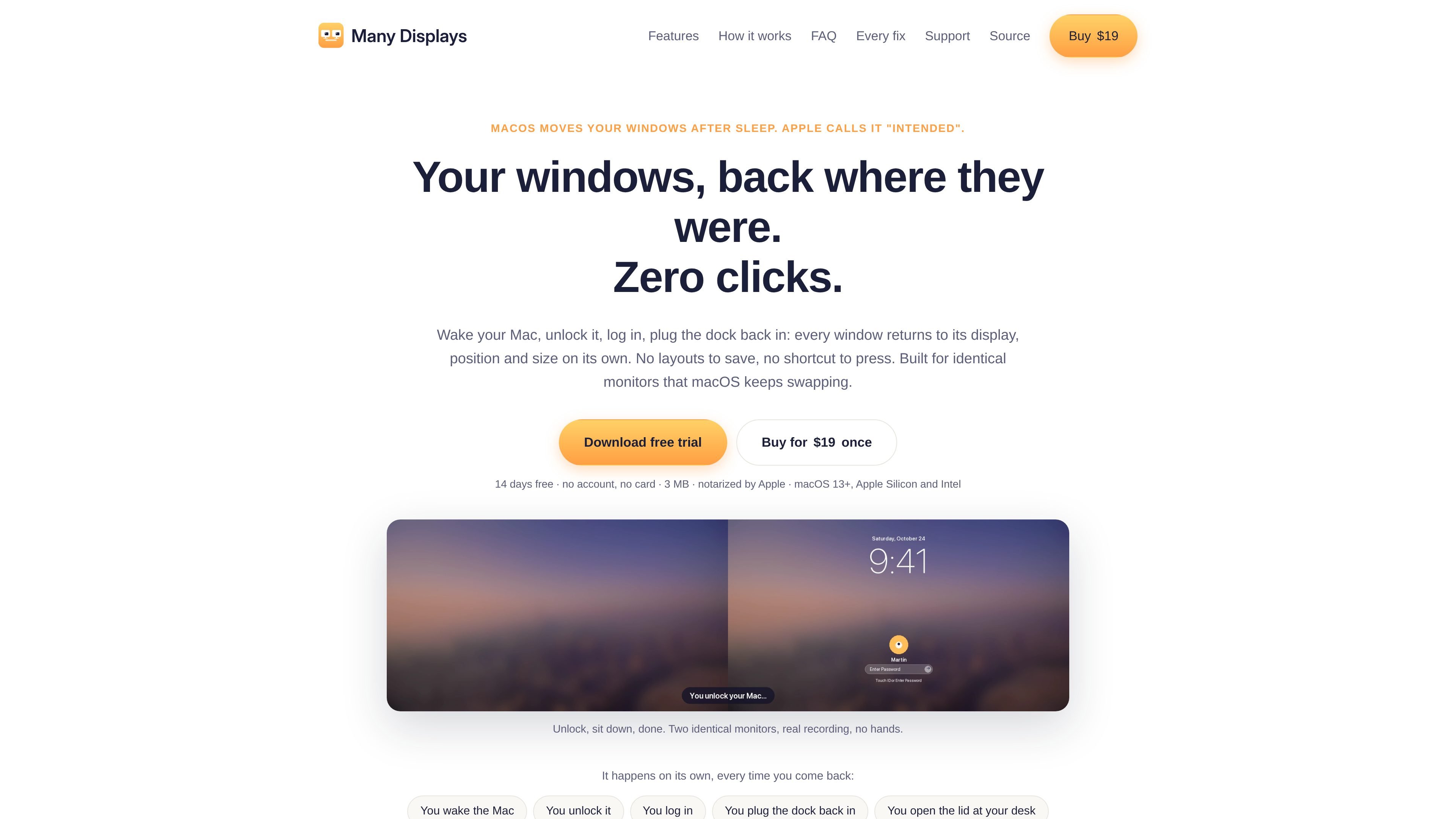
Many Displays is a macOS menu bar utility for restoring window layouts after sleep, unlock, login, display reconnects, and dock replugging. It records where windows belong as you work, then returns them to the appropriate display, position, and size without asking you to save a layout or press a restore shortcut.
It is designed for multi-monitor Mac setups, including configurations with identical displays that macOS may confuse after a reconnect. The app can also restore display settings and track windows on other Spaces, while running locally without network access.
Learns window positions, sizes, and display assignments while you work, saving changes within about 1.5 seconds with periodic checks.
Restores windows after wake, unlock, login, display reconnects, dock replugging, and opening a laptop lid, without requiring a shortcut or menu action.
Separates identical monitors using system UUIDs, physical ports, and position, helping preserve the intended left/right display assignment.
Restores display arrangement, main display, resolution, refresh rate, rotation, and HDR before repositioning windows when those settings change after reconnecting.
Remembers windows across multiple macOS Spaces and restores them without switching through every desktop. The app does not confuse Mission Control animations with layout changes.
Reads the window server's list rather than querying every application, and uses a temporary restore period to counter macOS repositioning windows during reconnects.
Keep a consistent desk arrangement when a Mac wakes and external monitors reconnect at different times. Many Displays restores the display arrangement before putting windows back.
Avoid rebuilding a workspace after unplugging and reconnecting a USB-C or Thunderbolt dock. The app can restore windows when the displays become stable again.
Maintain separate workspaces across several macOS desktops. Windows on other Spaces are remembered and restored without manually visiting each desktop.
Reduce confusion in setups using two or more monitors of the same model. Keeping each display on its usual port helps the app preserve the intended monitor identity.
Use the app as a background utility rather than a layout manager: it learns normal changes during work and offers menu or command-line restore and save actions only when needed.
Many Displays is a macOS menu bar app. It learns window positions while you work and restores them after the Mac wakes, unlocks, logs in, reconnects its displays, or the dock is plugged back in. No saved layout or manual restore action is required for its normal workflow.
It supports macOS 13 Ventura or later on Apple Silicon and Intel Macs. The app requires Accessibility permission to move windows; without that permission, it can save positions but cannot move the windows during restoration.
Yes. The app distinguishes identical monitors using system UUIDs, then physical ports, and finally position. Keep each monitor connected to the same port or dock output; changing cables can make the displays appear to have swapped.
Since macOS 14.5, macOS prevents the app from moving other applications' windows between Spaces in some configurations. Many Displays can still restore the display, position, and size, while the window's Space may remain unchanged.
The app does not make network connections, and its source is published on GitHub. Layout data is stored in a JSON file in the user's Library folder. Support is available by email, with GitHub used for bugs and feature requests.

Goldfish is an AI memory app for macOS that helps you reply, write, summarize, and continue using the context already on your Mac. It stores memory locally and writes in your tone.

ArtDeck is a visual reference board app for iPhone, iPad, and Mac that lets artists collect mixed reference material on one canvas and study it with ToolBox lenses. It works offline, supports optional iCloud sync, and is sold as a one-time purchase with no account required.

Biji est une plateforme polyvalente conçue pour améliorer la productivité grâce à des outils et des fonctionnalités innovants.

Malyatko is a baby tracker for logging feeding, sleep, growth, teething, and milestones in one app. It works on iPhone, Apple Watch, and widgets, with no sign-up, offline use, and family sharing through iCloud.

Redline is a budgeting tool for Claude Code that paces sessions to stay within time, token, cost, or plan-percentage limits. It uses Claude Code’s native hooks and statusline to help sessions finish with a usable result instead of stopping abruptly.

Claude Overlay is a Windows desktop overlay for Claude Code that reads your screen so you can ask questions, inspect content, and request edits without leaving the current app. It runs on your existing Claude subscription through the Claude CLI, so no separate API key is required.