
Server directory browsing
Browse a catalog of MCP servers with directory views such as A–Z, trending, recently updated, and recently added. This helps users narrow the list before opening individual server entries.

MCPHub is a searchable catalog of Model Context Protocol servers that helps people find tools for connecting AI assistants to the services and data they use. It organizes discovery by servers, tasks, collections, and categories.
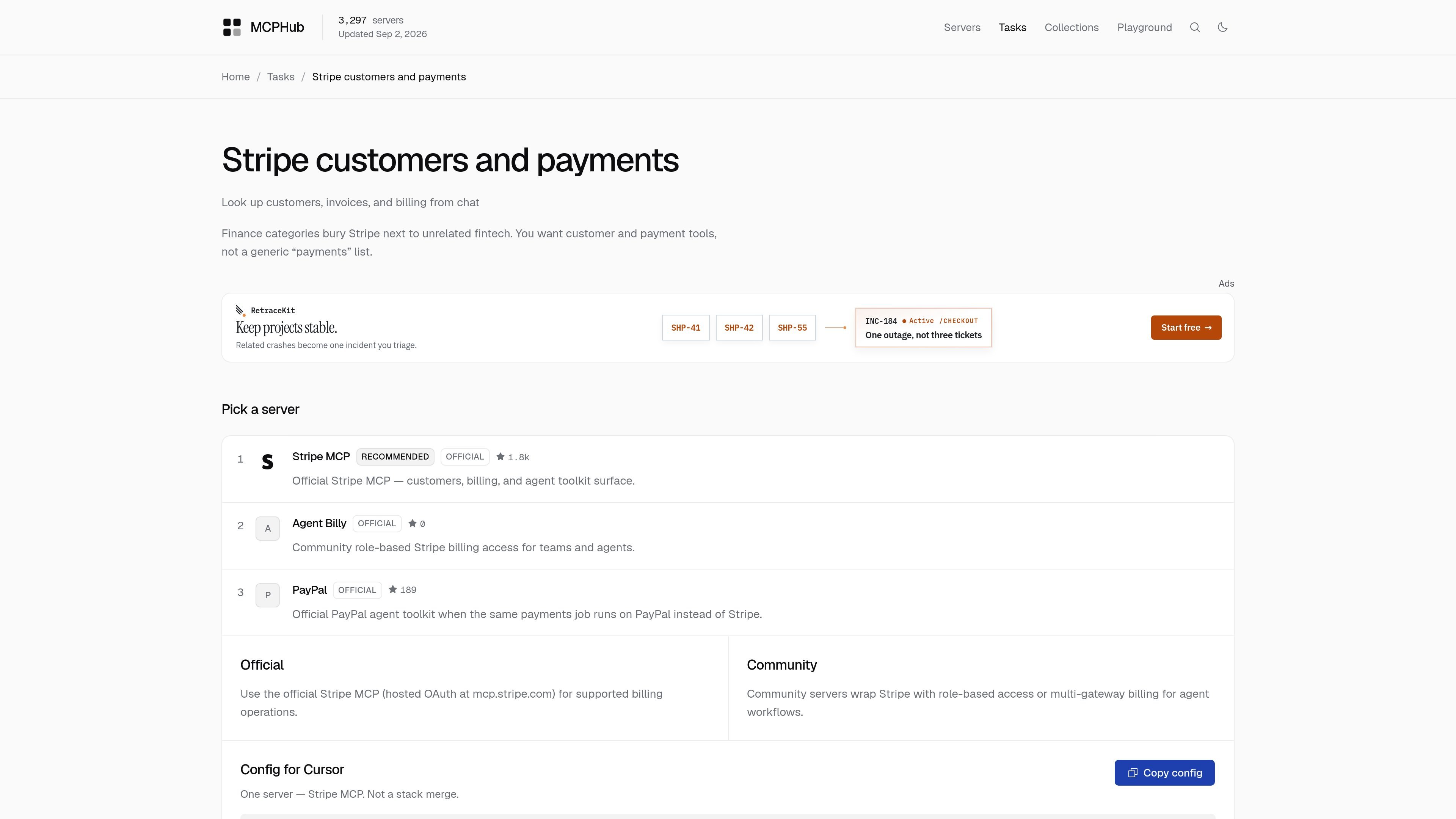
MCPHub is a searchable catalog of Model Context Protocol servers. Its purpose is to help people find tools that connect an AI assistant to the services, data, and workflows they already use.
The site organizes the catalog around servers, tasks, collections, and categories. That makes it easier to browse by use case, compare MCP servers for a specific job, and find curated stacks for assistant workflows in products like Cursor, Claude, and ChatGPT.
Browse a catalog of MCP servers with directory views such as A–Z, trending, recently updated, and recently added. This helps users narrow the list before opening individual server entries.
Filter servers by broad categories including Code Execution, Browser Automation, Databases, Knowledge & Memory, Web Scraping, and Workplace & Productivity. The category list spans many common assistant workflows.
View curated collections that bundle multiple servers around a shared task, such as local Next.js development, SEO research, Supabase + Vercel, trip planning, legal research, and clinical operations.
Explore task-oriented examples on the homepage, such as tracking Sentry errors, working with Stripe data, querying SQLite, managing Supabase, creating Jira tickets, or searching Google Drive.
Inspect listing metadata that includes tool counts, popularity signals such as stars, and recency indicators like ‘updated’ or ‘added’ timestamps where shown.
See a dedicated use page that groups MCP use cases for tools like Cursor, Claude, and ChatGPT, giving readers a starting point for assistant-specific workflows.
A developer can browse the server catalog to find tools for GitHub, browser automation, databases, or file systems, then compare listings by category, stars, or recency before choosing one to install.
Someone building a workflow can start from a collection such as SEO research, Supabase + Vercel, or local Next.js to assemble several complementary MCP servers around one task instead of searching one by one.
A person using Cursor, Claude, or ChatGPT can consult the use page to find examples of how MCP servers map to those assistants and which kinds of tasks are commonly paired with them.
Teams can use task pages like Stripe customer lookup, Jira ticket creation, or Google Drive search to understand the kinds of assistant actions MCP servers can support in day-to-day work.
Readers can use the catalog as a starting point when they need broad discovery rather than a single vendor page, especially if they want to scan many server options and related alternatives.
MCPHub is a searchable catalog of Model Context Protocol servers. It helps people find MCP servers for specific tasks such as browsing repositories, querying databases, handling documents, or connecting to workplace tools.
The site is organized around browsing servers, tasks, collections, and categories. The rendered pages also show a Playground section, but the collected evidence does not describe its full workflow in detail.
Collections group servers into practical stacks such as local Next.js, SEO research, Supabase + Vercel, trip planning, legal research, and clinical ops. That makes it easier to compare servers by workflow instead of by individual listing.
The collected pricing page does not provide reliable pricing information; it appears to be a not-found or generic page. Based on the available evidence, pricing should be treated as unknown.

Goldfish is an AI memory app for macOS that helps you reply, write, summarize, and continue using the context already on your Mac. It stores memory locally and writes in your tone.

ArtDeck is a visual reference board app for iPhone, iPad, and Mac that lets artists collect mixed reference material on one canvas and study it with ToolBox lenses. It works offline, supports optional iCloud sync, and is sold as a one-time purchase with no account required.

Dcyde is a decision log for product teams that captures what was decided, the reasoning behind it, and the source in one shared place. It supports pinning decisions from Slack, Figma, or inside Dcyde and keeps the record searchable over time.

Contextbergは、画面・入力・ブラウザ・AIエージェントの利用履歴をローカルで記録し、MCP経由でClaude CodeやCursorなどに作業コンテキストを渡すデスクトップアプリです。中断した作業の再開、過去ログの検索、日次レビューに利用できます。

Lasso is an ecommerce product data platform for enriching catalog records, processing supplier files, generating product content, and monitoring competitors. It combines a web app with a REST API, SDK, and MCP server for teams and developers.

Biji est une plateforme polyvalente conçue pour améliorer la productivité grâce à des outils et des fonctionnalités innovants.