
Compact biped form factor
Microduck is described as a 25 cm biped robot with articulated legs, head and neck, built for movement experiments rather than static demos.
Microduck is a 25 cm open-source biped robot from Pollen Robotics for playful robotics and reinforcement-learning experiments. It can be used out of the box and retrained through a simulation-to-real workflow.
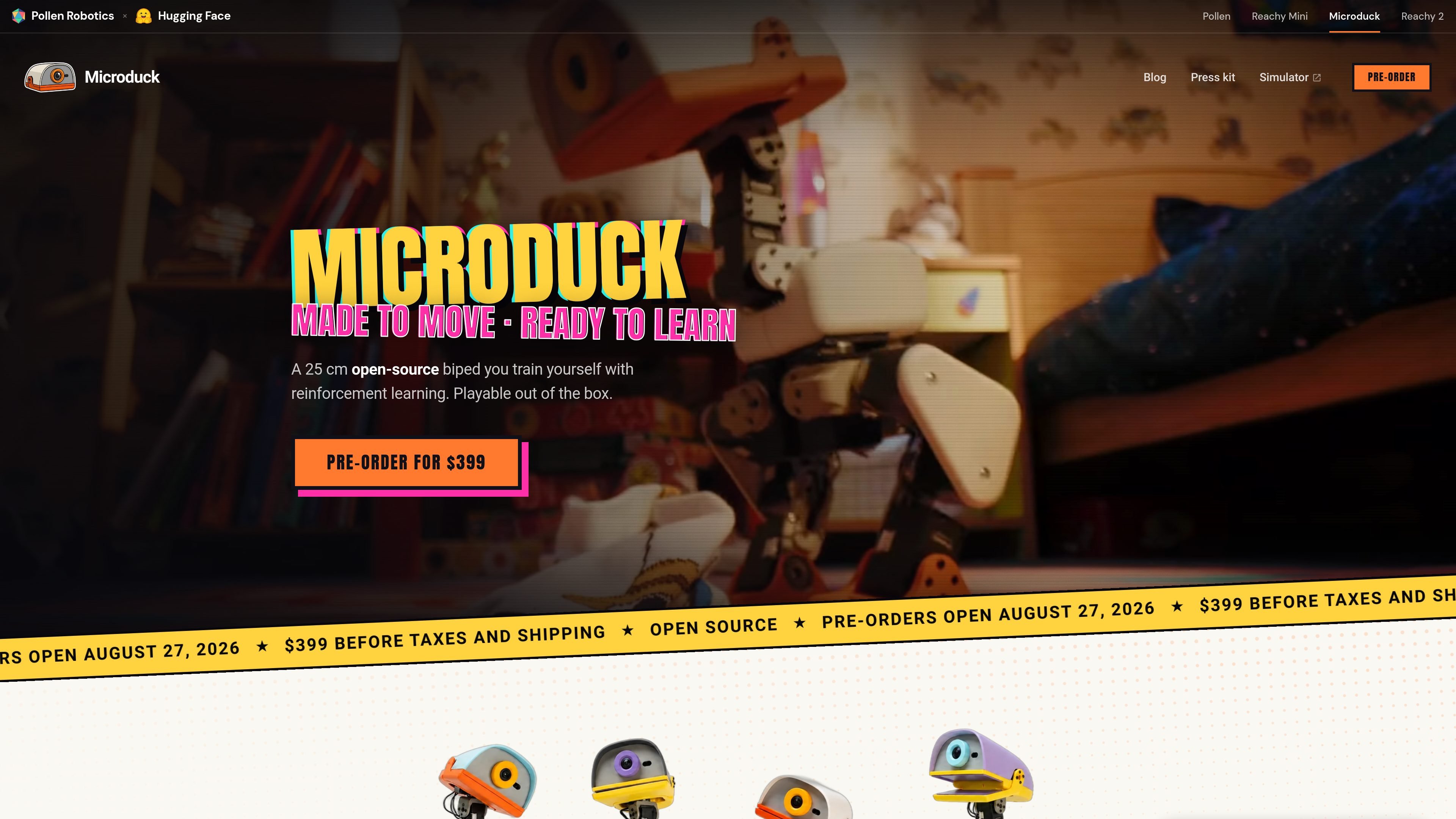
Microduck is a tiny open-source biped robot from Pollen Robotics, presented as a platform for reinforcement-learning experiments and playful robotics. The robot is described as 25 cm tall, with 15 motors, a camera, LiDAR, two IMUs, and a grasping beak.
The product is playable out of the box, but its main purpose is to let users train new behaviours in simulation and transfer them to the physical robot. The site describes a workflow that starts in physics simulation, deploys to the robot, and can then be refined and republished as new policies.
Microduck is described as a 25 cm biped robot with articulated legs, head and neck, built for movement experiments rather than static demos.
The site highlights a front camera, compact LiDAR, and two IMUs, one in the body and one in the head, to support perception and motion sensing.
An articulated grasping beak lets the robot pick up and manipulate small objects, including the playful demo actions shown on the site.
The robot ships with 7 trained moves in the box, and the homepage shows behaviours such as walking, sitting, kicking, grabbing, roller-skating, and getting back up after a fall.
The product page says behaviours are trained in physics simulation and then deployed to the real robot, with a refine-and-retrain loop supported by the open stack.
The press kit notes Wi-Fi and Bluetooth connectivity, a removable NP-F550 battery, and onboard compute based on a Rockchip RK3566 with AI accelerator.
Train walking, sitting, kicking, grabbing, or recovery behaviours in simulation, then deploy the resulting policy on the physical robot.
Use the included controller and shipped behaviours to explore the robot without building software first, which is useful for demonstrations and early evaluation.
Iterate on behaviour policies, refine the simulation, and republish changes as new skills for the community or for a lab workflow.
Use the robot as a small physical platform for robotics education, especially when the goal is to show locomotion, sensing, and policy training in a compact form.
Test the robot in a connected workflow using the open-source SDK, robotctl commands, and simulation tools on your own machine.
Microduck is a 25 cm biped robot intended for playful learning and reinforcement-learning experimentation. The source says it is playable out of the box, and its open-source software stack lets you train new behaviours in simulation and run them on the robot.
The source describes an open-source software stack, including the SDK, simulation environment, and RL training stack, and says the robot can be configured, updated, and monitored with robotctl commands. It also mentions training policies in MuJoCo and deploying them to the real robot.
The press kit says the robot ships with game controller support and autonomous behaviours at launch, so it can be used before writing code. It also notes that behaviours can be retrained on your own machine or on Hugging Face Jobs.
The source says the software stack is open source under Apache-2.0. It also says the mechanical and electronic design files are not open source, so the robot should not be described as open-source hardware.
The site lists an introductory price of $399 before taxes and shipping, with pre-orders open from August 27, 2026 and first deliveries targeted before Christmas 2026.

ByteAsk is a terminal-first AI coding agent for C and C++ that edits repositories and verifies changes with the real compiler, debugger, sanitizers, and tests before showing a diff. It offers a free tier plus paid plans, with editor connectors and zero-retention handling described in the source.

CreateOS Sandbox is an isolated compute environment for running code and agent workloads inside Firecracker micro-VMs. It is designed for workflows that need machine-level isolation, private networking between sandboxes, and programmatic control through SDK, CLI, or MCP.

GitBot is a local browser-based workspace for creating reusable coding bots powered by Claude Code, Codex, or OpenCode. It helps developers run those agents across repository folders with persistent threads and configurable permissions.

hob is an independent workspace for coding agents that keeps agent sessions, terminals, history, and follow-up work organized around the tools and providers you already use. It is aimed at developers who want local control over routing, history, and workspace structure rather than a bundled model stack.

Manta AI is an autonomous web app testing tool for teams that want to map application behavior, catch regressions, and generate tests without writing scripts or maintaining selectors. It works from a URL and supports plain-English test flows, run results with screenshots, and scheduled or deployment-triggered checks.

SonOf connects to your repo and PM tool, audits the codebase and surrounding product context, and turns approved work into shipped tickets with senior engineering review. It is aimed at founders and engineering leaders who need backlog help without hiring a full team immediately.