
Classification and rating
Apply a supplied label set to text or images and receive a winning label along with score distributions and confidence, making the result usable for routing or queue selection.

milliseconds.ai is an API for developers who need structured decisions from text and images, including classification, extraction, verification, and routing. It offers REST, TypeScript and Python SDKs, a CLI, and a free monthly test-key allowance.
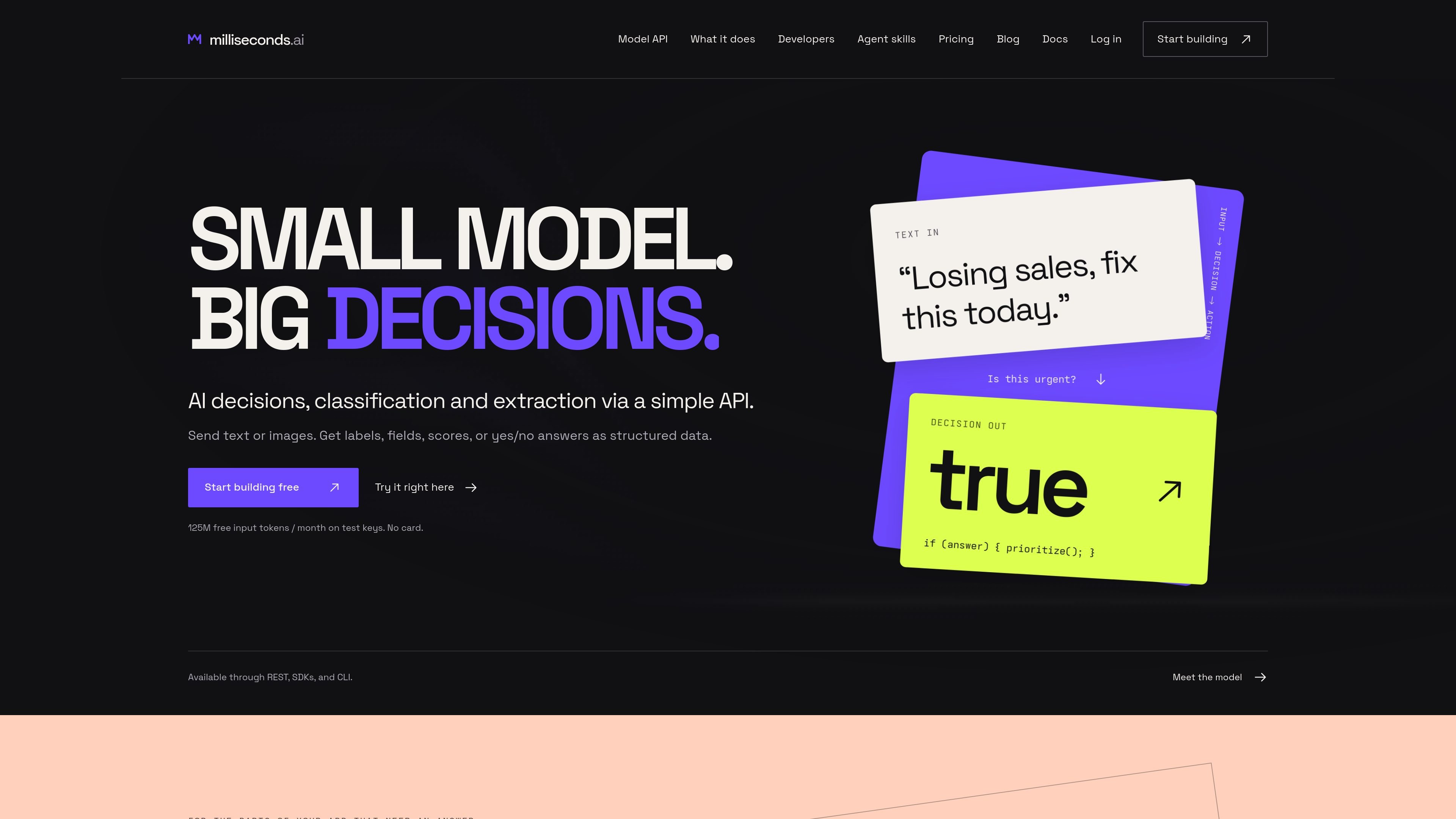
milliseconds.ai is an API for small, structured decisions on text and images. Its decision-machine-1 model supports classification, rating, yes/no decisions, answer extraction, schema-based field extraction, entity detection, and verification. Results are returned as data—such as labels, fields, scores, probabilities, source spans, and booleans—so application code can route, prioritize, validate, or record the result.
The service is aimed at developers building repetitive decision workflows into applications and internal systems. Example workflows include support triage, invoice intake, sales-message routing, personal-data review, returns checks, and policy comparisons. It can be called through REST, TypeScript and Python SDKs, the dm1 CLI, or an OpenAI-compatible endpoint for supported request formats.
Apply a supplied label set to text or images and receive a winning label along with score distributions and confidence, making the result usable for routing or queue selection.
Ask a yes/no question and receive a boolean answer with a probability, suitable for flags such as urgency or policy checks.
Extract answers as text spans with source offsets, map text to a supplied JSON schema, or identify typed entities such as people, organizations, dates, and IDs.
Compare a proposed value with source text and return whether it matches, the match probability, and the values found in the source.
Send text or supported images through REST, the TypeScript or Python SDKs, or the dm1 command-line tool. SDK results expose typed decision data, while the CLI can write JSON and report token usage.
Use low, medium, or high image detail levels with documented token accounting. Image extraction, entity recognition, and verification focus on selected fields rather than full-page transcription.
Classify incoming messages into support queues, score customer frustration, and flag urgent wording so a ticketing system can choose a destination or priority.
Extract invoice numbers, vendors, totals, and currencies from invoice text, then verify proposed values against source text or purchase-order records before writing a record.
Separate demo requests from support tickets, careers messages, and vendor pitches, while extracting stated budget, timing, or business need for follow-up.
Identify names, email addresses, organizations, and other personal details in transcripts so a reviewer can inspect and redact sensitive information before sharing.
Check a proposed return, deductible, or other value against policy text and use the returned match result and evidence to support an operational decision.
Create an API key in the console and set it in your server or shell environment as MS_API_KEY. The product provides TypeScript and Python SDKs, a dm1 CLI, REST access, and an OpenAI-compatible endpoint for supported JSON-schema extraction and tool-call request shapes.
Requests can return labels, scores, probabilities, confidence values, yes/no answers, extracted text spans with source offsets, structured data, or typed entities. The exact response depends on the capability and request supplied.
It accepts text and images. Image requests support JPEG, PNG, and WebP up to 5 MB; images can be sent as bytes, a data URL, or base64. Remote image URLs are not supported.
Test keys include 125 million free input tokens per month, with no card required, and test requests pause when the allowance is exhausted until the next renewal. Production uses separate purchased credits, and output tokens are not charged.
The focused image extraction, entity, and verification capabilities are designed for a few fields per call; the pricing page states a five-field limit per extract call. Whole-document parsing and extraction are handled by the separate CloudRaker Paperwork product.

ByteAsk is a terminal-first AI coding agent for C and C++ that edits repositories and verifies changes with the real compiler, debugger, sanitizers, and tests before showing a diff. It offers a free tier plus paid plans, with editor connectors and zero-retention handling described in the source.

CreateOS Sandbox is an isolated compute environment for running code and agent workloads inside Firecracker micro-VMs. It is designed for workflows that need machine-level isolation, private networking between sandboxes, and programmatic control through SDK, CLI, or MCP.

GitBot is a local browser-based workspace for creating reusable coding bots powered by Claude Code, Codex, or OpenCode. It helps developers run those agents across repository folders with persistent threads and configurable permissions.

hob is an independent workspace for coding agents that keeps agent sessions, terminals, history, and follow-up work organized around the tools and providers you already use. It is aimed at developers who want local control over routing, history, and workspace structure rather than a bundled model stack.

Ably Chat is a chat API platform for building custom realtime chat applications. It supports room-based messaging, typing indicators, presence, reactions, and message updates, with usage-based pricing options for different deployment stages.

Manta AI is an autonomous web app testing tool for teams that want to map application behavior, catch regressions, and generate tests without writing scripts or maintaining selectors. It works from a URL and supports plain-English test flows, run results with screenshots, and scheduled or deployment-triggered checks.