
Native 2K output
Generate clips at native 2K resolution rather than relying on a separate upscale pass.

MiniMax H3 (Hailuo 3.0) is a browser-based AI video generator for creating short clips with synced audio from text, images, and references. It is aimed at creators who need downloadable video assets for social content, ads, product demos, and other short-form workflows.
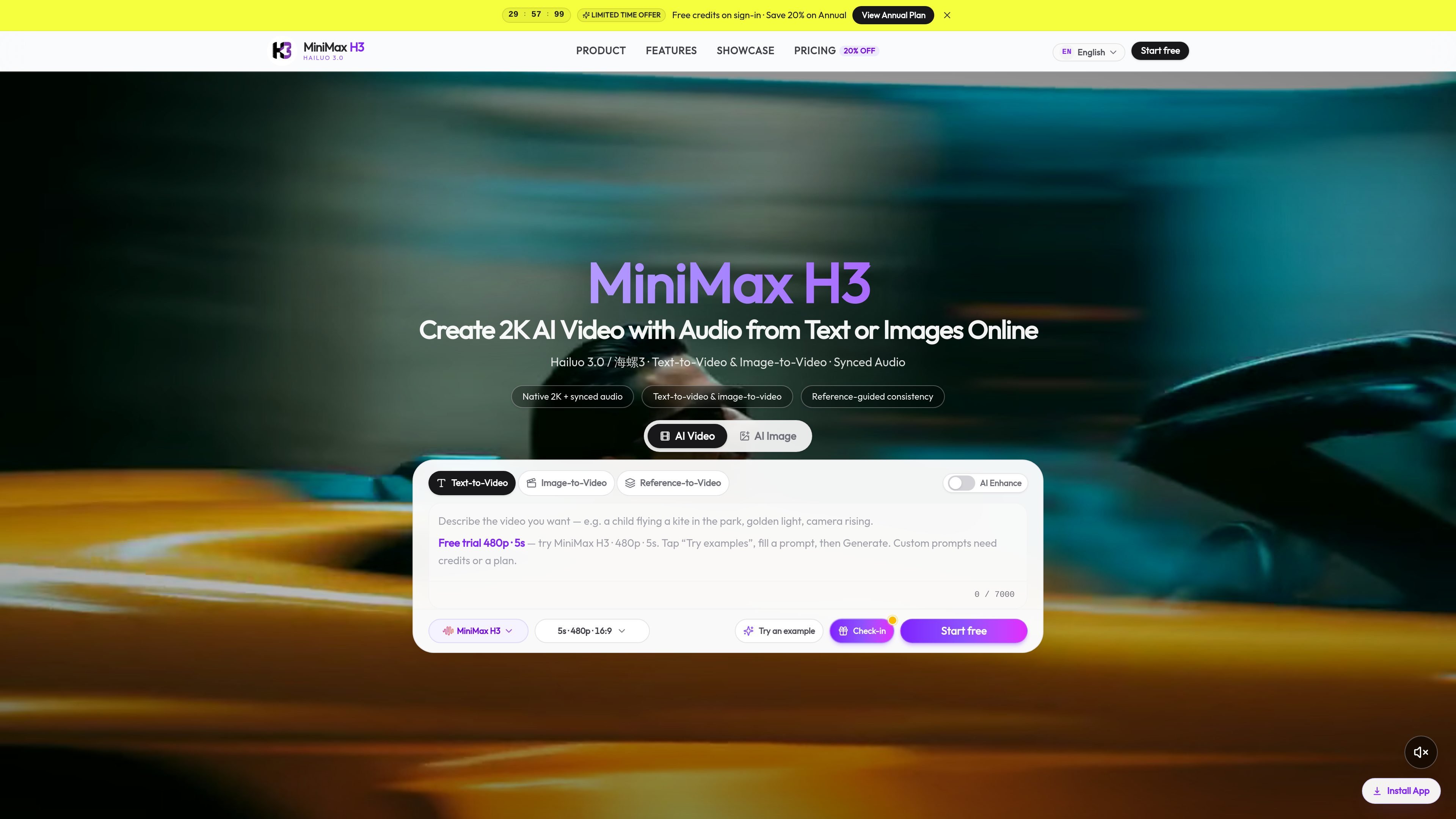
MiniMax H3, also presented as Hailuo 3.0, is a browser-based AI video generator focused on short clips with sound. The site positions it as a single studio for text-to-video, image-to-video, and reference-guided generation, with native 2K output and synchronized audio.
The product is aimed at creators who want a finished clip rather than a silent draft. Source pages describe use cases such as social posts, ad creatives, product demos, film previsualization, trailers, and game or app motion content, with billing based on resolution and clip duration.
Generate clips at native 2K resolution rather than relying on a separate upscale pass.
Audio is produced with the video, including dialogue, sound effects, and atmosphere timed to the scene.
Create from text prompts or animate a still image into video in the same studio.
Set clip length up to 15 seconds, which allows more room for a small scene or product beat.
Use first/last frame and reference-to-video workflows with image, video, and audio references.
Choose resolution and aspect ratio controls in the studio, with examples shown for 16:9 and 9:16 framing.
Turn a written concept into a short clip with camera movement, lighting, and sound without needing separate audio post-production.
Animate product photos or key art into motion for product pages, demos, or preview assets.
Build pitch scenes, mood pieces, or previsualization clips that help teams review timing and visual direction before a larger shoot.
Create short character intros, store-page clips, or UI-adjacent motion for games and apps while keeping reference material in the workflow.
Use first-frame or reference-to-video inputs when the goal is to keep a specific look, subject, or brand element more consistent across the clip.
MiniMax H3 supports text-to-video and image-to-video in one studio. The homepage also describes reference-to-video workflows using up to 9 images, 3 videos, and 3 audio references.
The pricing page shows resolution-based billing at 480p, 768p, and 2K, with video duration billed per second. The homepage says you can set duration up to 15 seconds.
The homepage describes downloadable video clips with synced audio, and the pricing page says generated results can be downloaded directly.
The site positions MiniMax H3 for short cinematic clips, social content, ads, trailers, game promos, fashion, e-commerce, and other creator workflows. The pricing page also mentions higher-volume plans and a team-oriented Advanced tier.
The source pages do not document APIs, SDKs, or external integrations. They present MiniMax H3 as a browser-based studio with account, credits, and billing in one SaaS workflow.

ngram is an AI video generator and editor for teams and individual creators. It turns prompts, uploaded files, or screen recordings into editable videos for demos, training, onboarding, sales enablement, explainers, and launches.

艺映AI is a free AI video creation tool for generating video from text, images, or existing footage. It is positioned for short-form social content, promotional clips, and stylized AI video projects.

VIDEOAI.ME is an AI video generator for making spokesperson-style videos, ads, explainers, and social content from a script. It is aimed at founders, marketers, agencies, and creators who want to produce videos without filming.

Video Effects SDK adds real-time webcam effects such as background blur, background replacement or removal, denoising, framing, beautification, and color grading. It is built for teams shipping live video experiences on web, desktop, and mobile platforms.

Official HeyGen API documentation for building AI avatar videos, translations, lipsync, and interactive video-agent sessions. It supports direct API use plus MCP and CLI-style workflows for developers and AI agents.

DeepMotion is a web-based AI motion capture and 3D animation platform with Animate 3D for video-to-animation and SayMotion for text-to-animation. It helps creators and teams generate motion in a browser and export results in common production formats.