
Multiple sign-in methods
Support for passwords, social logins, passkeys, magic links, one-time passcodes, and OIDC-certified single sign-on gives teams several ways to authenticate users.

MonoCloud is an authentication platform for developers that adds hosted login, SSO, passkeys, user management, and API protection. It includes a free plan and published paid tiers for scaling and advanced security features.
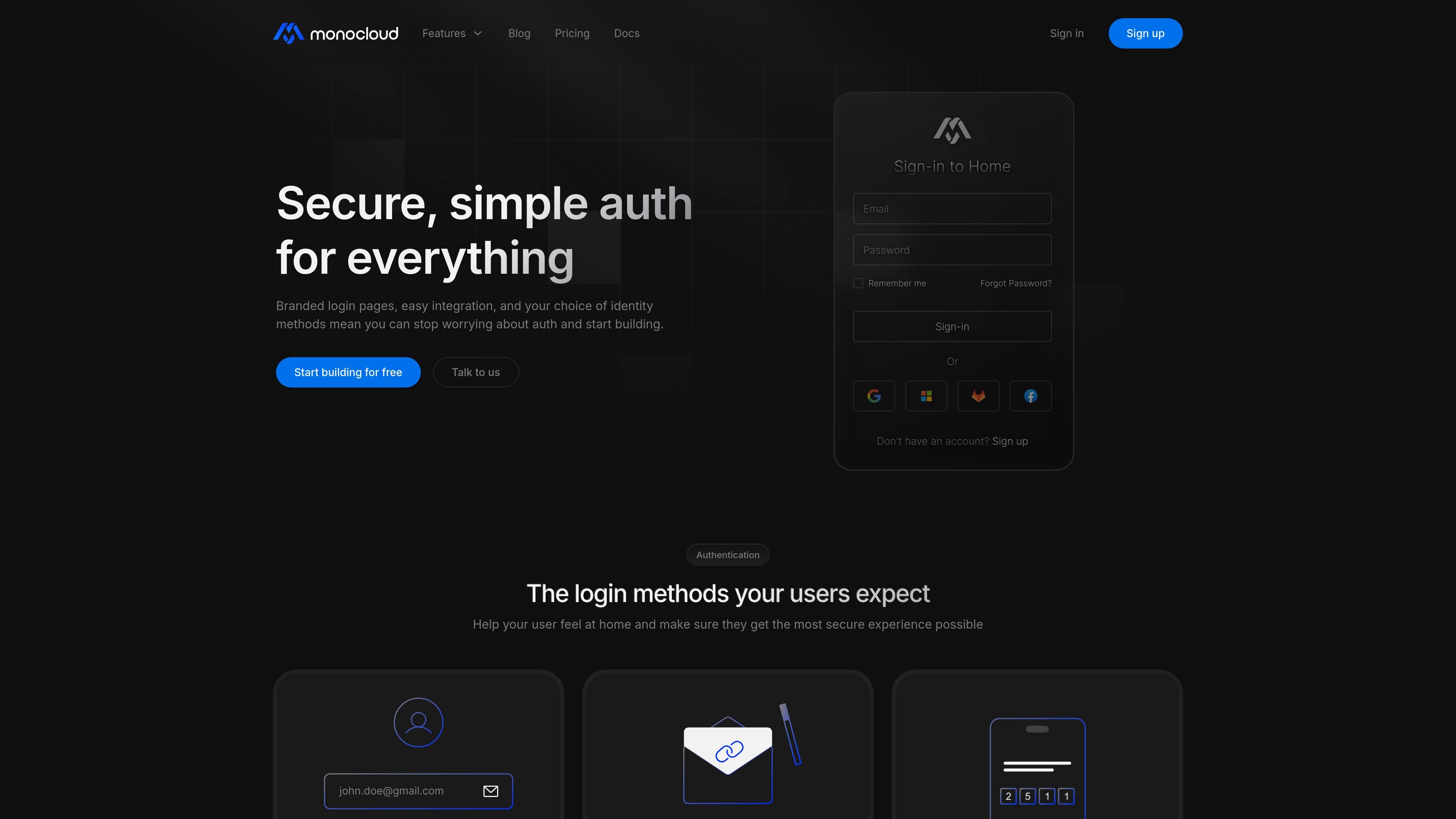
MonoCloud is an authentication platform for developers that provides hosted sign-in, user management, and access control features for applications and APIs. The public site positions it as a way to add common login methods, branded auth screens, and security controls without building the whole stack from scratch.
The site shows support for passwords, social login, passkeys, magic links, OTP, and OIDC-certified SSO, along with API protection and machine-to-machine authentication. Pricing information indicates a free plan plus paid plans and add-ons for scaling, security, mTLS, and workload identity.
Support for passwords, social logins, passkeys, magic links, one-time passcodes, and OIDC-certified single sign-on gives teams several ways to authenticate users.
Branded login pages and a visual editor let teams customize the sign-in experience instead of using a generic default screen.
The product includes user management, session management, user grants, groups, and metadata controls for handling accounts after sign-in.
The site highlights API protection features such as mutual TLS, token introspection, token-session binding, and machine-to-machine tokens for non-human access.
Audit-trail logging, brute-force protection, and certificate revocation controls support monitoring and access hardening.
Pricing pages list tenant API keys, allowlist and blocklist rules, and account controls for managing access policies.
Add hosted sign-in to a web app with passwords, social providers, passkeys, magic links, or OTP, then style the login page to match the product brand.
Use OIDC-certified SSO and user management for teams that need one authentication layer across multiple applications.
Secure service-to-service or backend access with machine-to-machine tokens, mutual TLS, token introspection, or workload identity features.
Manage sessions, grants, groups, metadata, and account controls after authentication to support day-to-day administration.
Use audit trails, brute-force protection, and certificate controls to monitor sign-ins and reduce unauthorized access attempts.
MonoCloud provides hosted authentication features for developers, including login methods, SSO, passkeys, user management, and API protection. The source also indicates support for branded login pages and audit logs.
The source shows a free plan and paid plans or add-ons. The free plan is listed at $0 per month, while the Pro plan starts at $24.99 per month, with additional add-ons such as ScaleX, Secure+, mTLSConnect, and Workload Identity priced separately.
MonoCloud supports common developer authentication flows such as passwords, social logins, magic links, OTP by email or SMS, passkeys, and OIDC-certified SSO. The pricing page also lists features for sessions, groups, and tenant API keys.
The site presents MonoCloud as suitable for securing applications, APIs, service-to-service communication, and end-user sessions. It also highlights branded login pages and machine-to-machine authentication.
The public pages show broad authentication and authorization capabilities, but they do not provide a complete integrations catalog or detailed setup documentation on the pages reviewed. Some capabilities are marked as launching soon on the homepage.

ByteAsk is a terminal-first AI coding agent for C and C++ that edits repositories and verifies changes with the real compiler, debugger, sanitizers, and tests before showing a diff. It offers a free tier plus paid plans, with editor connectors and zero-retention handling described in the source.

Epherem is a static security scanner for web apps built with AI coding tools such as Lovable, Bolt, v0, Replit, Cursor, and Claude Code. It checks source files and dependencies for common security mistakes, then provides categorized findings and suggested fixes without running the app.

CreateOS Sandbox is an isolated compute environment for running code and agent workloads inside Firecracker micro-VMs. It is designed for workflows that need machine-level isolation, private networking between sandboxes, and programmatic control through SDK, CLI, or MCP.

GitBot is a local browser-based workspace for creating reusable coding bots powered by Claude Code, Codex, or OpenCode. It helps developers run those agents across repository folders with persistent threads and configurable permissions.

hob is an independent workspace for coding agents that keeps agent sessions, terminals, history, and follow-up work organized around the tools and providers you already use. It is aimed at developers who want local control over routing, history, and workspace structure rather than a bundled model stack.

Ably Chat is a chat API platform for building custom realtime chat applications. It supports room-based messaging, typing indicators, presence, reactions, and message updates, with usage-based pricing options for different deployment stages.