
Automatic Claude Code setup
Moxie configures Claude Code to use its local endpoint in both the CLI and VS Code extension, and can restore the configuration if Claude Code changes it later.

Moxie is a macOS menu bar app that connects Claude Code to multiple AI accounts, models, and local endpoints. It helps developers switch accounts during active work, monitor usage limits, and test or manage providers from one local interface.
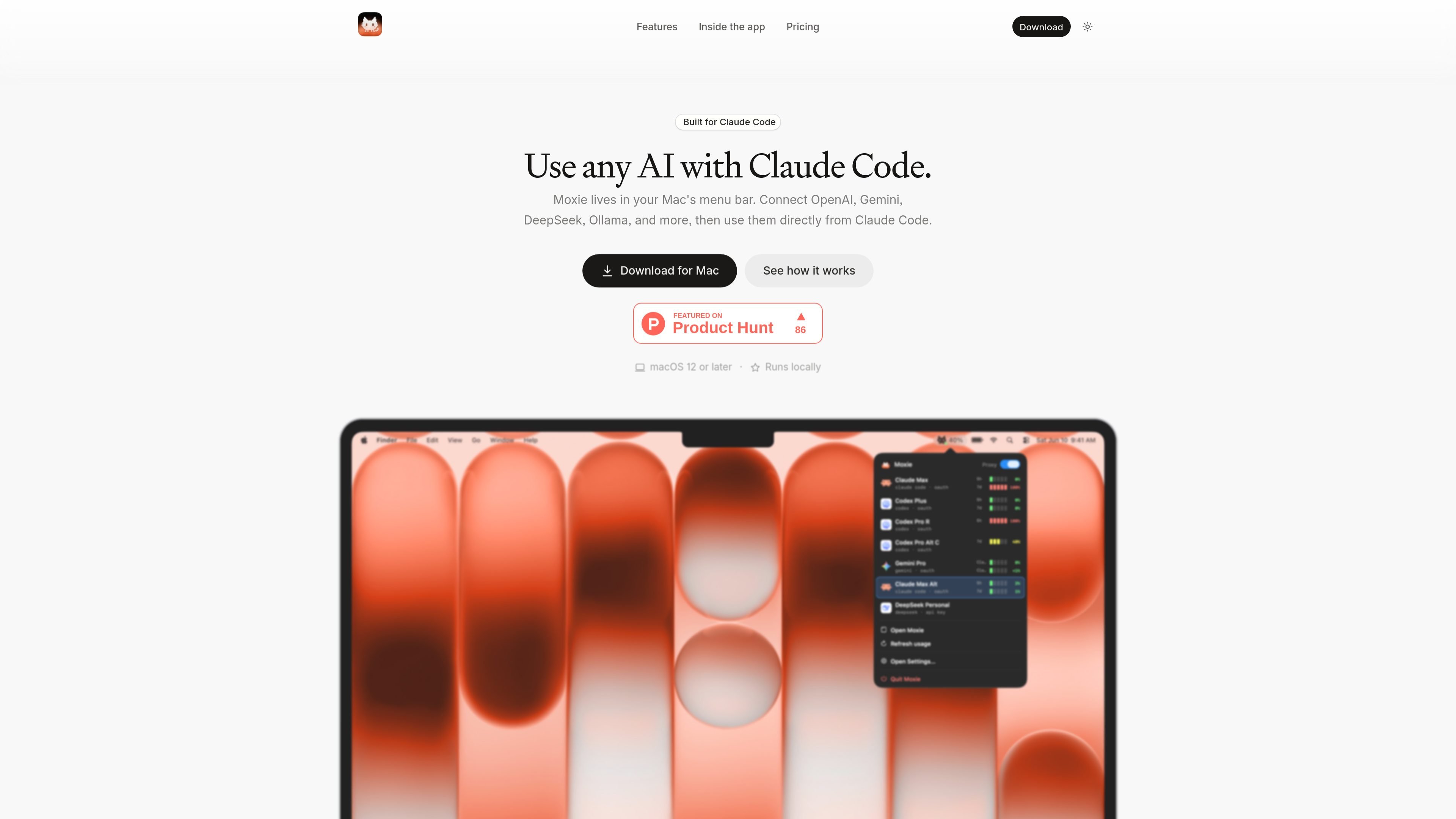
Moxie is a Mac menu bar application that routes Claude Code through AI accounts and models selected by the user. It sits between Claude Code and the provider, using a local endpoint so Claude Code can work with Claude plans, API keys, third-party providers, OpenAI-compatible endpoints, and local models.
Its main purpose is to make multi-account AI development easier to manage. Users can configure Claude Code once, switch accounts when a usage limit is reached, inspect current and historical usage, and test a model before relying on it in a coding workflow. Moxie stores credentials in the macOS Keychain and sends requests directly from the Mac to the chosen provider.
Moxie configures Claude Code to use its local endpoint in both the CLI and VS Code extension, and can restore the configuration if Claude Code changes it later.
Connect Claude plans, ChatGPT, Gemini, DeepSeek, API keys, OpenAI-compatible endpoints, and local models such as Ollama or Apple on-device models, subject to the supported providers available in the app.
Change the active account while an agent is running. Requests already in progress finish with their original account, while the next request uses the newly selected account.
View five-hour and weekly usage windows for connected accounts, with notifications at 90% usage, at the limit, and after the limit resets.
Review daily and lifetime usage, session requests, tokens, and data sent through Home and History, including a year-style token-use heatmap.
Test an account and model in the Playground, manage accounts and settings from the app, and back up accounts, settings, and usage history to one file for later restoration.
Configure Claude Code once through Moxie, then use the CLI or VS Code extension while Moxie maintains the required local connection settings.
When an active account approaches or reaches a usage limit, switch to another connected account while the current agent continues. In-progress requests finish on the original account and later requests use the new one.
Open the Playground to chat with an account and model before assigning it to a Claude Code task, helping verify that a new login or endpoint responds as expected.
Use the usage views and history to review five-hour and weekly windows, daily activity, session requests, token counts, and data sent across connected accounts.
Export accounts, settings, and usage history to one backup file, then restore them later on the same Mac or a new Mac during a device change.
Moxie runs on a Mac with macOS 12 or later. It sets up Claude Code to use Moxie, and it can also work with another tool that supports a custom Anthropic base URL.
The free trial provides the full Mac app for three days with up to two connected accounts from Claude and OpenAI. A paid license is required to continue after the trial or connect additional providers and accounts.
No. Moxie routes requests through AI accounts you already have, such as a Claude or ChatGPT plan, an API key, a Gemini account, an OpenAI-compatible endpoint, or a local model. Usage is billed by the relevant provider under its own terms.
Credentials are stored in the macOS Keychain, and requests go directly from the Mac to the selected provider. The site states that Moxie has no user account or Moxie server apart from license, update, and pricing checks.
Each license is for one person and one Mac at a time. To move to another machine, deactivate Moxie on the old Mac before activating it on the new one.

GitBot is a local browser-based workspace for creating reusable coding bots powered by Claude Code, Codex, or OpenCode. It helps developers run those agents across repository folders with persistent threads and configurable permissions.

ByteAsk is a terminal-first AI coding agent for C and C++ that edits repositories and verifies changes with the real compiler, debugger, sanitizers, and tests before showing a diff. It offers a free tier plus paid plans, with editor connectors and zero-retention handling described in the source.

CreateOS Sandbox is an isolated compute environment for running code and agent workloads inside Firecracker micro-VMs. It is designed for workflows that need machine-level isolation, private networking between sandboxes, and programmatic control through SDK, CLI, or MCP.

Ghost est un assistant IA en terminal pour discuter, générer du code et lancer des tâches en ligne de commande. Modèles gratuits, Linux, macOS, Windows, open source.

Vi3ecode is a maintained development environment for working with AI coding agents. It keeps project context, terminal, Git, memory, flows, review, and communication connected around the agent you already use.

AakarDev AI helps teams manage AI provider access, project-level setups, logs, and analytics from one dashboard. It supports BYOK workflows and lists providers including OpenAI, Google Gemini, Anthropic, Groq, Mistral AI, and Perplexity AI.