
Unlimited real-time collaboration
Work in the same paper with unlimited collaborators, comments, and track changes. The free plan includes these collaboration tools, so teams do not need per-seat licensing to start using the editor.

Murfy is a browser-based LaTeX editor for academic and research writing, with real-time collaboration, AI paper review, and compile-error assistance. It is positioned as an AI-native Overleaf alternative with a free Starter plan and paid upgrades.
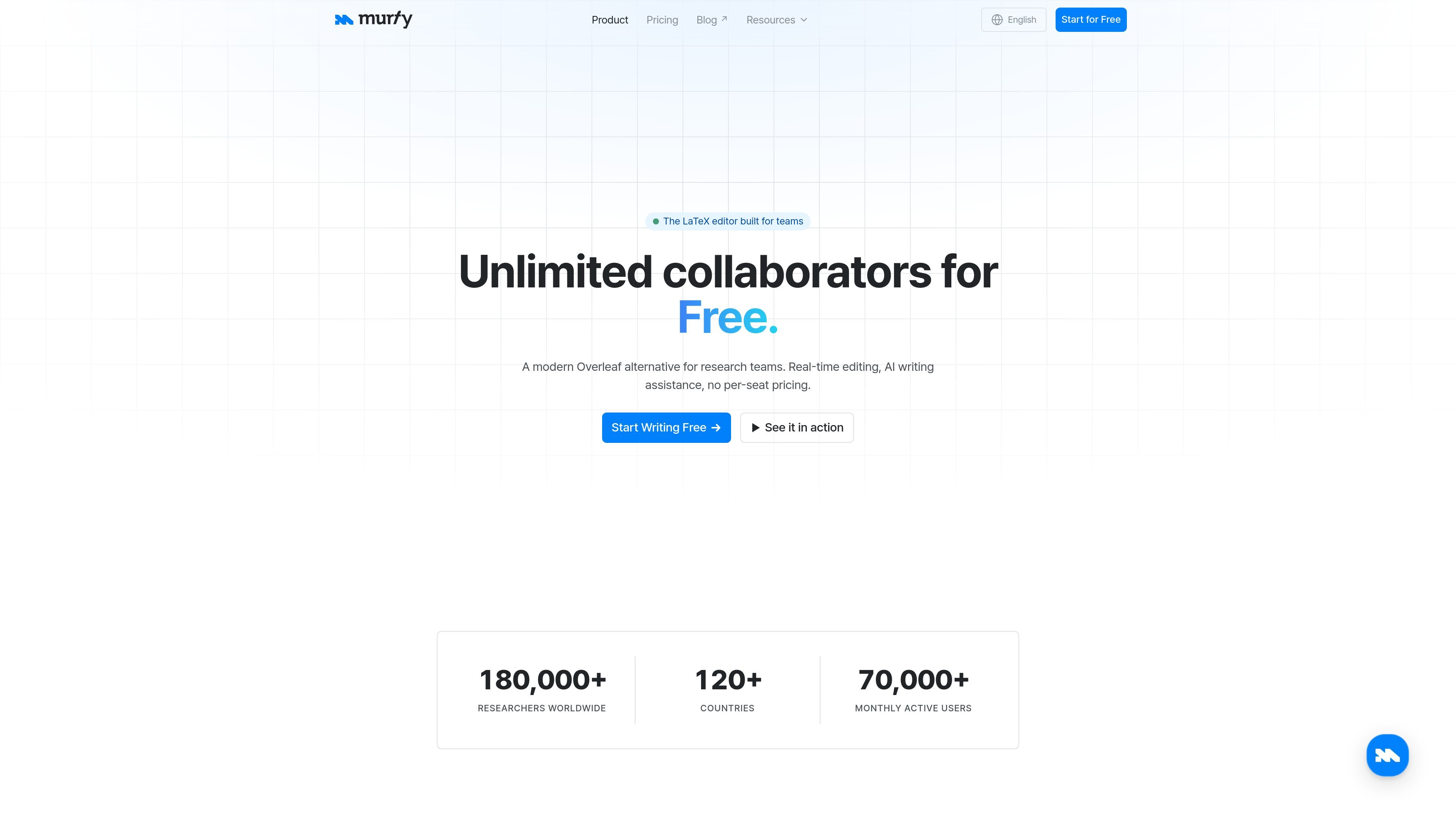
Murfy is an online LaTeX editor for research teams, positioned as an AI-native alternative to Overleaf. It combines real-time collaboration, LaTeX editing, and AI-assisted review in one browser-based workspace.
The product is built around writing and refining academic papers. Its site highlights unlimited collaborators, comments and track changes, version history, template support, and AI features such as paper review and compile-error fixing. The pricing model is based on plans and AI credits rather than per-seat billing, and the Starter plan is free forever.
Work in the same paper with unlimited collaborators, comments, and track changes. The free plan includes these collaboration tools, so teams do not need per-seat licensing to start using the editor.
Murfy pairs a LaTeX editor with AI writing assistance tuned for academic text. The site describes suggestions for grammar, phrasing, and academic style, plus AI paper review that surfaces weaknesses before submission.
The editor includes autocomplete, live preview, formula shortcuts, and compile checks so users can keep writing without leaving the page. It is positioned as a full LaTeX workspace rather than a separate review tool.
The product supports diff-based suggestions, comments, and track changes. AI edits arrive as reviewable diffs, which makes it easier to accept or reject changes line by line.
Version history lets teams restore earlier states and compare changes over time. The free plan includes 24-hour version history, while Pro and Enterprise add full history.
The site includes conference and journal templates, plus resources such as template browsing and research deadline pages. Murfy also preserves folder structure and bibliography when importing an Overleaf ZIP project.
Draft conference, journal, or thesis manuscripts in a shared browser workspace. The editor supports real-time collaboration, comments, track changes, and templates, which fits co-author workflows that move quickly between drafting and revision.
Run an AI paper review before submission to surface likely weaknesses, unsupported claims, and presentation issues while there is still time to revise. The site describes paragraph-level critiques and review-style feedback that arrives as diffs or comments.
Import an existing Overleaf project when a team wants to switch editors without rebuilding a paper from scratch. Murfy says it keeps folder structure, bibliography files, and assets during ZIP import.
Use built-in compile checks and AI compile-error fixes when a paper fails to build or produces a noisy LaTeX log. Murfy presents the fix as a diff, so users can accept or reject the suggested change.
Start a new paper from a conference, journal, or thesis template instead of configuring a document from scratch. This is useful for researchers who want a working starting point and a cleaner setup process.
Yes. The Starter plan is free forever and includes unlimited projects, unlimited collaborators, AI chat, comments and track changes, 24-hour version history, and 1,000 monthly AI credits.
Murfy includes real-time collaboration, comments, and track changes on its free plan, while Overleaf charges per collaborator on paid plans.
Yes. You can export an Overleaf project as a ZIP and import it into Murfy. The site says Murfy preserves folder structure, .tex files, .bib files, and assets during import.
Murfy’s AI features use credits. The amount consumed depends on the task and the length of the input and output, and the credits used are shown after each task completes.
The pricing page lists Starter, Pro, and Enterprise. Pro adds full version history, fastest compilation, unlimited compile timeout, and priority support; Enterprise adds organization admin service, dedicated account management, and custom onboarding and training.

Hype is a web tool for finding trending YouTube topics by category, time range, and scoring mode. It helps creators spot emerging ideas, inspect source videos, and decide what to cover next.

Biji est une plateforme polyvalente conçue pour améliorer la productivité grâce à des outils et des fonctionnalités innovants.

hob is an independent workspace for coding agents that keeps agent sessions, terminals, history, and follow-up work organized around the tools and providers you already use. It is aimed at developers who want local control over routing, history, and workspace structure rather than a bundled model stack.

Dcyde is a decision log for product teams that captures what was decided, the reasoning behind it, and the source in one shared place. It supports pinning decisions from Slack, Figma, or inside Dcyde and keeps the record searchable over time.

Paperpal 是一款面向学术写作的 AI 工具,提供文献阅读、语言润色、引用、查重、AI 检测和投稿前检查。它适合需要在英文论文和学术材料上进行写作、修改与合规自检的学生、研究人员和教师。

runevr is a connected workspace for creative teams that combines boards, media review, chat, recordings, drive, calls, and AI agents in one room-based environment. It is designed to reduce tool switching and keep project context together.