
Live translated subtitles
Shows live translated subtitles while a meeting is in progress, with Japanese and English as the starting language pair and support for nine languages in any pair.

Nani? is a Mac app that displays live translated subtitles for meetings, with a focus on Japanese–English conversations and support for nine languages. It also provides nuance notes, question-directed alerts, catch-up, speaker-labeled transcripts, and meeting summaries for multilingual teams and calls.
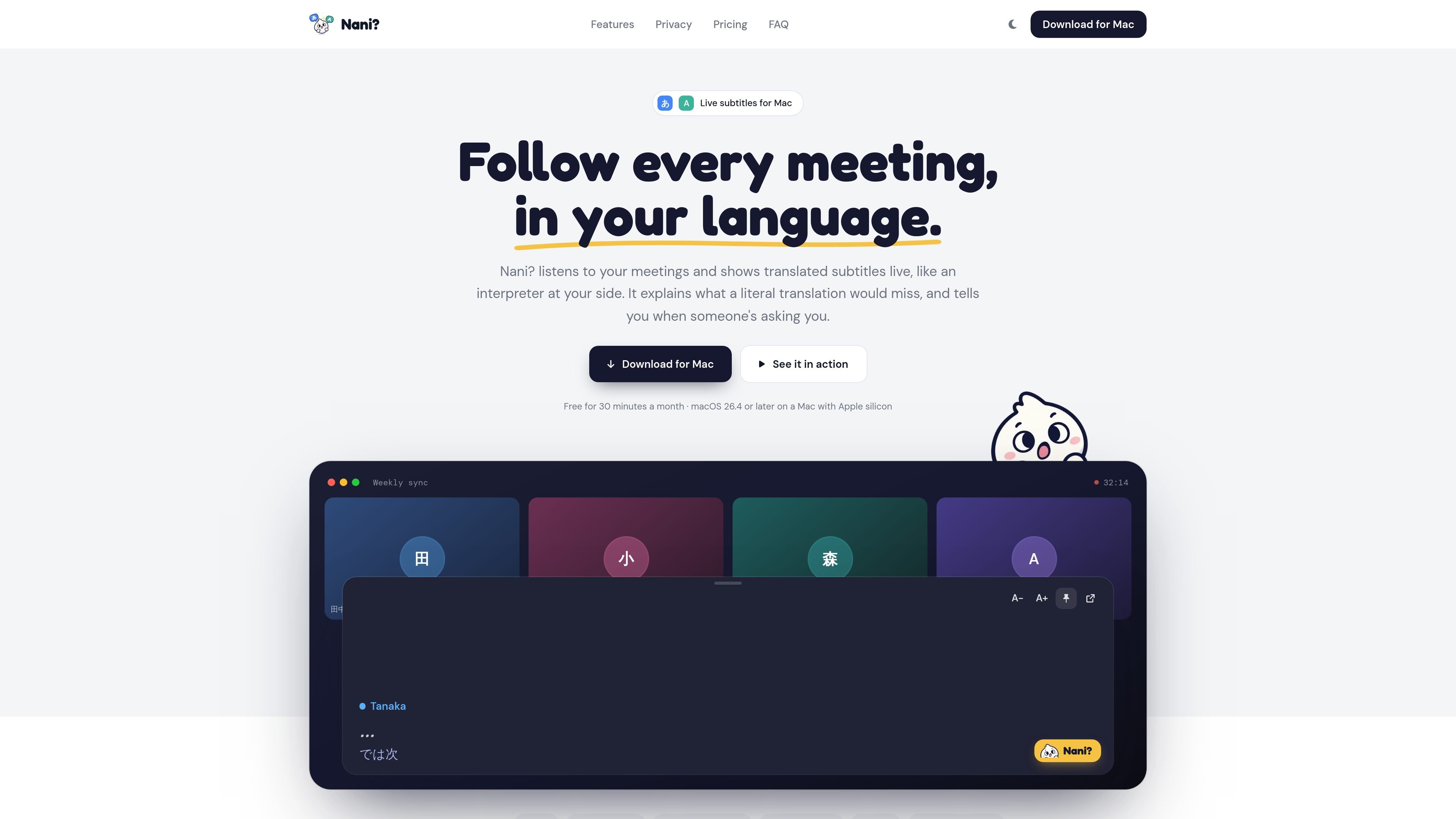
Nani? is a Mac application for live translated subtitles during meetings. It listens to the audio played by your computer and displays the conversation in the language you choose, functioning as an on-screen interpreter rather than a participant that joins the call.
The product is built around Japanese–English meetings and supports nine languages in any pair. Alongside translation, it adds nuance notes, alerts when a question appears to be directed at you, catch-up summaries, speaker labels, transcripts, and on-demand meeting summaries. It is intended for people who need to follow multilingual discussions and retain decisions or action items afterward.
Shows live translated subtitles while a meeting is in progress, with Japanese and English as the starting language pair and support for nine languages in any pair.
Provides a quick draft while someone is speaking and an enhanced translation after the speaker finishes, helping preserve context beyond a literal rendering.
Flags situations such as a polite refusal and gives a soft alert when a question appears to be directed at you, with suggested replies you can say back.
Summarizes the last few minutes when you lose track of a discussion, so you can catch up without stopping the meeting.
Creates a speaker-labeled transcript and on-demand meeting summary with decisions, open items, and action items that can be copied or shared.
Works with Zoom, Google Meet, Microsoft Teams, Slack huddles, Webex, and audio from any browser tab. Subtitles float above windows, including full-screen calls.
Follow a recurring sync when some participants speak Japanese and others read English. Live subtitles, language selection, and nuance notes help clarify the discussion without requiring a separate interpreter on the call.
Use the transcript and summary after a design review to locate decisions, unresolved questions, and assigned tasks. Speaker labels make it easier to connect comments with the right participant.
Keep up with a vendor or partner call when the conversation moves quickly or includes unfamiliar phrasing. Catch-up can summarize the last few minutes, while “Asked you” alerts help identify when a response is expected.
Nani? runs on macOS 26.4 or later on a Mac with Apple silicon. There is no Windows or iPhone version currently.
Download the Mac app, sign in with Google or email, choose the spoken and reading languages, and optionally add speaker names. During a meeting, press Control-Option-T to show floating subtitles above other windows.
No. Nani? does not join the meeting. It listens to audio played by your Mac, so other participants do not see a meeting bot. Follow applicable workplace and local rules about notifying people when a meeting is transcribed.
The app provides live machine translation, but names, numbers, and quiet speakers can be transcribed or translated incorrectly. Important information such as contracts, figures, or medical and legal advice should be checked with the speaker.
The Free plan includes 30 minutes of meetings per month with all features. Pro provides 20 hours per month and Max provides 50 hours per month; paid plans can add five hours for $5. Subtitles stop when the allowance is used, and the allowance resets at the start of the next month.

CAMB.AI Streams dubs live audio in multiple languages in real time for broadcasts on platforms like YouTube, Twitch, and X. It plugs into existing live workflows using common streaming protocols and avoids a post-production step.

Tavus is an AI video platform for building real-time, face-to-face agents, digital twins, and AI companions. It combines APIs, custom replicas, and multilingual conversational workflows for developers and teams.

SpeakoFlow is a free, open-source desktop voice-to-text app for Windows, macOS, and Linux. It supports dictation into any app, voice-driven writing with Flow, cleanup, translation, and a screen-aware assistant.

Sanota is an app that turns spoken memories, reflections, and interviews into clear written stories. It supports personal storytelling, family history, and shared memories, with guided prompts and subscription pricing.

Carbon Voice is an asynchronous voice messaging app for teams and individuals, with transcripts, AI catch-up, and cross-device access. It helps people and agents communicate without needing a live call.

Talkpal is an AI-powered language learning web and mobile app for practicing speaking, listening, writing, and pronunciation. It offers guided courses, roleplays, and call-style conversation practice across 130+ languages.