
Voice-aware cleanup
Remove room tone, hum, clicks, long pauses, hiss, and other distracting background sound while keeping speech intelligible and natural.

NoiseWipe is a web-based AI tool that removes background noise from audio and video recordings, with a free cleaned preview before paid export. It is built for creators working on podcasts, YouTube videos, interviews, courses, voice notes, and similar spoken-word content.
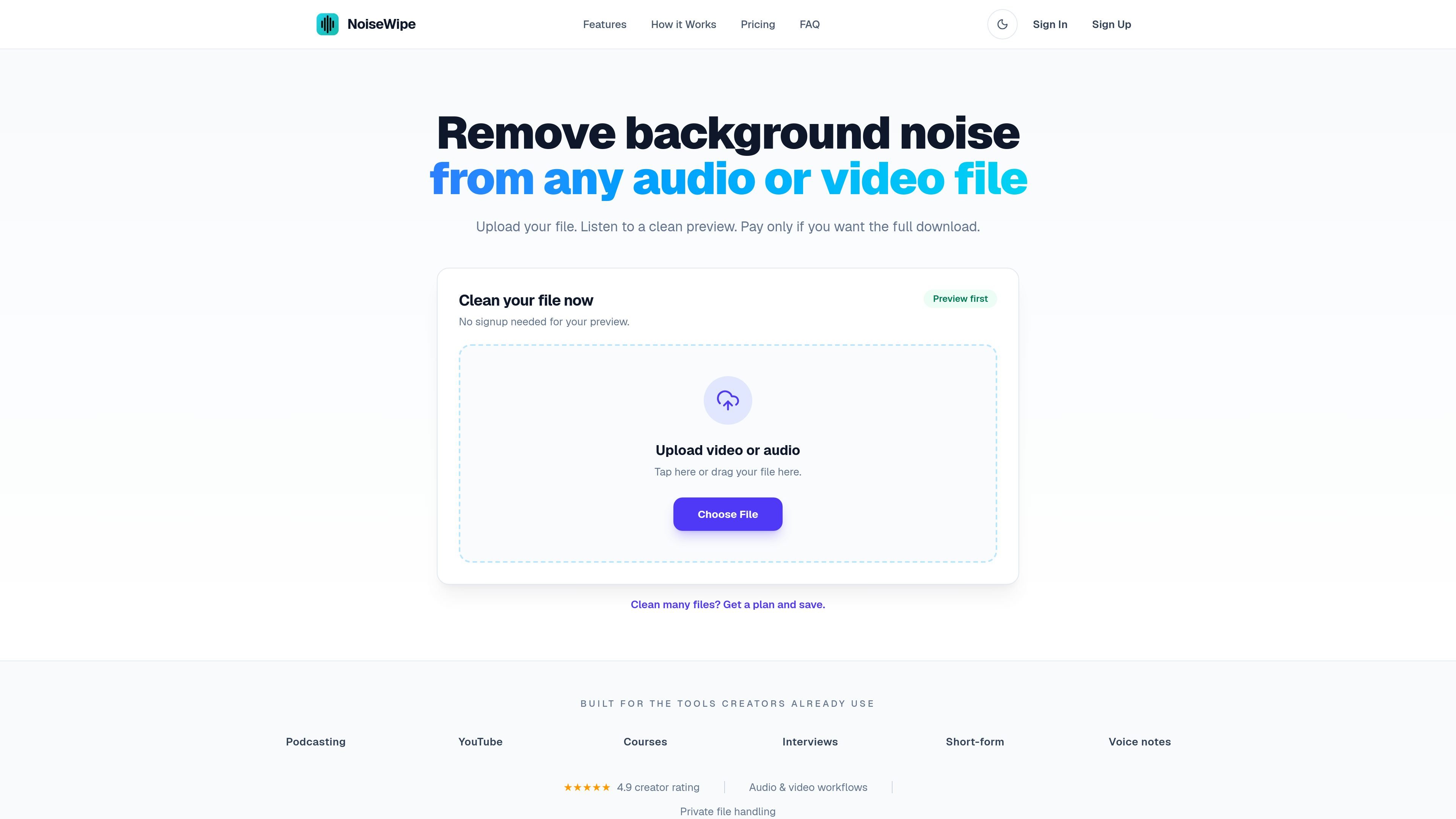
NoiseWipe is an online AI audio cleanup tool for audio and video recordings. It removes background noise and other distractions from spoken content, then lets you preview a cleaned version before you pay to download the full export.
The product is aimed at creators working on podcasts, YouTube videos, courses, interviews, voice notes, and other voice-led recordings. It combines cleanup and light mastering in one workflow, with options for different finishes, batch processing, and exports suited to publishing platforms.
Remove room tone, hum, clicks, long pauses, hiss, and other distracting background sound while keeping speech intelligible and natural.
Choose a natural, present, or broadcast character and preview changes before you export, so you can tune the result to the source material.
Apply loudness, EQ, compression, and limiting tuned for spoken-word content rather than generic music presets.
Download cleaned audio as WAV, MP3, or platform-normalized exports from the same project.
Process a full episode, course module, or backlog of recordings in a single queue with consistent settings.
See quality signals, loudness targets, applied improvements, and version history with A/B previews in the workspace.
Clean remote guest interviews, home studio recordings, field podcasts, or archive episodes while keeping voices natural and dynamics intact.
Reduce wind, rumble, and outdoor background noise from travel vlogs, interviews, sports coverage, and documentaries without extracting audio first.
Polish narration, tutorials, talking-head videos, and creator interviews so the speech is easier to follow on small screens and in noisy environments.
Batch-clean lessons, course modules, and voice-led training materials to create a more consistent listening experience across recordings.
Tidy voice notes, family clips, and draft interviews when you need a quick cleanup without learning a full audio suite.
NoiseWipe is designed to preserve speech timing, texture, and natural variation while reducing distracting background sound. The site also lets you preview the cleaned result before exporting, which helps you judge whether the finish feels right.
Yes. The source pages say you can upload WAV, MP3, M4A, and most common audio exports, and the product also accepts supported video files for cleaning spoken audio.
Yes. NoiseWipe says it can detect changes in voice and level across a conversation, then balance speakers while keeping natural dynamics between them.
The site says most short recordings are ready in a few minutes, while full podcast episodes typically finish before their runtime. Paid plans receive priority in the processing queue.
NoiseWipe says files are encrypted in transit and at rest, are not used to train shared models, and can be deleted according to your retention settings. You also control when source recordings and finished exports are removed.

Audo Studio is a browser-based audio cleaning tool that automatically removes background noise and adjusts speech recordings for creators and developers. It also offers an API for batch and streaming noise removal in third-party products.

CAMB.AI Streams dubs live audio in multiple languages in real time for broadcasts on platforms like YouTube, Twitch, and X. It plugs into existing live workflows using common streaming protocols and avoids a post-production step.

Video Effects SDK adds real-time webcam effects such as background blur, background replacement or removal, denoising, framing, beautification, and color grading. It is built for teams shipping live video experiences on web, desktop, and mobile platforms.

LALAL.AI is an AI audio processing platform for stem separation, voice cleanup, and voice transformation. It supports browser-based upload, preview, and download workflows for audio and video files, plus premium and enterprise options.

Optimo is a free, open-source CLI for optimizing and converting images and videos with format-specific commands built on ImageMagick and FFmpeg. It helps developers prepare web assets, batch process media, and automate compression from the shell or a Node.js script.

Kits AI is an AI music production platform for voice cloning, vocal generation, and vocal processing. It offers a Free plan, paid tiers, and a Windows desktop app for producers and creators working with studio-style audio workflows.