
Arch-based desktop stack
Built on Arch Linux, with Hyprland as the tiling window manager and Quickshell as the desktop construction kit. That combination defines the system’s workflow and visual structure.
Omarchy is an Arch-based Linux distribution built around Hyprland and Quickshell, aimed at users who want a curated, terminal-heavy desktop with productivity apps preinstalled. It is suited to people who prefer a deliberately designed workstation over a generic Linux setup.
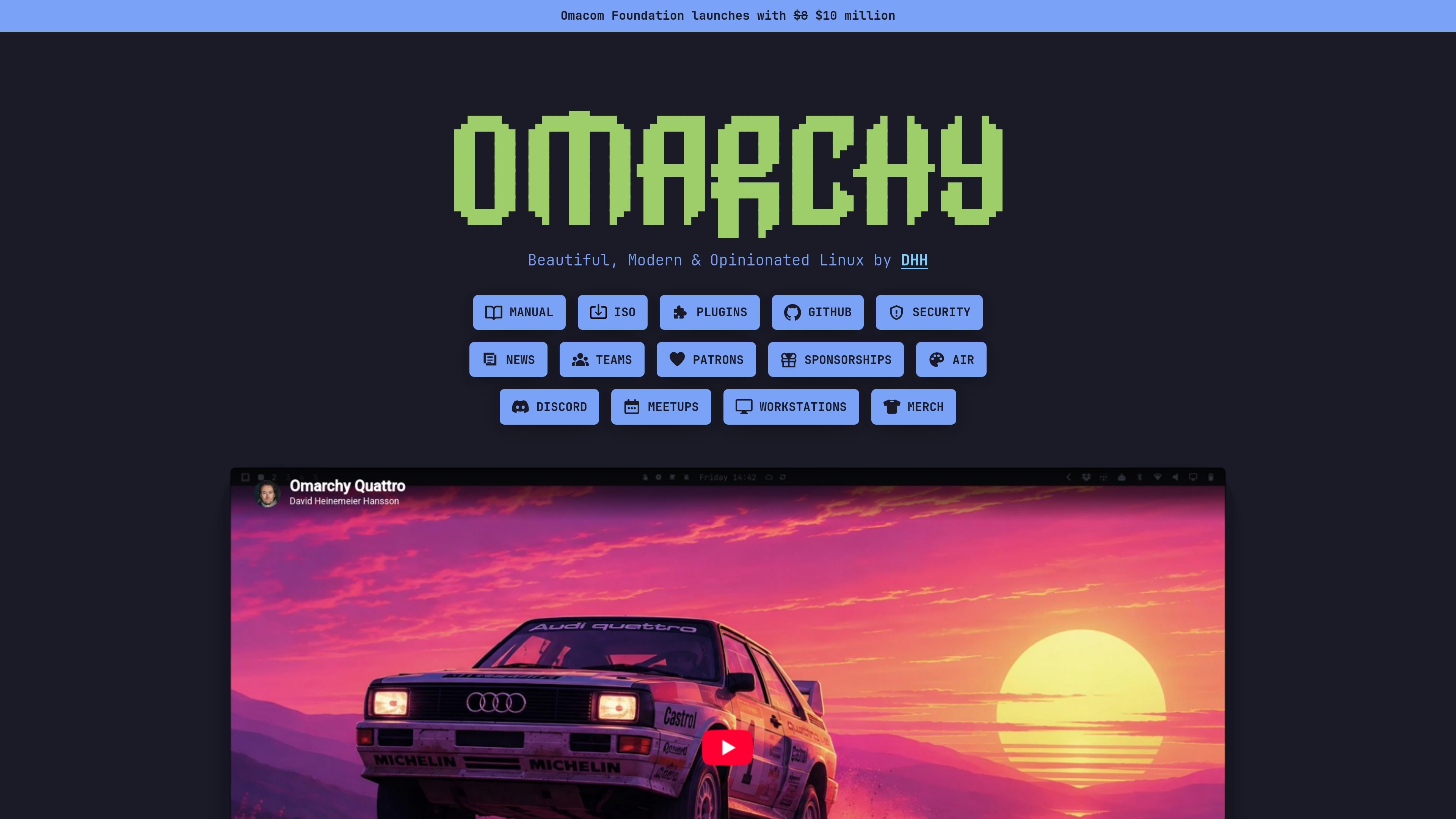
Omarchy is an omakase Linux distribution based on Arch Linux. It pairs the Hyprland tiling window manager with Quickshell and presents itself as a beautiful, modern, opinionated desktop for people who want a curated Linux environment rather than a generic install.
The manual describes Omarchy as a complete system for a modern, savvy computer user who wants to be productive immediately. It ships with a broad set of applications and utilities, and it leans into Linux-native workflows such as terminal use and manual configuration instead of trying to imitate Windows or macOS.
Built on Arch Linux, with Hyprland as the tiling window manager and Quickshell as the desktop construction kit. That combination defines the system’s workflow and visual structure.
Ships with a curated set of applications aimed at day-to-day productivity, including code editing, web browsing, office work, media creation, and note-taking tools.
Designed as a complete system rather than a loose package list, with an emphasis on aesthetics, motivation, and a terminal-heavy workflow.
Includes configuration and customization as part of the experience, including manual editing of config files when needed.
Provides a public security disclosure process with private reporting, reproduction guidance, and responsible disclosure expectations.
Extends the ecosystem with plugins, themes, AIR, workstations, meetups, and sponsorship links listed from the main site.
For users who want a Linux desktop that is ready for coding, browsing, office work, and light media creation without assembling a full environment from scratch.
For people who prefer a terminal-forward setup and are comfortable editing configuration files as part of tailoring their environment.
For developers and creators who need tools such as Neovim, Chromium, LibreOffice, Kdenlive, and OBS Studio available right after installation.
For users who care as much about the look and feel of the desktop as about its functionality, and want the system to feel deliberately designed.
For contributors who want to participate in the surrounding ecosystem of themes, plugins, AIR residencies, meetups, or workstations.
Omarchy is presented as an omakase Linux distribution based on Arch, designed for people who want a curated desktop rather than a minimal base system. The public pages emphasize productivity, aesthetics, and a terminal-heavy workflow.
The manual says Omarchy ships with a broad set of tools for a modern user, including Neovim, Chromium, Obsidian, LibreOffice, Kdenlive, OBS Studio, and a retro music player. It is meant to be productive immediately after setup.
The source pages indicate Omarchy is centered on a single-user workstation experience. The site also lists workstations, teams, plugins, and AIR, but the available text does not provide enough detail to describe a multi-user or managed deployment model.
Omarchy security reports should be sent privately to the Omarchy Security Team at [email protected]. The security page asks reporters not to disclose vulnerabilities publicly before they are resolved.

MacSpoof change ou randomise l’adresse MAC Wi‑Fi sur macOS pour reconnecter aux réseaux et limiter l’enregistrement de votre identité sur Wi‑Fi public.

NomNak est une app iPhone gratuite pour découvrir des restaurants grâce aux recommandations d’amis, avec spots enregistrés, passeport food et recherche par ville.

Ctrl+Shift+3 is a calm, text-first community platform with a chronological feed, profiles, RSS, and private groups called Clicks. It is built for reading, posting, and joining smaller communities without algorithmic ranking or vanity counts.

Hexel Editor is a macOS hex editor for opening, searching, inspecting, and editing binary files. It is aimed at developers, reverse engineers, and security researchers who need structured byte-level analysis on the Mac.

TyeGit, client Git natif pour développeurs, offre un contrôle rapide et précis des stages, commits, branches et remotes sur Windows, macOS et Linux.
Servey lets you mirror and control a Mac from an iPhone or iPad, with a real terminal and automatic local-or-remote connectivity. It is aimed at people who want full Mac access on mobile without VPN or port forwarding.