
Text-to-video generation
Describe a scene and generate a short video clip, including subject movement and camera direction where supported by the selected model.

Omni AI is a browser-based image and video generator for creating visuals from text prompts or reference photos. It supports text-to-image, image-to-image, text-to-video, and image-to-video workflows, with free sign-up credits and downloadable results.
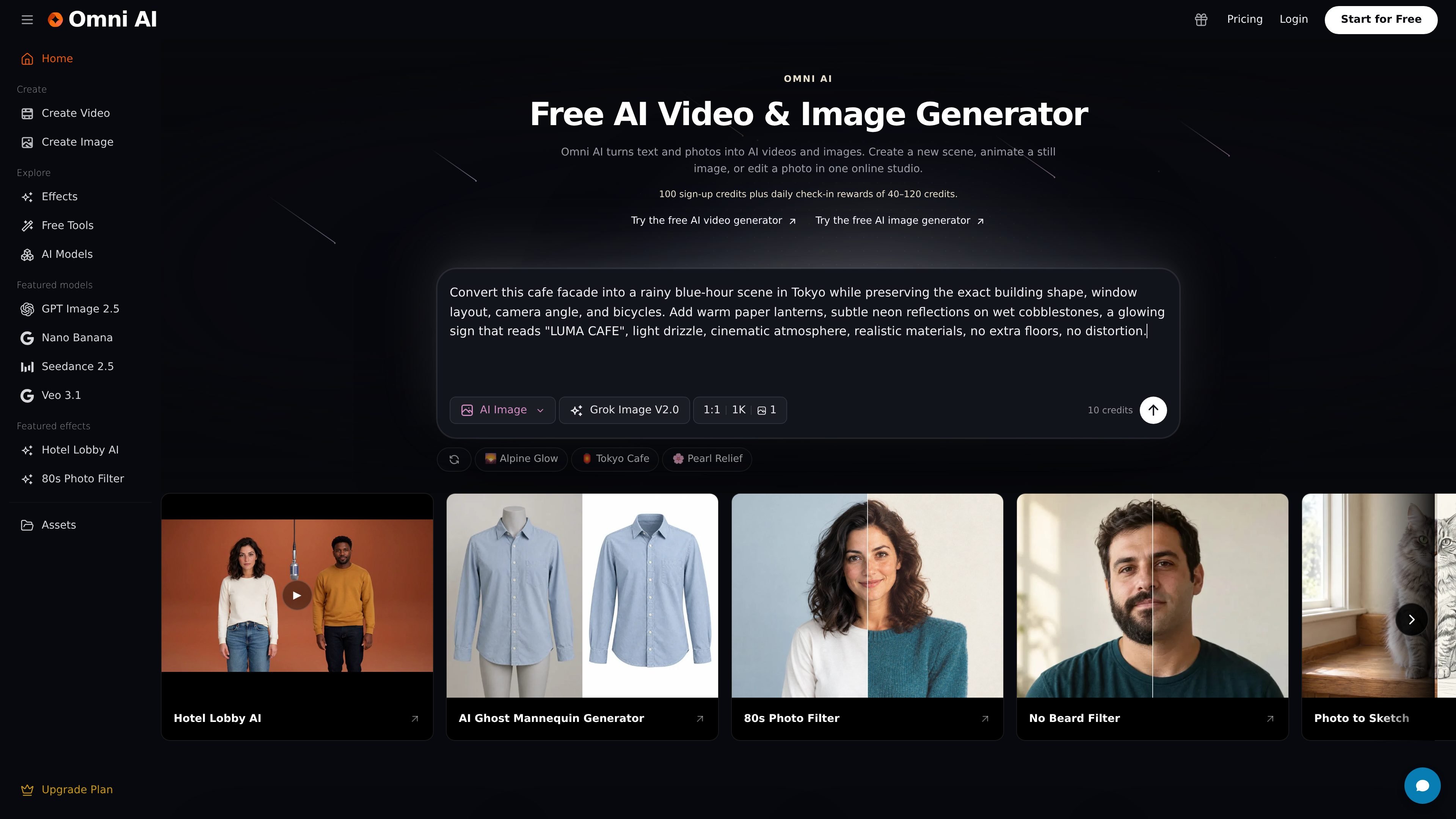
Omni AI is a browser-based AI image and video generator for creating visual content from text prompts and photos. It supports text-to-image, image-to-image, text-to-video, and image-to-video workflows, allowing users to create still images, edit reference photos, or animate an existing image in one online studio.
The workflow is designed around model selection and credit-based generation. Users sign in, describe an image or shot, choose a supported model and format, review the quoted credit cost, and submit the job. Completed media can be previewed and downloaded from the result panel or account history. The Free plan includes 100 sign-up credits and daily check-in rewards, while paid plans add larger monthly credit allowances, broader model access, retention periods, and concurrent generation capacity.
Describe a scene and generate a short video clip, including subject movement and camera direction where supported by the selected model.
Animate a still image into a short clip by uploading a reference and specifying the desired motion or scene change.
Create portraits, product scenes, illustrations, thumbnails, and other visual concepts from written prompts.
Upload a photo and describe a new background, style, or scene with a model that supports reference images.
Compare available image and video models in one browser-based studio, with model-specific formats and credit costs shown before generation.
Preview finished media in the result panel or signed-in account history, then download the outputs.
Generate portraits, illustrations, thumbnails, and visual concepts from a written brief, then compare results across available image models.
Create product scenes, editorial stills, and campaign-style images by specifying the subject, composition, lighting, and visual treatment in a prompt.
Upload an existing photo and request a new background, style, or setting when developing alternate versions of an image.
Turn a still image or described scene into a short moving clip by defining subject motion and camera direction.
Use the browser studio to make and download individual assets without moving between separate image and video generation tools.
No. Omni AI offers a Free plan with no subscription requirement. Signed-in users receive 100 sign-up credits and can earn daily check-in rewards of 40–120 credits; the free tier provides access to limited starter models.
Sign in, enter a prompt, choose an available model and supported format, and review the credit quote on the Generate button before submitting. You can preview completed media in the result panel or account history and download it.
It supports text to video, image to video, text to image, and image to image. Image-to-image workflows use an uploaded photo with a model that supports reference images.
Each generation uses the credit amount shown before submission. Free balances are limited, while paid plans include monthly credits; unused subscription credits do not roll over, although one-time credit packs and non-expiring bonus credits remain in the balance.
Completed results are saved for a limited period that depends on the plan: 3 days on Free, 30 days on Basic, 90 days on Plus, and 180 days on Pro. Download results you want to keep.