
Research workspace
OpenScience combines literature work, coding, experiments, compute, and results in one research workspace rather than separating these steps across unrelated tools.

OpenScience is an open-source AI workbench for scientific research, combining literature, coding, experiments, compute, and results in one workspace. It includes free models and supports external providers, personal keys, local models, and optional managed access through Ace.
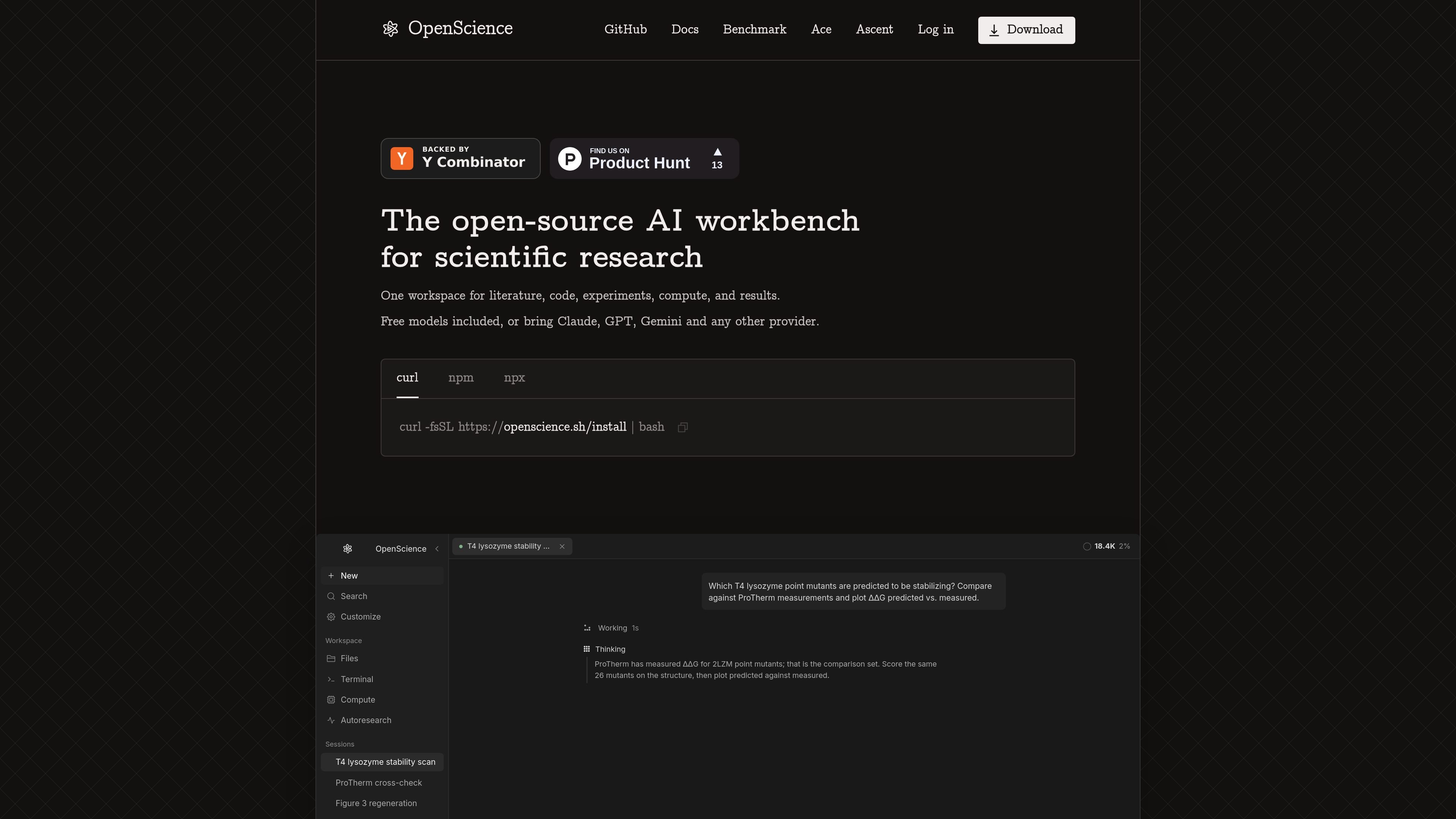
OpenScience is an open-source AI workbench for scientific research. It gives researchers a shared workspace for literature, code, experiments, compute, and results, with an AI agent that can read papers, write code, and run experiments alongside them.
The product supports free included models and connections to external providers, including Claude, GPT, and Gemini. Users can also use their own keys, local models, or eligible existing subscriptions. Its workflow is intended for tasks such as querying scientific databases, analyzing data, executing research code, and producing figures or other project outputs.
OpenScience combines literature work, coding, experiments, compute, and results in one research workspace rather than separating these steps across unrelated tools.
The agent can read papers, write and run code, search scientific sources, generate figures, and continue a research task through follow-up analysis.
The site lists UniProt, PDB, ChEMBL, PubChem, arXiv, and 37 additional scientific databases as available tools.
The product includes 371 skills across biology, chemistry, physics, machine learning, and writing, with a curated research core.
OpenScience can build environments and scale compute across a laptop, cluster, or GPUs, according to the product site.
Users can choose included free models, connect providers such as Claude, GPT, and Gemini, use their own keys or local models, or access Ace-managed routes.
Use the agent to locate information across sources such as UniProt, PDB, ChEMBL, PubChem, and arXiv, then carry findings into the same project workspace.
Describe a computational question, have the agent write and execute research code, inspect generated files or figures, and continue iterating from the results.
Coordinate a reproducible analysis that spans input data, code, compute resources, and visual outputs without moving the work between separate applications.
Run parallel agents or sessions on a project when exploring multiple research directions or handling several related tasks.
Use Ace when a project needs managed model and search access, while retaining personal provider keys, subscriptions, or local models for other tasks.
OpenScience is available as a desktop app for Windows 10 or later, macOS 12 or later, and Linux through x64 or ARM64 AppImage downloads. It can also be installed from the command line with the provided shell script, npm package, or npx command.
No. OpenScience includes free models, and users can also connect their own keys, local models, or subscriptions. ChatGPT Plus or Pro users can sign in with OpenAI to use that subscription.
OpenScience is designed to bring literature, code, experiments, compute, and results into one workspace. The site demonstrates workflows involving scientific database lookup, code execution, generated figures, and research follow-up.
Yes. Ace is an optional managed service inside OpenScience. It provides access to reviewed models and managed research search through a pay-per-request Wallet, while users can continue using their own keys, subscriptions, and local models.
The site identifies OpenScience as open-source and lists GitHub access. The collected pages do not provide further details about licensing, collaboration features, or deployment architecture.

ByteAsk is a terminal-first AI coding agent for C and C++ that edits repositories and verifies changes with the real compiler, debugger, sanitizers, and tests before showing a diff. It offers a free tier plus paid plans, with editor connectors and zero-retention handling described in the source.

MeetStream is a meeting bot API for Zoom, Google Meet, Microsoft Teams, and Webex. It helps developers record, stream, and analyze meetings programmatically, with usage-based pricing and a $5 free credit to start.

CreateOS Sandbox is an isolated compute environment for running code and agent workloads inside Firecracker micro-VMs. It is designed for workflows that need machine-level isolation, private networking between sandboxes, and programmatic control through SDK, CLI, or MCP.

Hype is a web tool for finding trending YouTube topics by category, time range, and scoring mode. It helps creators spot emerging ideas, inspect source videos, and decide what to cover next.

GitBot is a local browser-based workspace for creating reusable coding bots powered by Claude Code, Codex, or OpenCode. It helps developers run those agents across repository folders with persistent threads and configurable permissions.

hob is an independent workspace for coding agents that keeps agent sessions, terminals, history, and follow-up work organized around the tools and providers you already use. It is aimed at developers who want local control over routing, history, and workspace structure rather than a bundled model stack.