Othor AI icon

Othor AI

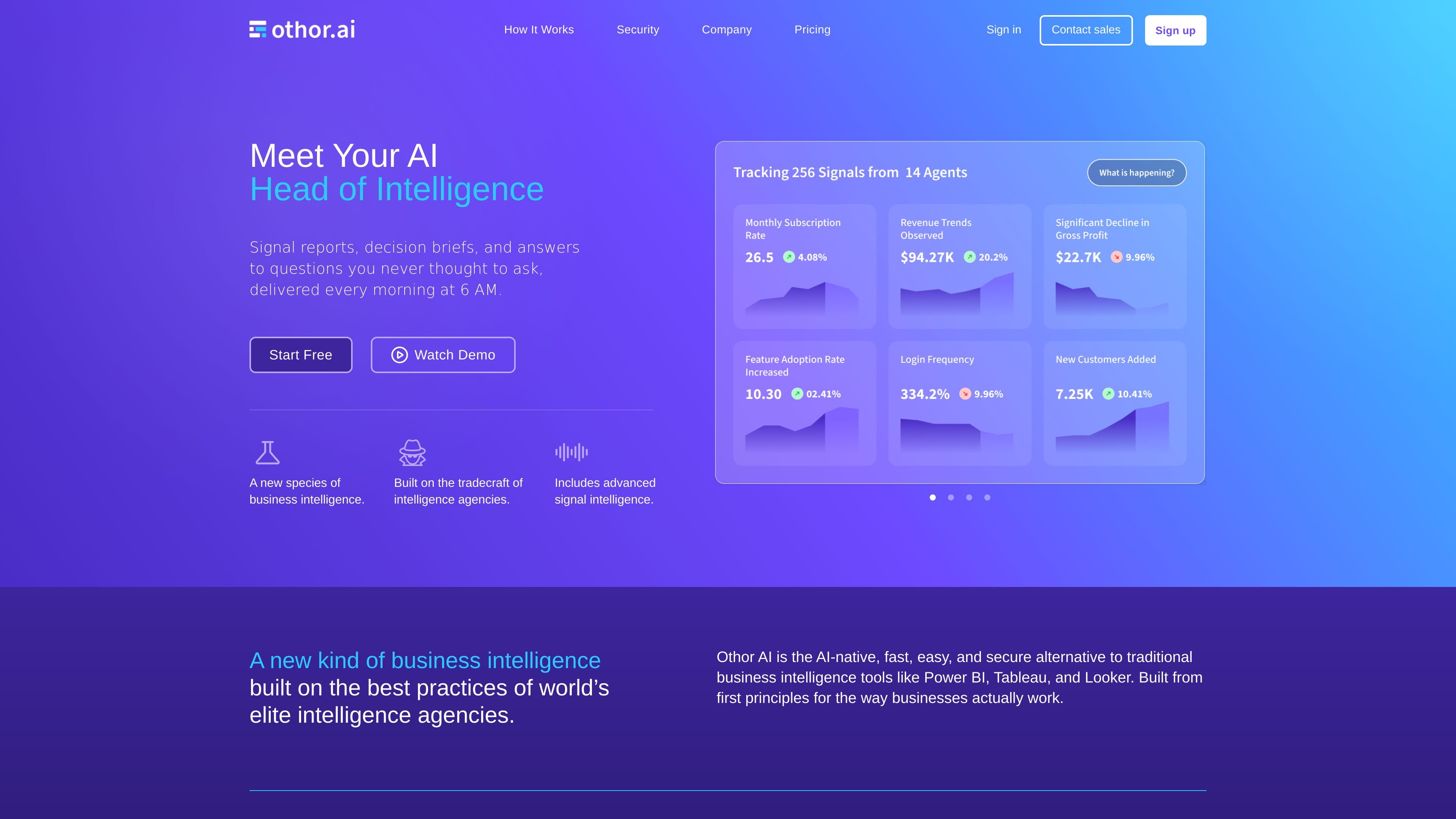
Othor AI is an AI-native business intelligence platform that connects to business data, automatically discovers metrics, and turns them into daily reports, dashboards, briefs, and chat responses. It is designed for teams that want automated analytics without building a traditional BI workflow.

Othor AI

AI-native business intelligence with automated reporting

Othor AI is an AI-native business intelligence platform that reads connected data, discovers metrics automatically, and turns them into daily reports, briefs, charts, and chat responses. The product is positioned as an alternative to traditional BI tools such as Power BI, Tableau, and Looker, with an emphasis on faster setup and less manual analysis.

Its workflow is designed around automated signal detection: connect data sources, let agents run overnight, and review the results each morning in plain language. The site says the platform can be used by analysts, leaders, employees, and broader organizations that want recurring intelligence without building and maintaining a conventional BI stack.

Core capabilities

Direct data integration

Connect data sources and let Othor's agents read directly from them without warehouse migration or schema instrumentation. The site says it supports 100+ sources and examples include Postgres, BigQuery, Stripe, HubSpot, and Salesforce.

Analytical agents

Analytical agents identify metrics, generate descriptive and prescriptive narratives, produce charts with forecasts, and build persona-based tables. They can be selected from a pre-configured library or built for custom analysis.

Decision briefs

A Decision Brief Agent combines selected analytical agent outputs into a structured report with a current-state summary, key drivers, cross-metric correlations, and a recommended next question with an intended recipient.

Workspace-wide synthesis

The Big Picture report synthesises the output of every decision brief in a workspace into a single daily report. It can be rendered in narrative, analytical, or deep-dive frames.

Chat interface for data queries

Chat with Data lets users ask questions in plain English across connected sources and receive numerical values, charts, and a short observation based on the underlying data.

Model and deployment flexibility

The Model Selector lets teams connect their own AI providers and assign models to different tasks, while hosting can be done in Othor's SaaS cloud or in a self-hosted environment.

Where Othor fits

  • Automated daily intelligence

    Teams that want recurring business intelligence without building dashboards from scratch can connect their sources, let agents run overnight, and review a daily morning report.

  • Analyst investigation and root-cause review

    Analysts can use the platform to inspect metrics, identify drivers, and drill into correlations or forecasts when they need more detail than a summary report provides.

  • Executive decision support

    Leaders can use the Big Picture and decision briefs to understand current activity, projected trajectory, and the next question to ask the team.

  • KPI monitoring for teams

    Employees and functional teams can monitor their own KPIs through daily alerts and dashboard views instead of relying on ad hoc requests for reports.

  • Custom AI and deployment control

    Organizations that already use preferred LLM providers or need controlled infrastructure can assign models to tasks and choose SaaS or self-hosted deployment.

Pros and Cons

Pros

  • Supports automated metric discovery and forecasting without manual metric definition.
  • Offers multiple output formats, including briefs, dashboards, charts, reports, and chat.
  • Can work with 100+ data sources and does not require warehouse migration or schema instrumentation for supported connections.
  • Provides deployment flexibility through SaaS hosting or self-hosting, and supports bringing your own LLM providers.
  • Includes team-oriented plans with shared workspaces, team member limits, and enterprise options for security and onboarding.

Cons

  • The site presents limited detail on exact setup steps, data preparation requirements, and the full breadth of supported integrations beyond a few examples.
  • Pricing and plan limits are described, but the source does not provide a full public comparison of every feature across all tiers in the rendered text provided.
  • Some outputs, such as decision briefs and Big Picture reports, are highly structured and automated; teams needing fully manual report design may want to confirm fit.

FAQ

How does Othor work after setup?

Othor is set up by connecting data sources and then letting its agents run automatically. The site describes a workflow where data is connected once, agents discover metrics and patterns, and a report is delivered daily at 6 AM. It also says many setups run in minutes rather than months.

Who is Othor designed for?

The product is positioned for teams that want AI-native business intelligence without writing queries or maintaining traditional dashboards. The site explicitly mentions analysts, leaders, employees, and C-suite use, so it is aimed at organizations rather than individual casual users.

What kind of output does Othor produce?

Othor can return charts, numbers, narratives, decision briefs, and daily signal reports. Its listed outputs also include dashboards, Big Picture reports, document intelligence briefs, and chat responses in plain English.

Does Othor offer different plans?

The pricing page shows a Free plan, a Premium plan, and an Enterprise option that requires contacting sales. Enterprise adds unlimited agents and data sources, unlimited dashboards and team members, on-premise hosting, SSO, advanced security, SLA and uptime guarantees, and custom onboarding.

Can Othor connect to existing data and AI tools?

Yes. The site says Othor supports 100+ data connectors and works with any LLM. It also supports hosting in Othor's SaaS cloud or self-hosting in your own environment.

Quick Facts

Category
Business Intelligence / AI Analytics
Platform
Web app with SaaS cloud and self-hosted deployment options
Data connections
100+ supported sources; examples include Postgres, BigQuery, Stripe, HubSpot, and Salesforce
Output types
Analytical agents, decision briefs, Big Picture reports, dashboards, and chat responses
Team model
Workspace-based collaboration with team member limits on lower tiers; enterprise removes caps
Pricing model
Free plan, Premium plan at $200 per month, and Enterprise contact-sales option

Alternatives à Othor AI

PromptScout icon

PromptScout

PromptScout tracks how ChatGPT, Gemini, Google AI Overviews, and Perplexity mention your brand or competitors, then pairs those results with source analysis and website audits. It helps teams decide what to fix in content, positioning, or site readiness next.

SaveMRR icon

SaveMRR

SaveMRR is a Stripe retention tool for SaaS teams that scans billing data for churn and MRR leaks, then automates recovery through dunning, cancel-save offers, win-back emails, and onboarding nudges. It is built for founders and bootstrapped teams using Stripe.

Hype icon

Hype

Hype is a web tool for finding trending YouTube topics by category, time range, and scoring mode. It helps creators spot emerging ideas, inspect source videos, and decide what to cover next.

Sleek Analytics icon

Sleek Analytics

Sleek Analytics is a privacy-friendly web analytics tool with real-time visitor tracking, Core Web Vitals, and revenue attribution. It helps site owners understand traffic and conversions without cookie banners or a heavy setup.

Struere icon

Struere

Struere is an AI-native platform for turning spreadsheet data into structured operational software with dashboards, alerts, and automations. It is aimed at teams that want to replace manual spreadsheet workflows without building custom tools from scratch.

ClayHog icon

ClayHog

ClayHog est une plateforme de visibilité SEO IA pour suivre la présence des marques sur ChatGPT, Gemini, Perplexity, Claude et Google AI Overviews. Elle aide les agences, équipes marketing et SEO à suivre citations, concurrents, sentiment et opportunités de contenu depuis un seul tableau de bord.