
Account research and enrichment
Build target lists in tables, combine source results, deduplicate company records, identify buying teams, and add enrichment such as work emails, firmographics, and AI columns.

OXYGEN is an agentic marketing and sales platform for B2B GTM teams. It combines account research, enrichment, outbound sequences, CRM, content publishing, and workflow automation, with access through a web app, CLI, or MCP client.
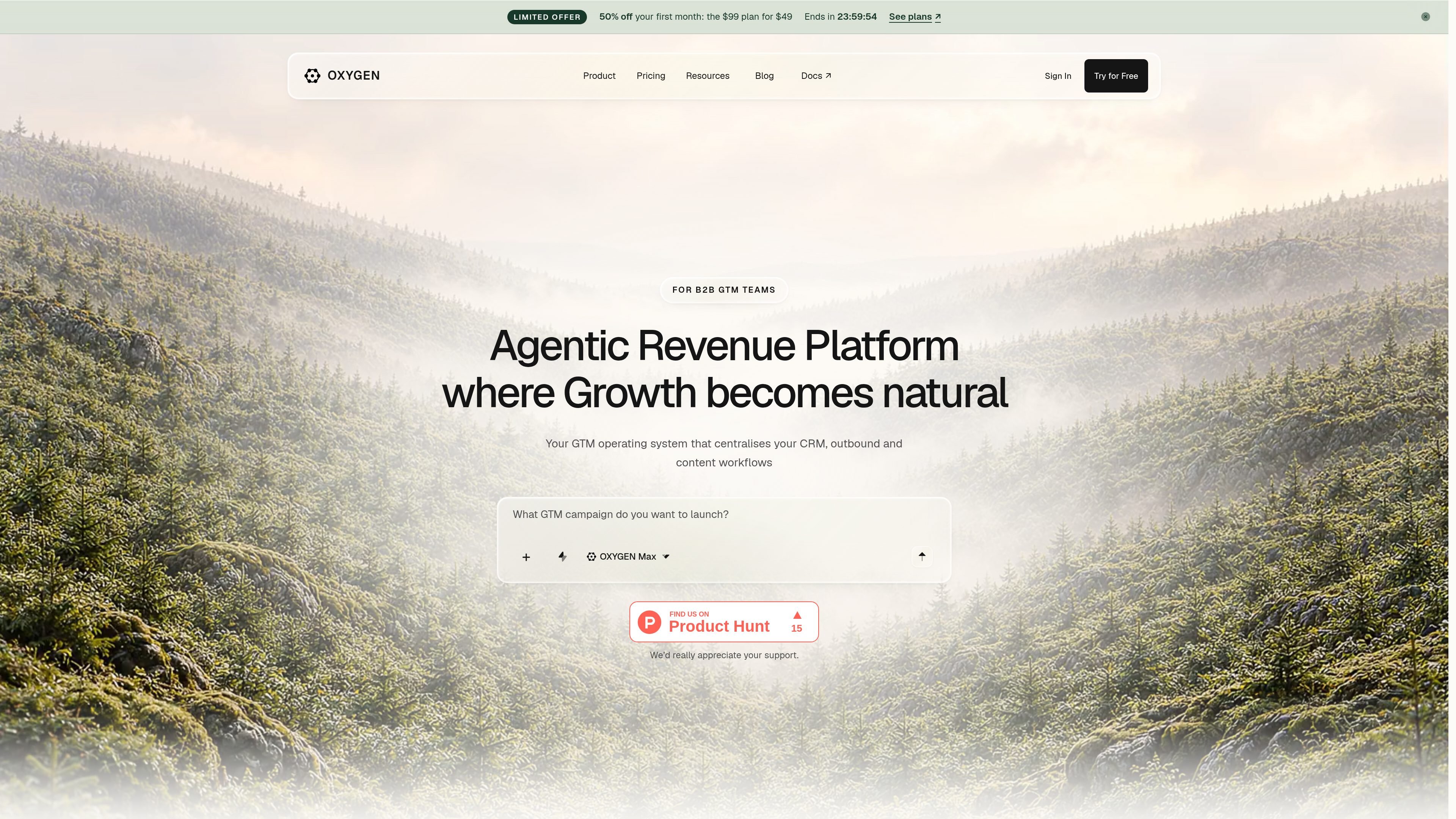
OXYGEN is an agentic marketing and sales platform for B2B go-to-market teams. It brings target-list research, enrichment, email sending, shared inbox work, CRM records, content workflows, and automation into one workspace rather than separating those jobs across multiple tools.
The platform is built around tables, sequences, workflows, CRM records, agents, and a Knowledge area. Teams can research accounts and buying groups, qualify or enrich leads, launch coordinated outreach, manage replies, publish content, and update pipeline records. The web app, oxygen CLI, and MCP clients use the same API, approvals, and credit balance.
OXYGEN is suited to teams that want human review around actions that spend credits or contact people. Its free workspace can be used to explore the core workspace, while paid usage enables connected sending and publishing resources or other credit-consuming operations.
Build target lists in tables, combine source results, deduplicate company records, identify buying teams, and add enrichment such as work emails, firmographics, and AI columns.
Create multi-step sequences with email and LinkedIn actions, waits, variables, sender assignment, and rules that can stop or change a sequence when a prospect replies.
Use workflows to connect triggers, conditions, reply sentiment, record updates, approvals, waits, and other automation steps across the GTM process.
Manage companies, people, deals, conversations, activity, and pipeline records in the CRM, with reply-driven workflows able to update record stages.
Draft and schedule content for channels shown by the product, including LinkedIn and X, with AI-assisted refinement and approval before publishing.
Store company context, ICP details, positioning, buyer personas, competitor notes, campaign learnings, and writing guidance in a shared Knowledge area for use by people and agents.
Combine company and people research with saved audiences or other data sources, deduplicate results, identify buying teams, and maintain the market map in a table.
Take inbound leads or a sourced audience, find work emails through an enrichment waterfall, add firmographic fields, and score ICP fit with an AI column grounded in company knowledge.
Create a coordinated outreach path with LinkedIn and email steps, delays, personalization variables, sender selection, and reply-based stopping rules.
Route new replies through sentiment or other conditions, update CRM stages for qualified conversations, and preserve the surrounding activity in the customer record.
Draft channel-specific posts, refine them with AI, schedule them for LinkedIn or X, and keep publishing behind an approval step.
No. The free workspace does not require a card and starts with a one-time grant of 1,000 credits. CRM, Tables, Workflows, Knowledge, Agents, and the Workspace Copilot are available in the free workspace; credits are used for enrichment and AI.
OXYGEN can be used through its web app, the oxygen CLI, or an MCP client. These surfaces use the same API, approvals, and credit balance.
OXYGEN supports target-list building, enrichment, email setup and sequences, reply handling, CRM tracking, workflows, content publishing, and knowledge management in one workspace.
Actions that spend credits or reach people are previewed before execution. In the app, users approve through the relevant review control; the CLI supports rerunning with --approved and a max-credit limit.
The product connects external sending and publishing capabilities through connected mailboxes, LinkedIn accounts, WhatsApp numbers, or X accounts. The available integration catalog and connection details should be checked in the product before setup.

Podium is an AI lead generation and lead management platform for local businesses. It centralizes lead conversations, automated follow-up, reviews, payments, and booking, with a 24/7 AI Employee available as an add-on.

Ninjō AI is an AI sales agent platform for creators and agencies that qualifies leads, handles sales conversations, and supports multi-channel follow-up. It can also be controlled from Claude or ChatGPT through MCP for users who want to manage agents by chat.

Sumora is an autonomous outreach agent for finding, qualifying, warming, and booking leads through LinkedIn and Instagram. It helps users manage replies from one inbox while keeping final sends under review.

Blinked is a free Chrome extension for LinkedIn outreach that helps users research leads, draft personalized messages, and manage follow-ups inside LinkedIn. It is local first, with outreach data kept in the browser rather than on Blinked’s servers.

Salestrics is an AI-native CRM and revenue platform for startups. It combines pipeline management, workspace files, analytics, automations, finance, and team communication in one connected workspace.

Cold Mail Server provides dedicated outbound email infrastructure for cold outreach teams, agencies, and outbound SaaS operators. It offers isolated mail servers, unlimited mailboxes and domains, a unified reply inbox, and deliverability monitoring on flat-rate plans.