
Create
Draft new text for casual messages, professional emails, reports, articles, and other writing tasks from a prompt or tap action.

ParagraphAI is an AI writing assistant for drafting, fixing, replying to, summarizing, and translating text across mobile, browser, and keyboard workflows. It offers a free plan, paid Pro access, and an Enterprise option for teams.
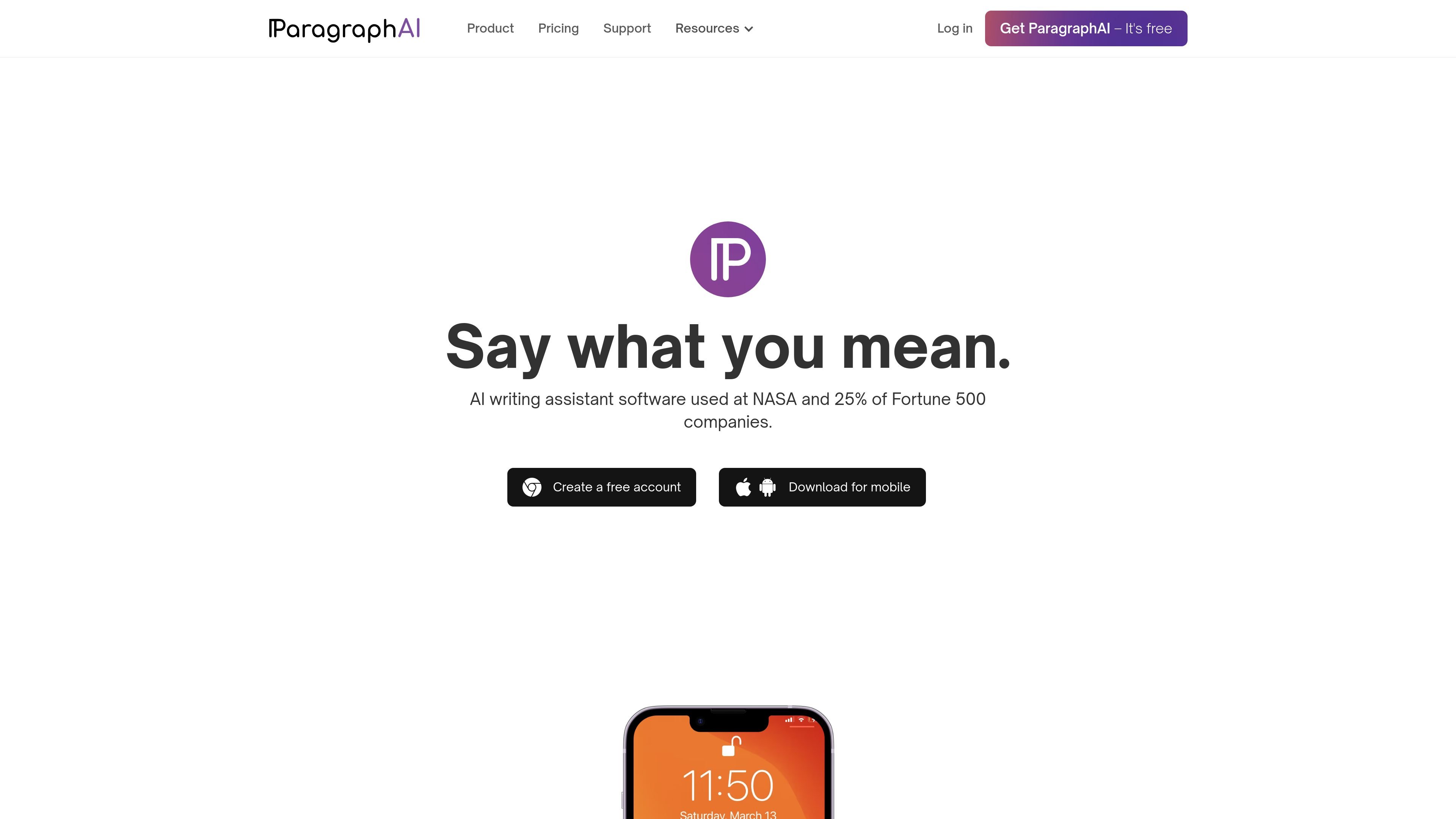
ParagraphAI is an AI writing assistant available as a mobile app, keyboard, browser extension, and web experience. It is designed to help people create, correct, reply to, summarize, and translate text wherever they write.
The product pages position ParagraphAI for everyday communication and longer-form writing alike, including emails, messages, articles, reports, and web pages. Its core workflow centers on one-tap or low-friction drafting and editing, with cross-platform access through one account and support for more than 40 languages.
Draft new text for casual messages, professional emails, reports, articles, and other writing tasks from a prompt or tap action.
Generate a reply to an email or message with one tap, with tone controls available in the web extension for formality, friendliness, and optimism.
Correct grammar errors and fine-tune text in real time, including formality, friendliness, length, and related editing adjustments.
Build reusable instructions and templates so you can apply the same writing pattern across repeated tasks.
Switch input and output settings across more than 40 languages to write and translate in the language you need.
Save, revisit, and manage writing history across devices, with cross-platform access tied to one account.
Use Create, Reply, and Edit to draft everyday emails and messages, then adjust tone or length before sending.
Use the mobile app or keyboard to fix grammar, rewrite text, and reply quickly inside other apps on a phone.
Use the web extension to summarize web pages, PDFs, YouTube videos, and documents when you need the main points quickly.
Use the language settings to write or translate text in more than 40 languages when working across languages or improving fluency.
Use templates and history to repeat common writing patterns and keep prior messages available across devices.
ParagraphAI offers a free plan with limited daily uses of Create, Fix, Reply, and Edit. Paid plans add unlimited use of the core editing and reply tools, plus higher character limits and history on Pro.
ParagraphAI is available on iOS, Android, in the browser, and through a Chrome web extension. The product pages also describe a mobile keyboard that works inside other apps.
The source pages describe Create, Reply, Fix, Edit, Templates, Languages, History, and summary tools. The web extension also adds page summaries and an "Ask anything" workflow.
The product pages say the same account can be used across multiple devices, with login by the same email address to access history and features cross-platform.
The pricing page lists an Enterprise plan with brand voice customizations, account management tools, a dedicated account representative, and 24/7 support by phone and email.

ProWritingAid is a writing assistant for storytellers that offers grammar checking, style editing, paraphrasing, and story analysis inside popular writing apps. It includes a free plan, paid tiers, and tools for chapter critique, manuscript review, and collaborative editing.

Rubriq 是一款面向科研写作的 AI 学术论文润色与翻译工具,支持个人订阅、机构方案和论文查重相关服务。它帮助研究人员在上传稿件后快速生成带修订痕迹的可审阅文档。
MagickPen is an AI writing tool that generates drafts, templates, and polished text from a topic prompt. It supports configurable roles, languages, tones, and formats, with access across Web, Chrome, Windows, and Mac.

Paperpal 是一款面向学术写作的 AI 工具,提供文献阅读、语言润色、引用、查重、AI 检测和投稿前检查。它适合需要在英文论文和学术材料上进行写作、修改与合规自检的学生、研究人员和教师。

Sanota is an app that turns spoken memories, reflections, and interviews into clear written stories. It supports personal storytelling, family history, and shared memories, with guided prompts and subscription pricing.

PaperBetterAI est un outil d'écriture intelligent qui génère des travaux académiques et divers matériaux d'écriture en chinois et en anglais grâce à une technologie avancée d'IA.