
Pull-to-start timer
Pull the paw to begin a focus session, making the transition from intention to a running timer a single physical gesture.

Pawl is a macOS menu bar focus timer that starts with a pull gesture and supports adjustable focus, break, and interval durations. It is designed for individuals who want a lightweight timer for work or study without keeping a separate app window open.
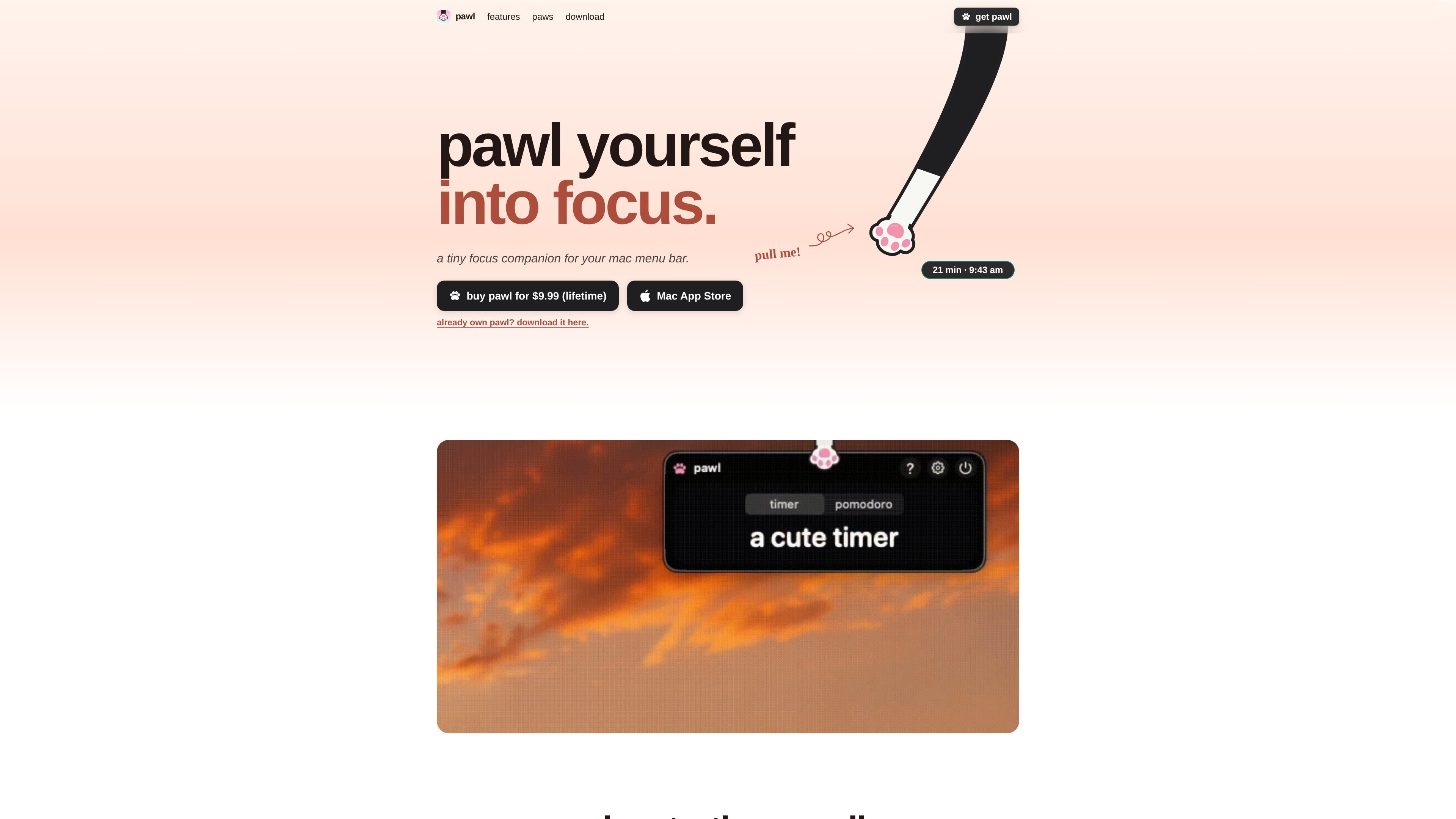
Pawl is a small focus timer for macOS that lives in the Mac menu bar. Its central interaction is a pull on an on-screen paw, which starts a focus session without opening a separate timer window; users can also start the timer from a button on the clock layout.
The app supports adjustable focus and break durations, configurable intervals, and a heads-up before a session ends. It is intended for individual focus routines, with visual customization through themes and multiple paw designs. Pawl requires macOS 14 or newer and is sold as a one-time purchase rather than a subscription.
Pull the paw to begin a focus session, making the transition from intention to a running timer a single physical gesture.
Set your preferred focus duration, break duration, and interval rather than following a fixed Pomodoro setup.
Pawl sits in the Mac menu bar so the remaining time is available at a glance without keeping another application window open.
Receive a configurable heads-up shortly before a focus session ends, helping you prepare for the upcoming break.
Switch themes and select from the included paw designs to change the app’s visual presentation.
Detach Pawl from the menu bar and keep it pinned when a larger or more persistent view is useful.
Start a planned focus block with a single pull, then keep the timer accessible from the menu bar while working in another application.
Configure focus, break, and interval lengths around a preferred Pomodoro-style routine without being limited to one preset.
Use the near-completion heads-up to prepare for a break, particularly when visual checking of the timer is inconvenient.
Keep a lightweight focus companion visible through its menu bar placement, or detach and pin it when a persistent view is preferable.
Change the theme or paw selection to personalize the tool for repeated individual use.
Pawl is a macOS menu bar focus companion. Pull the paw to start a timer, check the remaining time from the menu bar, and take a break when the session ends. It can also be detached and pinned as a separate view.
Yes. You can adjust focus time, break time, and focus intervals instead of using one fixed Pomodoro configuration.
Pawl requires macOS 14 or newer and is designed for Mac. The download page provides a direct build for downloading on a Mac.
Pawl costs $9.99 USD as a one-time purchase with no subscription. Students can save 50% by verifying with a student email, bringing the student price to $4.99 USD.
Pawl includes eight paws at launch, and users can switch between the available options. The site says additional paws and other animal variants, including dogs, are planned for the future.

Goldfish is an AI memory app for macOS that helps you reply, write, summarize, and continue using the context already on your Mac. It stores memory locally and writes in your tone.

ArtDeck is a visual reference board app for iPhone, iPad, and Mac that lets artists collect mixed reference material on one canvas and study it with ToolBox lenses. It works offline, supports optional iCloud sync, and is sold as a one-time purchase with no account required.

Biji est une plateforme polyvalente conçue pour améliorer la productivité grâce à des outils et des fonctionnalités innovants.

Malyatko is a baby tracker for logging feeding, sleep, growth, teething, and milestones in one app. It works on iPhone, Apple Watch, and widgets, with no sign-up, offline use, and family sharing through iCloud.

Redline is a budgeting tool for Claude Code that paces sessions to stay within time, token, cost, or plan-percentage limits. It uses Claude Code’s native hooks and statusline to help sessions finish with a usable result instead of stopping abruptly.

Claude Overlay is a Windows desktop overlay for Claude Code that reads your screen so you can ask questions, inspect content, and request edits without leaving the current app. It runs on your existing Claude subscription through the Claude CLI, so no separate API key is required.