
Structured research
Elena, the research agent, analyzes audiences, competitors, jobs to be done, and information architecture before handing its findings to the next agent.

PixelCrew is an AI-assisted design workflow that coordinates specialized agents from a free-text brief through research, art direction, UX architecture, copy, QA, and final review. It is intended for producing production-oriented HTML, Tailwind, design-system assets, and documentation for projects such as landing pages, dashboards, and design systems.
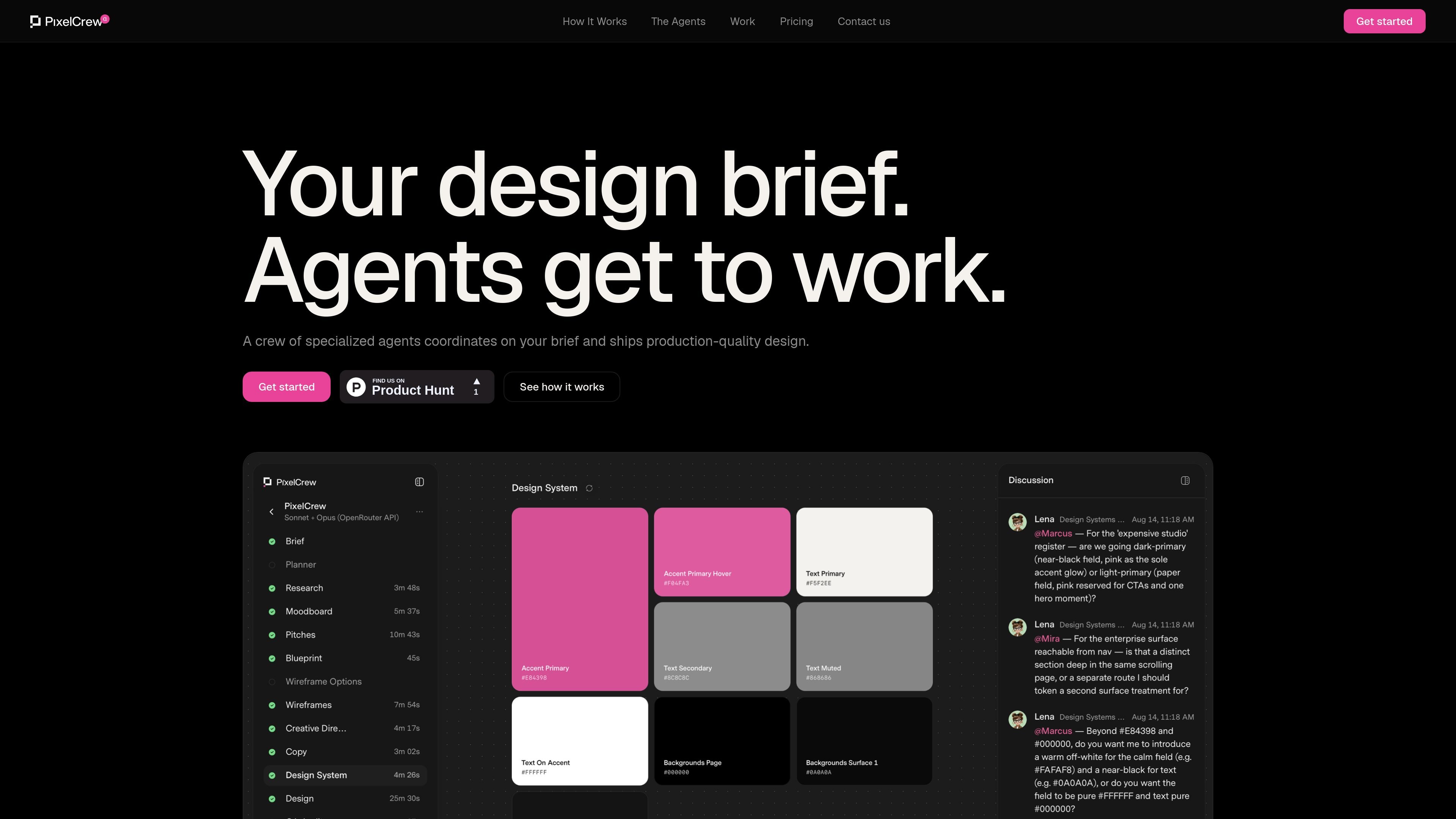
PixelCrew is an AI-assisted design workflow that coordinates specialized agents around a written brief. The crew moves through research, strategy, art direction, UX architecture, copy and design-system work, QA, and final review rather than generating a single undifferentiated response.
Users describe a project in free text—for example, a landing page, dashboard, design system, or pitch deck—and receive a coordinated set of design artifacts. The stated output includes production-ready HTML and Tailwind, documentation, and design-system files that can be shipped by an engineering team or handed to a developer. The site reports an average delivery time of 25–45 minutes.
Elena, the research agent, analyzes audiences, competitors, jobs to be done, and information architecture before handing its findings to the next agent.
Marcus turns the research into three visual pitches, selects a direction, and writes a creative brief covering palette, typography, layout, and composition.
Mira converts the creative brief into wireframes, UX flows, information architecture, navigation specifications, and HTML wireframes, including screen states and edge cases.
The crew produces copy and assembles a design system with tokens, a type scale, colors, and components so design decisions remain connected.
Each screen receives a QA audit and final review; issues are flagged, revised, and rechecked before delivery.
Final deliverables include production-ready HTML and Tailwind, a design-system JSON file, and documentation intended for an engineering team or developer handoff.
Provide a brief describing the page, audience, and desired feel; the crew researches the context, sets a visual direction, and returns a production-oriented page with HTML and Tailwind.
Use the research, information architecture, flows, wireframes, and component output to define a working interface for a small-team or SaaS product before development.
Start with a product or brand brief and receive palette, typography, layout guidance, tokens, components, and documentation that can serve as a shared implementation foundation.
Turn an early concept into structured discovery, visual pitches, UX architecture, copy, and a developer handoff without separately coordinating each design phase.
Apply the workflow to focused editorial or commerce experiences, such as the site's illustrative coffee shop, automotive, and roastery examples, where content structure and visual direction need to be developed together.
PixelCrew accepts a free-text description of what you need, such as a landing page, product dashboard, design system, or pitch deck. No template is required.
During alpha, PixelCrew uses a bring-your-own-key model. You can connect an OpenRouter key, which the site recommends, or use an Anthropic or Google Gemini key. Model costs are billed directly by the provider.
The agent workflow produces research and information-architecture documents, creative briefs and moodboards, wireframes and UX-flow files, copy, design-system assets, QA reports, documentation, and production HTML/Tailwind output.
The site describes an average delivery time of 25–45 minutes. The agents work sequentially: research, art direction, UX architecture, copy and design system, QA, and final review.
PixelCrew's alpha output is intended for landing pages, dashboards, and design systems, and the site also gives pitch decks as an example of a brief. The available material does not document broader platform integrations or deployment requirements.

Refero MCP for AI agents connects an MCP-compatible agent to Refero’s curated library of web and iOS product interfaces and user flows. It helps agents research real design patterns before generating UI, with access included in the Refero Pro plan.

PixelDrive is a bulk image generation API for creating many on-brand images from one template through a browser editor, REST API, CSV batch, or MCP. It suits teams that need repeatable image output with cacheable renders and usage-based pricing.

imgcook is a design-to-code tool that converts design drafts into front-end code. It supports plugin-based and developer workflows for Sketch, Photoshop, VS Code, and CLI usage.

Napkin AI transforme du texte en visuels éditables pour présentations, documents et contenus partageables. Génération à partir du texte, collaboration, export PPT, PNG, SVG ou PDF.

appdesigns is a browser-based tool for creating App Store and Google Play screenshots from uploaded app images. It helps developers and designers add device frames, customize layouts, and export unlimited watermark-free PNGs without an account.

Beautiful.ai is an AI presentation platform for individuals, teams, and enterprises. It helps users create branded slide decks with Smart Slides, collaborative editing, and export options while reducing manual formatting work.