
Spatial screen perception
Reads the active desktop visually in real time so it can interpret code, UI layouts, and documents from screen pixels without switching contexts.
Project SKY is a desktop-native AI companion for Windows 11 that combines screen awareness, voice interaction, memory, and OS control. It is aimed at users who want an ambient assistant that can help across apps without constant context switching.
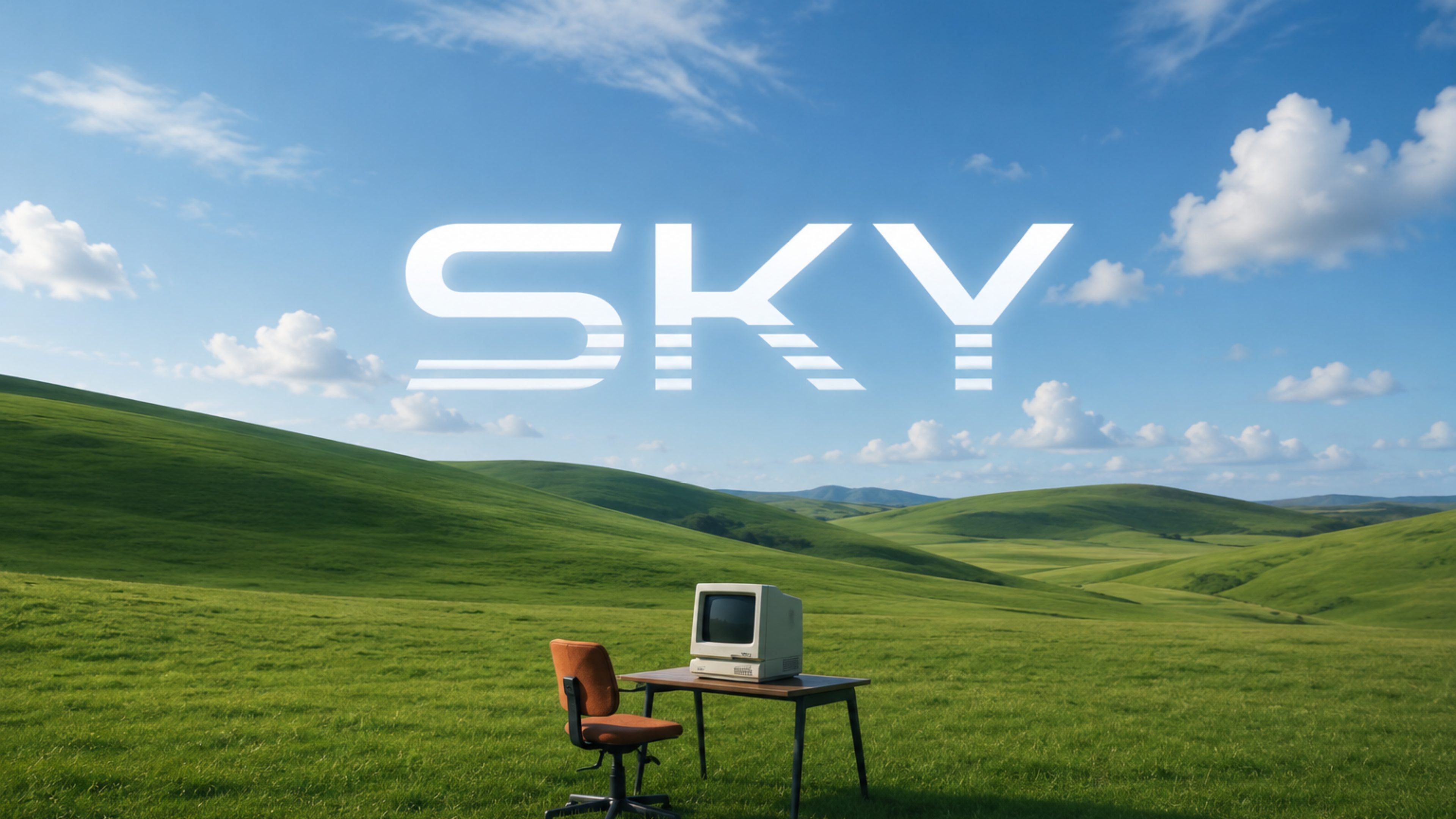
Project SKY is a native Windows 11 AI companion built to live on the desktop rather than in a browser. The site positions it as an ambient assistant that can see what is on screen, respond by voice, remember ongoing work, and act on the operating system with minimal interruption.
The homepage frames SKY around three main jobs: understanding visible desktop context, carrying conversation without forcing users to switch apps, and handling routine system actions in the background. It is presented as a tool for people who work across code editors, browsers, notes, and local files and want those pieces connected in one workflow.
The product is currently described as being in private development and internal testing, with no published pricing on the provided site source. The available copy indicates a Windows 11 focus, local storage for API keys and vault notes, and secure transmission of vision and voice streams to the user's API provider.
Reads the active desktop visually in real time so it can interpret code, UI layouts, and documents from screen pixels without switching contexts.
Supports natural voice conversation with low-latency responses and interruptible audio flow for hands-free interaction.
Retains project guidelines, preferences, and active ideas across sessions so users do not need to repeat context.
Translates natural intent into Windows actions such as launching apps, arranging windows, triggering scripts, and managing local files.
Synthesizes information from local files, browser tabs, and documentation into summaries and actionable output.
Adapts to the active workspace and can prepare relevant files or next steps before being explicitly prompted.
Use SKY while coding to read the screen, summarize visible errors or documentation, and help move between the editor, browser, and notes without manual context switching.
Use it to follow ongoing work across sessions, keeping project preferences and active ideas available when you return to a task later.
Use natural speech to issue commands, ask follow-up questions, and keep working without stopping to type every request.
Use the assistant to launch tools, arrange windows, and manage local files when you want the operating system to do routine setup work.
Use it to combine information from local files, browser tabs, and documentation into a concise summary before making a decision.
The site presents SKY as a desktop-native AI companion for Windows 11 that works from the desktop rather than inside a browser tab. It is designed to support visual assistance, voice interaction, memory, and desktop control.
The homepage says SKY is engineered specifically for Windows 11 and uses native Windows architecture, with deep integration into system controls, notifications, and spatial windows.
The product page says SKY can understand what is visible on the desktop, engage in voice dialogue, retain project context across sessions, and direct operating system actions such as launching tools and organizing workspace layouts.
The site states that API keys and vault notes remain stored locally on the user's machine, while vision and voice streams are transmitted securely over TLS/WSS to the API provider.
The available source describes Project SKY as under active private development and internal testing. The pricing page currently returns a 404, so pricing and access terms are not published on the site source provided.

Malyatko is a baby tracker for logging feeding, sleep, growth, teething, and milestones in one app. It works on iPhone, Apple Watch, and widgets, with no sign-up, offline use, and family sharing through iCloud.

Gemma AI is a phone call reminder app that calls you with scheduled reminders instead of push notifications. It helps people who want a more direct way to stay on schedule, with Google Calendar sync and conversational call interactions.

Claude Overlay is a Windows desktop overlay for Claude Code that reads your screen so you can ask questions, inspect content, and request edits without leaving the current app. It runs on your existing Claude subscription through the Claude CLI, so no separate API key is required.

Spotit est une app macOS qui lit votre écran et met en évidence exactement où cliquer, via des questions vocales et des indications à l’écran.

Yattayo: Slider To-Do Board is a productivity app that turns tasks into a physical-style slider board with sticky notes, widgets, reminders, and iCloud sync. It helps people who want a more tactile way to manage to-dos and, in Premium, recurring habits.

Goldfish is an AI memory app for macOS that helps you reply, write, summarize, and continue using the context already on your Mac. It stores memory locally and writes in your tone.