
Natural voice interaction
Tap the on-screen pill and use natural spoken requests without learning a command syntax. Sayonic can read its response aloud and show the words in the pill.

Sayonic is a voice assistant for Mac that turns plain-language spoken or typed requests into actions such as opening apps, finding files, typing text, and adding notes or calendar events. It is intended for Mac users who want hands-free control and can use built-in, personal API, coding-agent or compatible local-model backends.
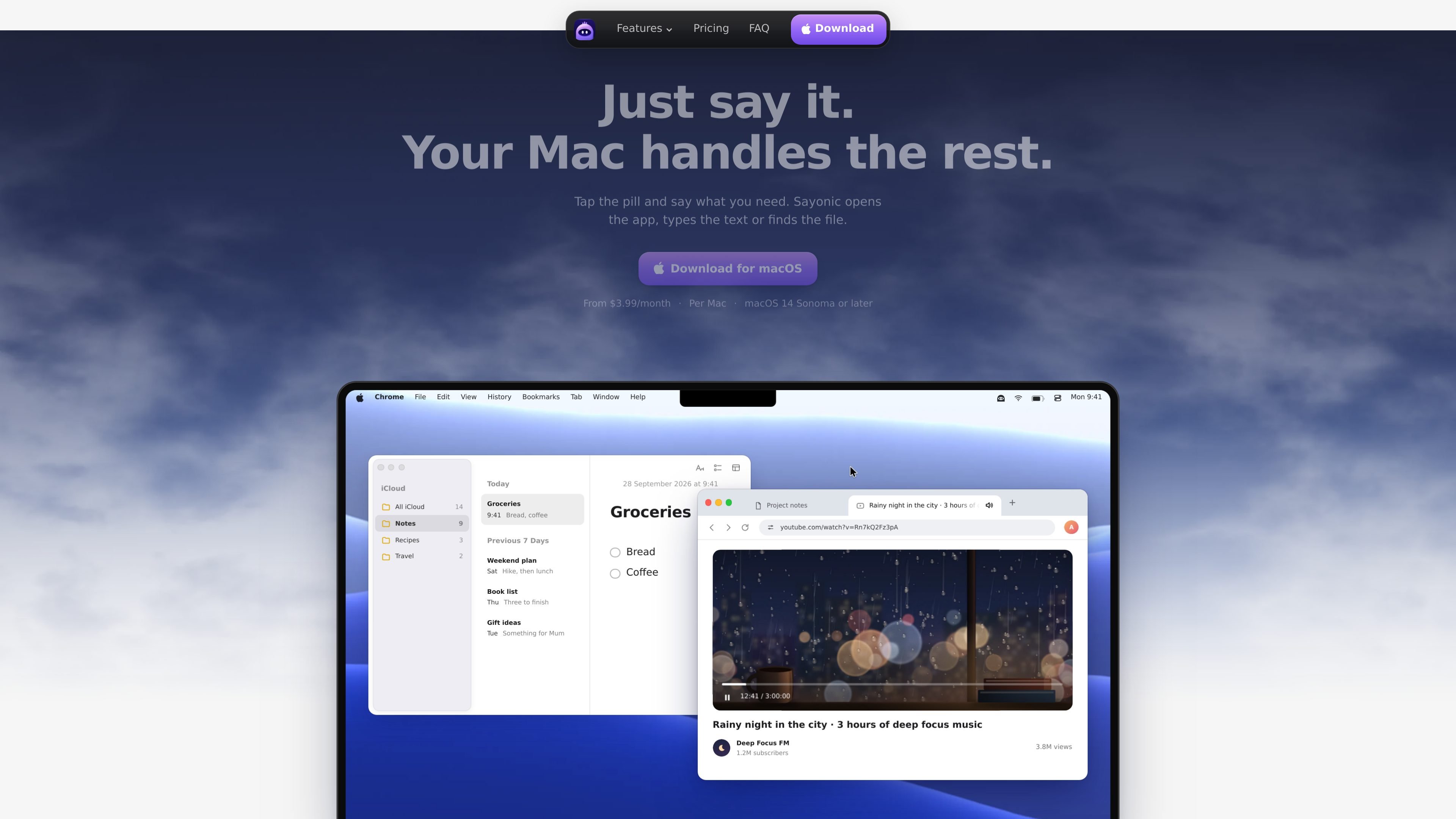
Sayonic is a voice assistant for Mac that appears as a small pill at the edge of the screen. Tap it and describe a task in ordinary language; it can open apps, type into the current field, search for files, add Apple Notes entries and create Calendar events. Requests can also be typed when speaking is inconvenient.
The app is designed for direct Mac workflows rather than a separate chat workspace. It can see the active screen when needed, answers aloud, and uses the selected built-in brain, coding agent, API provider or local OpenAI-compatible model to process requests. Sayonic is available for Apple silicon and Intel Macs running macOS 14 Sonoma or later.
Tap the on-screen pill and use natural spoken requests without learning a command syntax. Sayonic can read its response aloud and show the words in the pill.
Ask Sayonic to open or switch to an app, press Return, change the volume, open Mission Control or lock the screen. In Chrome and Safari, it can locate a relevant tab and play, pause or mute media.
Search for files by name or by words inside documents, with results ordered newest first. It searches Spotlight, including iCloud Drive and folders you add, then opens the selected file.
Dictate a note into Apple Notes or describe an event for Calendar. Sayonic adds requested events but does not read your calendar.
Choose the built-in Sayonic brain, a supported coding agent, your own API key, or a local model through an OpenAI-compatible endpoint such as Ollama or LM Studio.
Review or limit agent permissions with Limited, Ask first or Full access. Sayonic asks for confirmation when a step is unclear, and lets you stop or continue unfinished tasks.
Use a short spoken request to launch or switch applications, adjust volume, open Mission Control or lock the Mac without navigating menus.
Ask for a document using remembered details such as its name or contents. Sayonic searches Spotlight, including iCloud Drive and added folders, and opens the matching file.
While working in Safari or Chrome, identify the tab playing media and pause, play or mute it. Sayonic can also type text into the field currently in use.
Capture a shopping item or other brief thought in Apple Notes, or state the details of a meeting so Sayonic adds it to Calendar without reading existing calendar entries.
Use conversation mode for a spoken back-and-forth, or route more involved requests through a coding agent or another selected AI backend with configurable access levels.
No. Pro and Max include Sayonic Cloud credits and can be used without adding your own API key. BYOK is available for users who prefer to use their own API keys or a coding agent.
Download the signed and notarized macOS app, open the DMG, drag Sayonic into Applications, then launch it. Tap the pill and grant microphone access when prompted.
Sayonic supports Apple silicon and Intel Macs running macOS 14 Sonoma or later. It understands English and needs an internet connection for voice and its AI brains.
You can speak requests or type them using the pencil control. Sayonic can open or switch apps, type into the active field, find and open files, add Apple Notes entries and create Calendar events. It can also answer aloud in conversation mode.
A licence covers one Mac. You can buy additional licences for additional Macs; one key works across the Macs covered by your licences.

Gemma AI is a phone call reminder app that calls you with scheduled reminders instead of push notifications. It helps people who want a more direct way to stay on schedule, with Google Calendar sync and conversational call interactions.

Spotit est une app macOS qui lit votre écran et met en évidence exactement où cliquer, via des questions vocales et des indications à l’écran.

ConscioussAI is an AI assistant for macOS, Windows, iOS, and Android that helps execute tasks across apps, files, the browser, and messages. It is aimed at people who want permission-based help on both desktop and mobile.

Flunkey is a voice-first productivity layer for Windows that converts speech into text, AI-assisted outputs, and remembered context. It is built for users who want to capture ideas and actions without leaving the app they are working in.

Malyatko is a baby tracker for logging feeding, sleep, growth, teething, and milestones in one app. It works on iPhone, Apple Watch, and widgets, with no sign-up, offline use, and family sharing through iCloud.

Une plateforme IA tout-en-un qui combine des outils pour l'image, la vidéo, la voix, l'écriture et le chat afin d'améliorer la créativité et la collaboration.