
AI tool and provider detection
Identifies approximately 37 AI tools and around 33 provider domains, including coding assistants, local model tools, MCP servers, and agent frameworks. Additional signatures can be configured.

SecAIQ Watch is a local, read-only dashboard for monitoring AI assistants, coding agents, local models, and MCP servers on macOS, Linux, and Windows. It shows network activity, permissions, findings, file access, and token usage without sending observations to a cloud service.
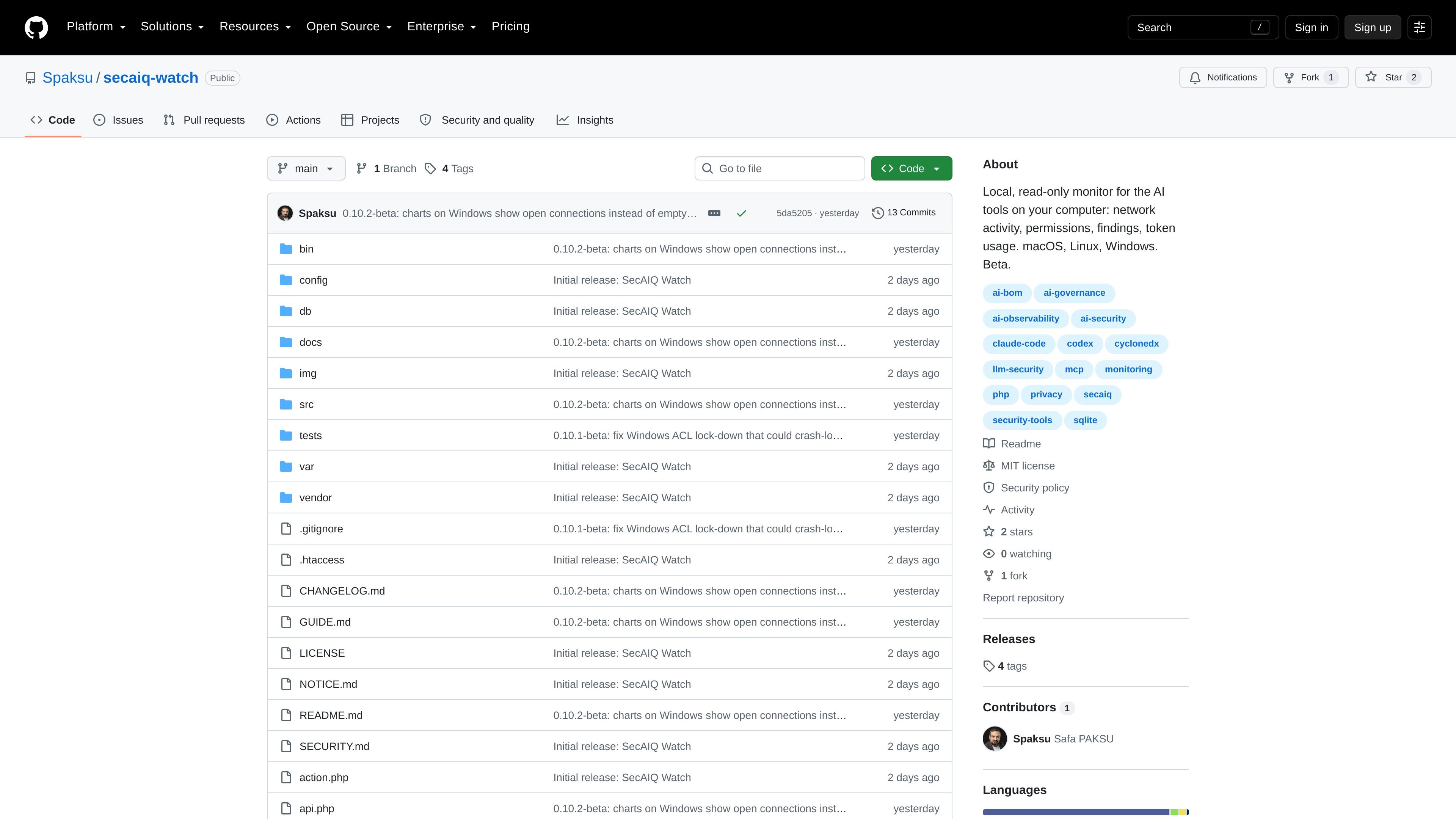
SecAIQ Watch is a local, read-only monitoring dashboard for AI assistants, coding agents, local models, and MCP servers running on a computer. It collects local observations about network destinations, data transfer, permissions, findings, file access, and token usage, then presents them through a browser interface available on the local machine.
The project is designed to help users understand the activity and exposure of AI tooling without placing a network control layer in the path. It runs with PHP and SQLite, does not require an account or cloud service, and states that it never blocks traffic or reads prompts, responses, or file contents. It is distributed as an open-source MIT-licensed GitHub repository and is currently marked beta.
Identifies approximately 37 AI tools and around 33 provider domains, including coding assistants, local model tools, MCP servers, and agent frameworks. Additional signatures can be configured.
Shows live connections, destinations, and traffic by tool, with upload-spike and baseline-anomaly alerts. A Not classified view lists other processes with outbound connections that are not recognized AI tools.
Maps tools to sensitive areas such as SSH keys, .env files, cloud credentials, browser data, and keychain, with Protect presets and removal guidance.
Ranks configuration risks from critical to low, explaining the issue and offering a fix or an Accept risk option. Coverage includes bypass modes, broad allow rules, MCP servers, hooks, hard-coded secrets, instruction files, and AI browser extensions.
Lists open files, folders, and working directories used by tools and classifies them by sensitivity. The availability of this view varies by platform.
Tracks token usage by day, model, project, and tool for Claude Code and Codex, including cost estimates, and provides HTML, Markdown, CycloneDX 1.5 AI-BOM, CSV, and JSON exports.
Review which AI assistants and coding agents are installed, which provider domains they contact, and which tools currently have outbound connections. The Not classified list helps surface other network-active processes that are not recognized by the detector.
Use the permissions matrix and findings list to inspect whether tools can reach credentials, SSH keys, browser data, keychain items, or project configuration. Protect presets and per-permission removal guidance support a manual hardening review.
Examine traffic trends, upload spikes, and baseline anomalies when an AI tool behaves unexpectedly or communicates with an unfamiliar destination. The dashboard is intended for observation rather than traffic blocking.
Review token activity by model, project, day, and tool for supported Claude Code and Codex workflows, then export records as reports, CSV, JSON, or a CycloneDX 1.5 AI-BOM for documentation.
Run the collector and local panel on a developer machine, optionally installing a login or logon service, while keeping the database and dashboard on the host rather than sending observations to a hosted service.
SecAIQ Watch requires PHP 8.1 or newer with the pdo_sqlite extension. It does not require Composer, a separate database server, or an account. A browser is used to open the local dashboard.
Clone the repository, run the collector, and start PHP's local server using the documented commands for macOS, Linux, or Windows. Then open http://127.0.0.1:8099/. A background service can be installed to start the collector at login or logon.
No. It is read-only: it does not block network traffic and does not see prompts, responses, or file contents. Changes to supported Claude Code and Codex settings are backed up, logged, and undoable.
The dashboard can export HTML and Markdown reports, CycloneDX 1.5 AI-BOM files, CSV, and JSON. It also records a hash-chained action log.
macOS has the broadest documented support. Linux supports processes, TCP connections, bytes, and open files for the user's processes, while Windows shows processes and connections but does not provide per-connection byte counters or an open-file view. Linux and Windows support are newer and were tested against sample output.

PromptScout tracks how ChatGPT, Gemini, Google AI Overviews, and Perplexity mention your brand or competitors, then pairs those results with source analysis and website audits. It helps teams decide what to fix in content, positioning, or site readiness next.

Sleek Analytics is a privacy-friendly web analytics tool with real-time visitor tracking, Core Web Vitals, and revenue attribution. It helps site owners understand traffic and conversions without cookie banners or a heavy setup.

MacSpoof change ou randomise l’adresse MAC Wi‑Fi sur macOS pour reconnecter aux réseaux et limiter l’enregistrement de votre identité sur Wi‑Fi public.

ClawTick is an AI agent automation platform for scheduling jobs from the CLI, dashboard, or REST API. It is aimed at developers and teams running LangChain, CrewAI, webhook, or custom agent workflows that need monitoring, alerts, and logs.

OpenFlags is an open-source, self-hosted feature flag platform for modern JavaScript teams. It supports local evaluation, targeted rollouts, and controlled launches while keeping flag data in your own infrastructure.

EAS Observe is a production performance monitoring tool for Expo and React Native apps. It shows startup metrics, session timelines, release markers, and errors inside the Expo dashboard.