
Multimodal video generation
Seedance 2.0 can generate video from text prompts, images, audio files, and existing video clips, letting users combine multiple inputs in one request.

Seedance 2.0 is a credit-based AI video generator that turns text, images, audio, and video clips into finished videos. It is designed for creators who need consistent characters, lip-sync, clip extension, and commercial-use output.
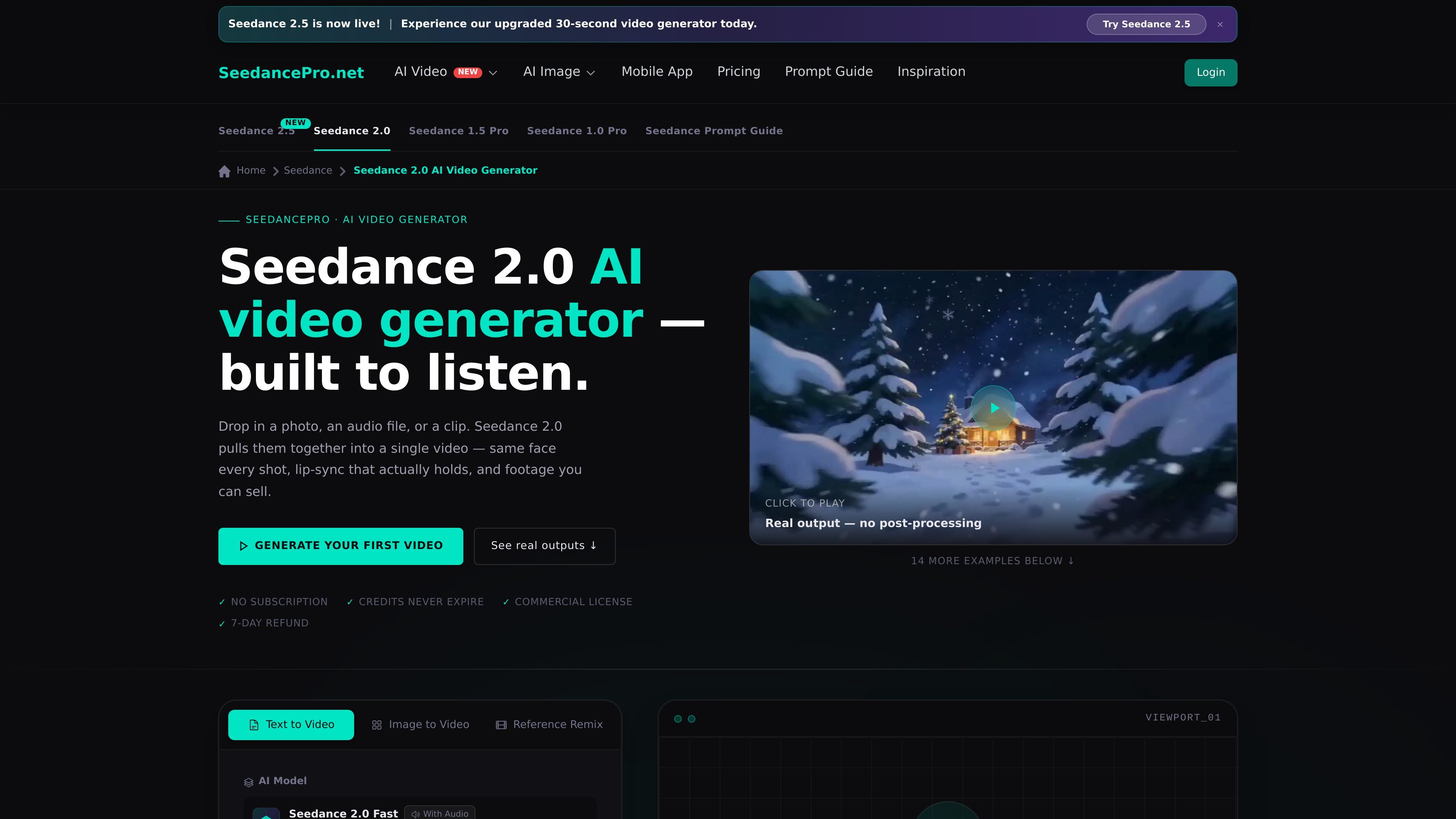
Seedance 2.0 is an AI video generator for creating videos from text, images, audio, and existing clips. The product page presents it as a multimodal model built to combine references into one coherent video, with support for consistent characters, lip-sync, and video extension.
The workflow is aimed at creators who want to turn product photos, voiceovers, brand assets, or footage into finished clips without manually stitching scenes together. The site also shows practical generation controls such as aspect ratio, duration, and resolution, along with credit-based access and commercial use on paid plans.
Seedance 2.0 can generate video from text prompts, images, audio files, and existing video clips, letting users combine multiple inputs in one request.
The page describes identity persistence and consistent character rendering across shots, including the ability to tag a reference image with @Image in the prompt.
Audio files can drive mouth movement and body rhythm, supporting lip-sync and audio-based motion matching for voiceovers and music tracks.
The workflow supports extending clips forward, stitching clips together, and editing specific elements without altering the original motion or structure.
Generation settings include aspect ratio, duration, and resolution controls, with examples shown for social and landscape formats.
The pricing page states that paid plans include a commercial use license, download access, and credit-based generation.
Turn product photos, brand assets, and background references into ad variations while keeping the product and character details consistent across versions.
Create multi-scene stories or episode previews with recurring characters and scene continuity for serialized short-form video work.
Generate social clips for TikTok, Reels, and YouTube Shorts by combining a reference format with your own footage, prompt, or audio track.
Previsualize shots, dream sequences, or hard-to-shoot scenes before production, using the extension workflow to connect scenes into a sequence.
Build explainer videos or character-driven training content by pairing a voiceover with a reference image so the model can handle lip-sync and body movement.
Seedance 2.0 supports text prompts, images, video clips, and audio files. The page also shows reference-guided workflows such as tagging uploaded assets in the prompt.
The product page shows output settings for aspect ratio, duration, and resolution, with options including 480p and 720p on the generation interface, and the page text also mentions up to 1080p output.
Yes. The pricing page says commercial use license is included on the listed plans, and the home page also notes commercial use.
The workflow on the page is upload references, write a prompt, tag the assets, and generate. The page also says you can extend a clip with Continue Filming and edit specific elements after generation.
The pricing page lists one-time credit purchases and states that credits never expire. It also says Stripe payments are used and that there is a 7-day refund policy.

VIDEOAI.ME is an AI video generator for making spokesperson-style videos, ads, explainers, and social content from a script. It is aimed at founders, marketers, agencies, and creators who want to produce videos without filming.

艺映AI is a free AI video creation tool for generating video from text, images, or existing footage. It is positioned for short-form social content, promotional clips, and stylized AI video projects.

DANCING CATS App turns cat pictures into dancing kitty clips. The public homepage is sparse, so the core use case is clear while pricing, outputs, and feature depth remain undocumented.

Official HeyGen API documentation for building AI avatar videos, translations, lipsync, and interactive video-agent sessions. It supports direct API use plus MCP and CLI-style workflows for developers and AI agents.

讯飞绘镜 (iFlytek Huijing) est une plateforme de création vidéo basée sur l'IA qui transforme rapidement et efficacement les idées créatives en scripts, en images de storyboard et en vidéos dynamiques.

MIRA vision develops synthetic-data-driven AI for pathology image analysis in medical diagnostics. Its website positions the product for teams that need privacy-compliant training data, automatic annotations, and controlled data generation.