
Screenshot builder
Assemble App Store screenshots with drag-and-drop editing, customizable text, backgrounds, colors, and shapes. You can also upload your own images or use built-in assets.

ShipHappens is a Mac app for building App Store screenshots, localizing listing content, and uploading metadata and screenshots through App Store Connect. It is designed for indie developers, small teams, and agencies managing one or more App Store products.
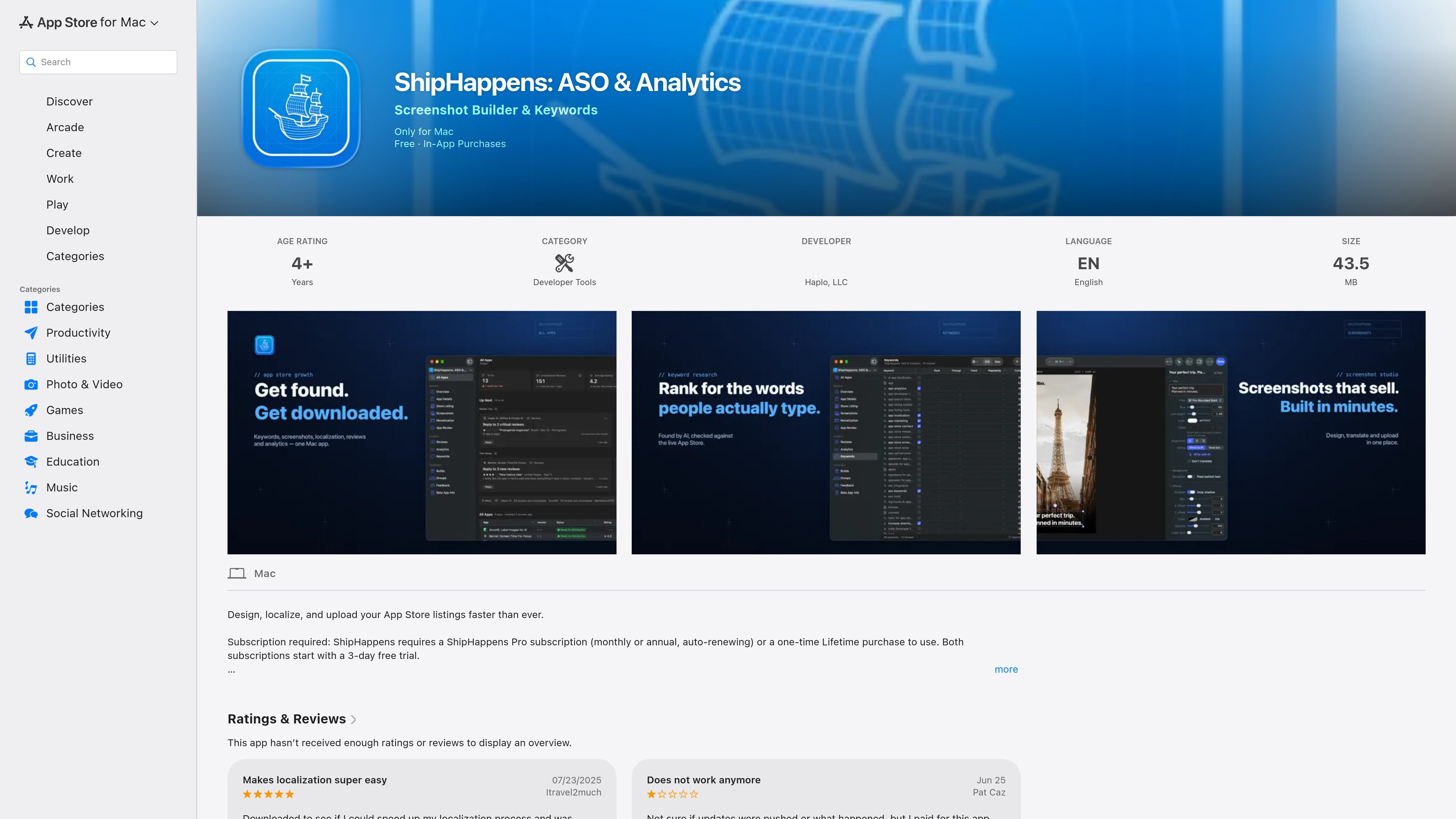
ShipHappens is a Mac developer tool for preparing and maintaining App Store listings. It combines a drag-and-drop screenshot builder with App Store Connect connectivity, so developers can create listing visuals, prepare metadata, localize content, and upload assets from one application.
The app is positioned for indie developers, small teams, and agencies that manage one or more App Store products. Its current listing focuses on screenshot production, metadata and screenshot uploads, and on-device localization; several additional capabilities, including keyword suggestions, review analysis, video upload tools, and an iOS version, are identified as coming soon rather than current features.
Assemble App Store screenshots with drag-and-drop editing, customizable text, backgrounds, colors, and shapes. You can also upload your own images or use built-in assets.
Connect to App Store Connect through a secure private API key and upload listing metadata and screenshots directly from the app.
Manage uploads for multiple apps and locales from one macOS workspace, according to the App Store listing.
Translate screenshots and metadata with on-device models, allowing localization work to be performed within the app.
Use a native SwiftUI macOS application designed for a lightweight workflow focused on iOS developer tasks.
Create a new set of App Store screenshots by arranging images, copy, colors, backgrounds, and shapes in the builder, then prepare the assets for submission.
Update screenshots and listing metadata for an existing product without switching between separate design and upload tools.
Translate screenshots and metadata with on-device models, then organize the resulting content by locale before uploading it to App Store Connect.
Use the multi-app and multi-locale workflow to handle recurring listing changes across a portfolio of App Store products.
Prepare listing assets and metadata for client or internal products from a Mac-based workflow suited to small teams and agencies.
ShipHappens is a macOS app for building App Store screenshots, localizing listing content, and sending metadata and screenshots to App Store Connect. It is aimed at indie developers, small teams, and agencies managing App Store products.
The app requires a ShipHappens Pro monthly or annual auto-renewing subscription, or a one-time Lifetime in-app purchase. The subscription options include a 3-day free trial, and prices are shown in the app before purchase and may vary by region.
You connect an App Store account with a secure private API key. The listing says the connection supports uploading metadata and screenshots for multiple apps and locales.
The app provides on-device translation for screenshots and metadata. Apple translation tools and Apple Intelligence integration are described as planned for a future update, so those capabilities should not be treated as available in the current version.
ShipHappens is listed for Mac and requires macOS 26.5 or later on a Mac with an Apple M1 chip or later. The listing also identifies English as its available language.

ByteAsk is a terminal-first AI coding agent for C and C++ that edits repositories and verifies changes with the real compiler, debugger, sanitizers, and tests before showing a diff. It offers a free tier plus paid plans, with editor connectors and zero-retention handling described in the source.

CreateOS Sandbox is an isolated compute environment for running code and agent workloads inside Firecracker micro-VMs. It is designed for workflows that need machine-level isolation, private networking between sandboxes, and programmatic control through SDK, CLI, or MCP.

GitBot is a local browser-based workspace for creating reusable coding bots powered by Claude Code, Codex, or OpenCode. It helps developers run those agents across repository folders with persistent threads and configurable permissions.

hob is an independent workspace for coding agents that keeps agent sessions, terminals, history, and follow-up work organized around the tools and providers you already use. It is aimed at developers who want local control over routing, history, and workspace structure rather than a bundled model stack.

Ably Chat is a chat API platform for building custom realtime chat applications. It supports room-based messaging, typing indicators, presence, reactions, and message updates, with usage-based pricing options for different deployment stages.

Manta AI is an autonomous web app testing tool for teams that want to map application behavior, catch regressions, and generate tests without writing scripts or maintaining selectors. It works from a URL and supports plain-English test flows, run results with screenshots, and scheduled or deployment-triggered checks.