
Browser screen recording and screenshots
Capture a screen or camera in the browser, record screenshots, add annotations while capturing, and share a link when the recording is ready. The browser recorder can be tried without an account.

Skreno is a browser-based screen, screenshot, meeting, and video editing tool for engineering, support, product, and design teams. It adds transcripts, AI summaries, timestamped comments, and optional console and network evidence to recordings, with local editing and exports available through Studio.
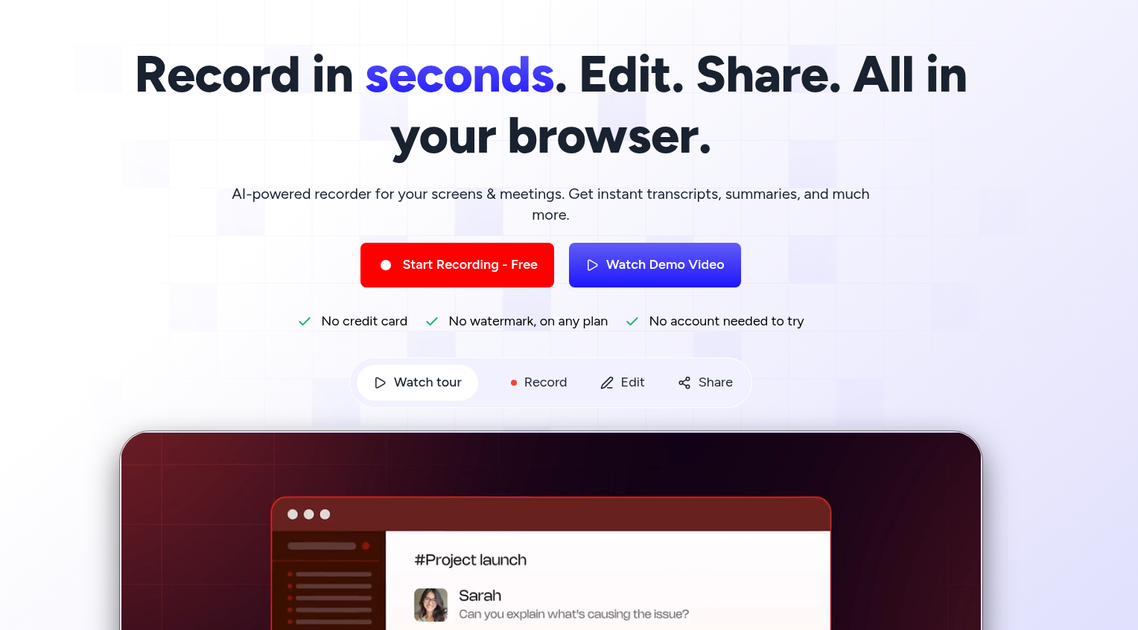
Skreno is a browser-based screen and meeting recording platform for turning visual explanations into shareable, reviewable evidence. It records screens, screenshots, camera footage, and supported meetings, then attaches transcripts, AI summaries, timestamped comments, and—when configured—console and network data to the recording.
Its main use is shortening the path from “something went wrong” or “here is what I mean” to a usable record. Engineering teams can inspect the click, request, response, and console event at the moment of failure; support teams can ask customers to record a problem; and teams can edit, caption, annotate, and share the result from the same browser-based workflow.
Capture a screen or camera in the browser, record screenshots, add annotations while capturing, and share a link when the recording is ready. The browser recorder can be tried without an account.
When enabled through the extension, Skreno synchronizes console output, uncaught errors, network requests, request status, timing, response bodies, clicks, and navigations with the recording timeline. An SDK offers similar reporting for a user's own site without requiring reporters to install the extension.
Generate transcripts and captions, AI summaries, and AI bug reports based on the recording and captured logs. The engineering workflow is designed to return no finding when a session appears clean rather than force an issue.
Studio runs in Chrome and Edge and edits locally in the browser. It supports separate screen and camera tracks, multiple layouts and backgrounds, timeline trimming, silence and filler-word removal, captions, audio processing, manually placed zooms, and local exports up to 4K.
Record Zoom, Meet, and Teams calls through a visible notetaker that joins from a meeting link, then save the recording, transcript, and summary to the library. Timestamped comments, replies, reactions, and share links support review.
Use step-by-step guides, request and testimonial videos, Trello pushes, and an MCP server that lets supported AI assistants search recordings, read transcripts and logs, and perform actions such as commenting, sharing, or pushing to Trello.
Record a bug with the browser extension so the video link carries the relevant console output, failed request, status, response body, browser, operating system, viewport, and action timeline. Engineering teams can review the failure at the exact point in the recording and send a Trello card with the evidence attached.
Send a recording request to a customer instead of asking for a written description. The customer can show the issue in context, while support keeps the resulting recording attached to the case or builds a library of recurring issues.
Capture a product walkthrough or feedback explanation, then add captions, trim pauses, place zooms, blur sensitive areas, and choose a layout before sharing one updated link. This is suited to product and design reviews where a visual explanation is faster than a long written brief.
Submit a Zoom, Meet, or Teams link for a visible notetaker to join. The call recording, transcript, and AI summary are then available in the library for review and follow-up.
Turn a recorded task into a numbered, annotated guide, or request a testimonial video with consent recorded on the video. Teams can also expose recordings to assistants through MCP for searching and follow-up actions.
Yes. The free plan is permanent and does not require a credit card. It includes 30 recordings in total, recordings of up to 15 minutes at up to 720p, and recordings remain available while the account is open. Deleting a recording restores a library slot.
For screen and camera recording, Skreno provides a browser recorder and extension. The editor runs in Chrome and Edge, and a recording can be tried in the browser without an account. Console and network capture on arbitrary sites requires the extension because a web page cannot read another page's console. For a user's own site, the SDK can capture equivalent evidence without an extension.
Recordings can include the video, transcript, AI summary, comments tied to timestamps, and—when enabled—console output, network requests, clicks, and navigations synchronized to the video. The editor can export finished videos locally, including exports up to 4K; download access is not metered.
Yes. A meeting link can be submitted so a visible Skreno notetaker joins the call. The resulting recording, transcript, and AI summary are saved to the library. The pricing page lists Zoom, Meet, and Teams recording with plan-dependent monthly limits.
Skreno Studio is included on every plan and runs in the browser, with rendering performed on the user's computer. Basic editing includes trimming, captions, layouts, audio controls, and manually placed zooms. Find zooms and blur regions require Pro or higher, while drawing directly on the video requires Max.

Zella is a screen recorder and on-device AI video editor for Mac and iPhone. It helps creators record screens or cameras, automatically clean up footage, add captions, reframe clips, and export videos without uploading the core project to the cloud.

Jupitrr Cut is a free iOS and Android teleprompter and recording app for scripted talking-head videos. It records scenes separately, lets users retake individual lines, trims pauses, and stitches the takes into a jump-cut video.

MeetStream is a meeting bot API for Zoom, Google Meet, Microsoft Teams, and Webex. It helps developers record, stream, and analyze meetings programmatically, with usage-based pricing and a $5 free credit to start.

Liam is an AI copilot for managing inboxes, writing replies, prioritizing email, and scheduling meetings. It is offered free for individuals, with custom pricing for teams and enterprise.

Tactiq is an AI note taker for Google Meet, Zoom, and Microsoft Teams that transcribes meetings live and turns them into summaries, action items, and follow-up outputs. It is built around a Chrome extension and supports team workflows through sharing and integrations.

garden-md is an open-source Node.js CLI that turns meeting transcripts into a local company wiki. It links entities across transcripts, keeps the original text intact, and renders the result as a browsable wiki.