
Low-latency caption engine
Processes live audio in real time so captions can appear with minimal delay during events, broadcasts, and presentations.

Stage Captions is browser-based closed captioning software for live events, hybrid events, broadcasts, and presentations. It helps presenters and AV teams generate and distribute live captions to screens and attendee devices from a browser.
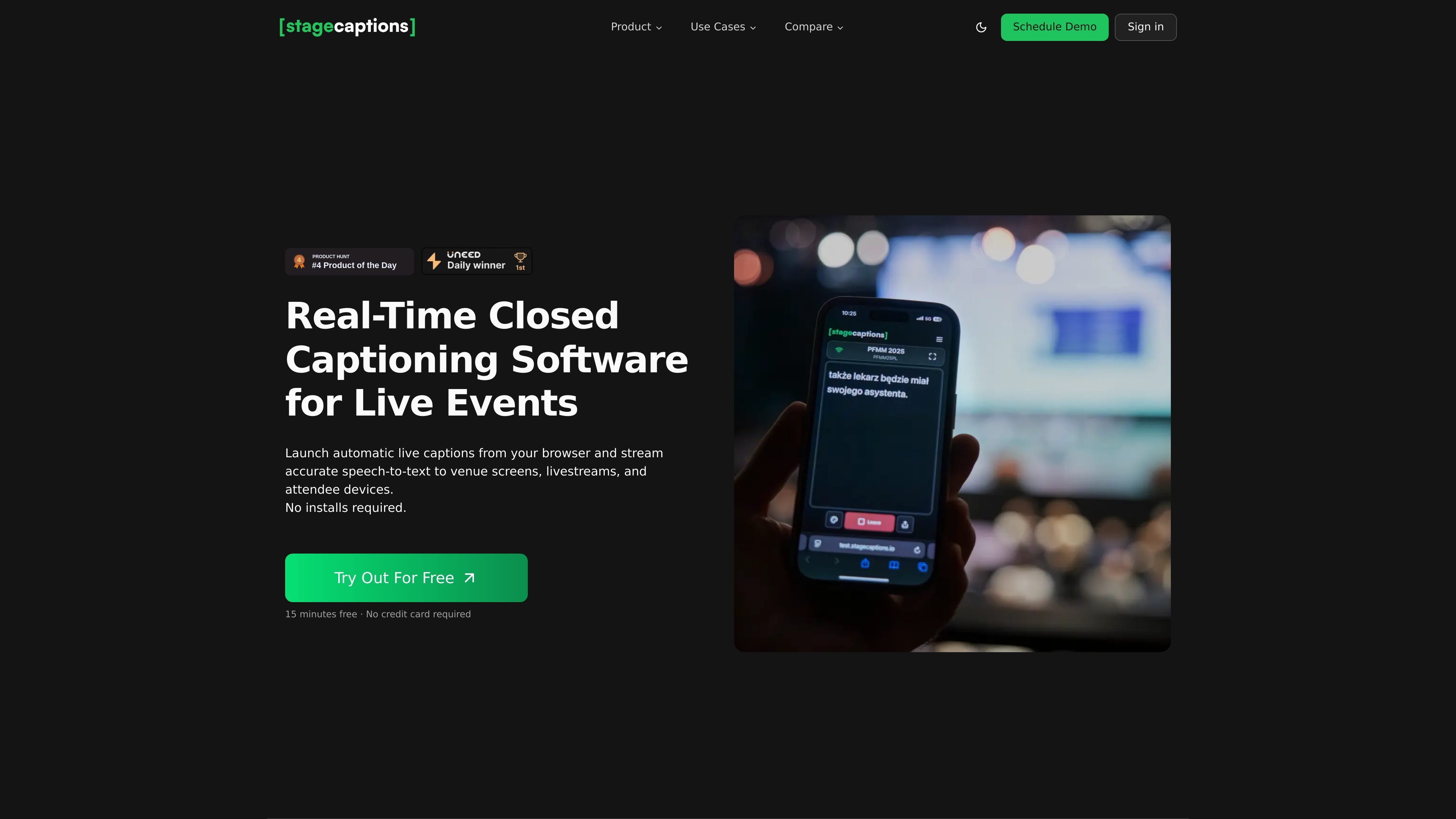
Stage Captions is browser-based closed captioning software for live events, hybrid events, broadcasts, and presentations. It turns live speech into captions that can be shown on venue screens, livestream overlays, and attendee devices from a single browser workflow.
The product is built around quick setup and flexible distribution: users create a room, choose an audio input and language, then share a viewer link or QR code. The site also highlights custom dictionaries for specialized terminology, a presenter dashboard for session control, and browser output that works with common live production tools such as OBS Studio and Resolume Arena.
Processes live audio in real time so captions can appear with minimal delay during events, broadcasts, and presentations.
Supports custom dictionaries for brand names, technical terms, proper nouns, and other specialized vocabulary that should be transcribed consistently.
Provides a presenter dashboard for creating and managing rooms, configuring audio inputs, customizing caption styles, and monitoring sessions from one place.
Generates a QR-based viewer experience so attendees can open captions on their own devices without installing an app.
Outputs captions through a browser view that can be used in OBS Studio, Resolume Arena, venue displays, and similar workflows without plugins.
Supports workflow setup through the browser with audio input selection, language choice, and design presets when creating a room.
Use Stage Captions to generate live captions for conference sessions and keynote talks, then show them on venue screens or attendee devices during the event.
Share a QR code or direct link so in-person and remote attendees can follow captions on their own phones, tablets, or laptops without installing software.
Feed browser output into OBS Studio or other livestream tooling to add captions to broadcast and streaming workflows.
Create rooms with custom audio inputs and terminology support when captioning presentations that include technical vocabulary, brand names, or proper nouns.
Open the caption URL on web-enabled screens or confidence monitors to display captions in a venue, control room, or stage production setup.
Stage Captions is a browser-based platform that turns live speech into captions for venues, hybrid events, and broadcasts. The site emphasizes real-time use, browser access, and caption distribution to screens and attendee devices.
The source says presenters or attendees do not need software because captions are delivered through a browser view and shared by QR code or link. Captions can be opened on phones, tablets, laptops, and web-enabled venue screens.
The product description and features page describe low-latency captioning and an engine that processes audio instantly, but no exact timing or accuracy percentage is published on the site. The FAQ page lists accuracy and speed as a common question without providing a numeric claim.
The site presents Stage Captions as automated live captioning software and does not describe a human captioner service in the available text. The product is positioned as browser-based live speech-to-caption software.
The integration page says captions can be distributed through a browser view to OBS Studio, Resolume Arena, venue displays, attendee devices, and similar web-enabled outputs. Audio can come from a laptop mic, USB interface, virtual audio cable, or other browser-recognized input.

Speech to Text Converter is a browser-based transcription tool for live dictation and uploaded audio or video files. It offers a free tier for short tasks and a Pro plan for unlimited transcription, AI summaries, translation, speaker identification, and advanced exports.

Pewbeam is a church presentation app that listens to sermons, detects Bible verse references in real time, and displays the matching passage on screen. It is built for pastors, projection teams, and church media volunteers who want to reduce manual slide control during live services.

Dictato is a Mac dictation app that transcribes speech into text in any app using an on-device, offline workflow. It supports multiple transcription engines, optional cleanup and translation, and a one-time purchase license.

Sanota is an app that turns spoken memories, reflections, and interviews into clear written stories. It supports personal storytelling, family history, and shared memories, with guided prompts and subscription pricing.

Carbon Voice is an asynchronous voice messaging app for teams and individuals, with transcripts, AI catch-up, and cross-device access. It helps people and agents communicate without needing a live call.

An OpenAI API guide for choosing the right speech architecture for live audio, translation, transcription, speech generation, and audio-capable chat. It helps developers map each speech application to the appropriate session type, endpoint, and connection method.