
Stamp Camera mode
Frame photos inside a perforated postage-stamp border and save them as collectible stamp-style images.
StampCam is an iPhone app for turning photos into stamp-style images or cut-out stickers. It offers a free tier with a Pro upgrade and supports both live camera shots and photos from your library.
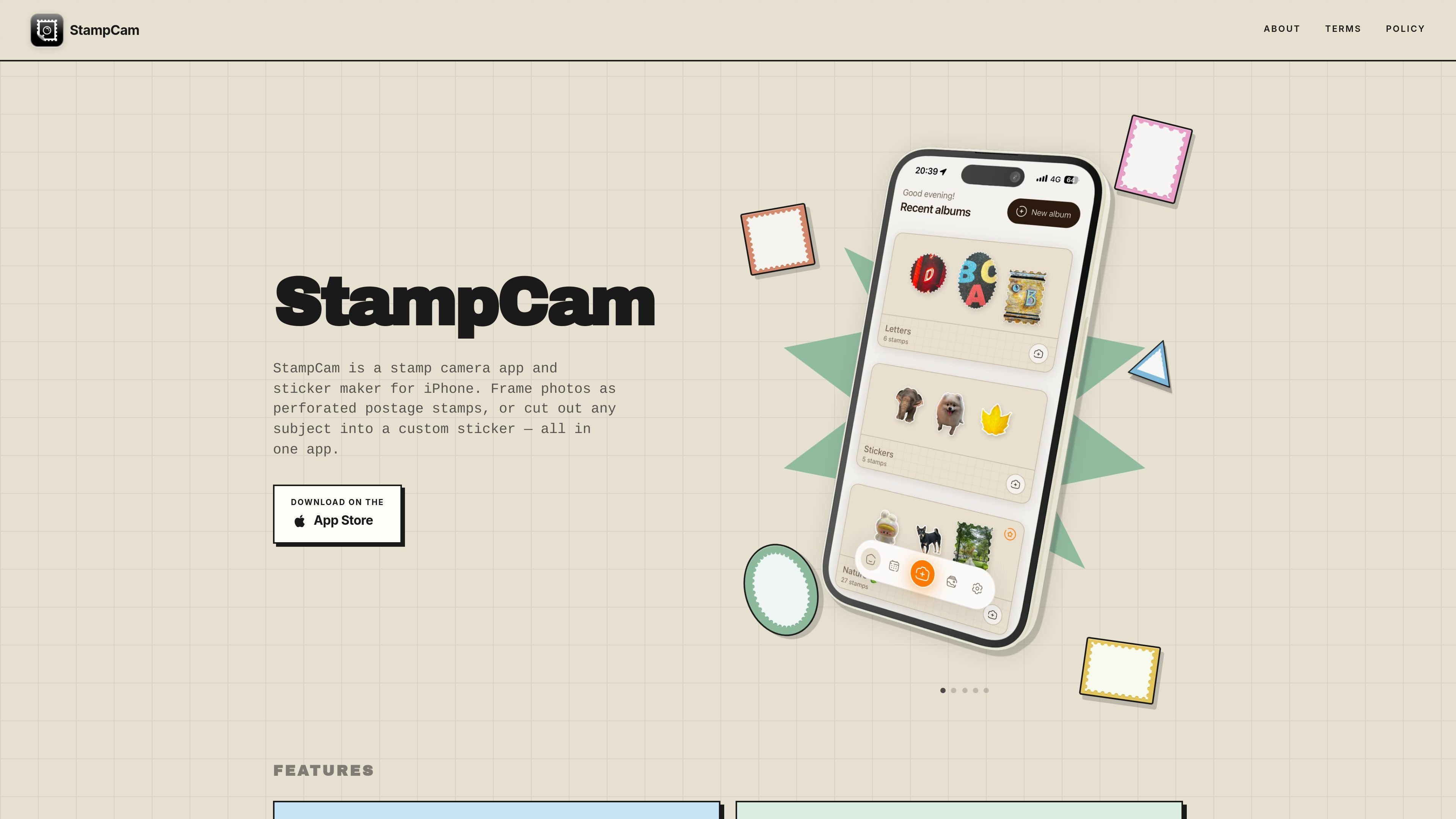
StampCam is an iPhone app for turning photos into either postage stamp-style images or cut-out stickers. It combines a stamp camera and a sticker maker in one app, with a camera workflow for new shots and support for photos from your library.
In Stamp Camera mode, you frame a subject inside a perforated stamp border and choose from several stamp shapes. In Sticker Camera mode, the app removes the background from a photo and adds a bold outline so the result can be saved to your collection or camera roll. The about page says the app keeps content on your device unless you enable iCloud yourself, and that Pro unlocks unlimited stamps, unlimited albums, Non-Stop mode, sticker shooting, all stamp shapes, HD exports, location and map view, and calendar timeline features.
Frame photos inside a perforated postage-stamp border and save them as collectible stamp-style images.
Cut out people, pets, food, and other subjects into stickers, with automatic background removal in Sticker mode.
Choose from classic stamp formats including portrait, landscape, square, oval, circle, and triangle.
Turn on Non-Stop mode to capture a series of stamps or stickers without pausing between shots.
Adjust sticker border style and thickness, from a fine outline to a thicker cartoon-style edge.
Save output to albums on the device, with optional iCloud use according to the app settings and account choice.
Create stamp-like keepsakes from travel, everyday scenes, or portrait shots, then organize them into albums by trip, date, or theme.
Turn a pet, friend, meal, or object into a sticker from a new photo or an existing image in your library.
Capture a sequence of photos without stopping between shots when you want a quick session for a walk, meal, or day out.
Use the app as a simple iPhone workflow for framing and saving photos without needing a separate design tool or manual cutout editor.
StampCam is designed for iPhone. The source pages describe it as an app for making stamp-style images and stickers, and the home page includes an App Store download prompt.
Yes. The about page says you can use the app for free up to a limit, and that Pro is a one-time purchase. It also points readers to the App Store for the current price.
The source describes two main modes: Stamp Camera mode, which frames photos inside perforated postage-stamp shapes, and Sticker Camera mode, which cuts out a subject and saves it as a sticker.
The source says you can take a new picture or pick one from your library. In sticker mode, the app can process an existing photo and cut out the subject; in stamp mode, you frame the photo inside a chosen stamp shape before saving.

Pixelcut is an AI photo editor for creating and editing product images, social content, and video assets. It offers free and paid plans, plus mobile app and browser access for individual users and teams.

Petalica Paint is a web service for automatically coloring line art and tracing line drawings from photographed images. The home page says it can be used under the stated terms for commercial and noncommercial work, but it is scheduled to end on 2025-07-31 at 16:00 JST.

Wearvue AI generates personalized outfit previews from a photo, lets users refine the style for an occasion, and surfaces similar real products to shop. It is aimed at people who want to preview outfit ideas before buying and compare them with shoppable alternatives.

Upscale.media is an AI image upscaling and enhancement tool from Pixelbin that enlarges low-resolution or pixelated images and improves clarity in the browser. It offers free individual image use, paid credit plans, and team-oriented workflows such as bulk processing and API integration.

PhotoAid’s AI Image Enlarger is a free browser-based tool for upscaling images without a standard blur-heavy resize. It supports JPEG, WEBP, and PNG uploads and is described as working best for photos with faces.

MacYaps est une app de barre des menus pour macOS qui joue des clips audio amusants quand des événements système se produisent. Packs vocaux, audio personnalisé et licence à vie.