
Two capture modes
Choose between action-driven capture, which snapshots the screen before each click, and screen-recording mode, which keeps a continuous video and uses cursor pauses as an additional split signal.

StepShot is a macOS app that records workflows and turns them into step-by-step guides, SOPs, and training documents. It supports local capture and editing, optional AI assistance, and export to PDF, Markdown, or HTML.
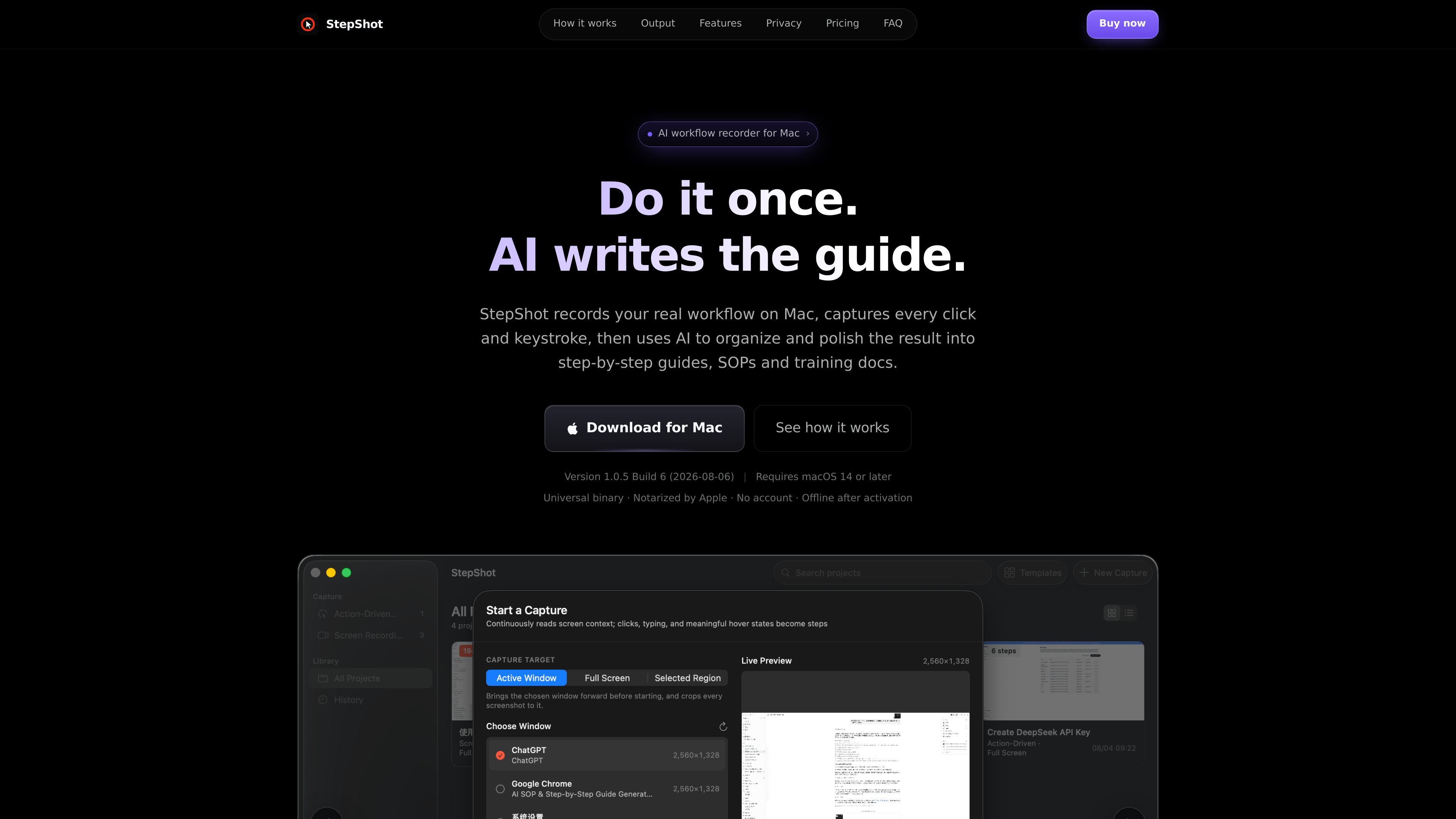
StepShot is a macOS app for recording workflows and turning them into structured step-by-step guides, SOPs, and training documents. It captures what you do on screen, identifies meaningful actions, and assembles those actions into editable steps that can be exported as documents.
The workflow is local-first: capture and editing happen on your Mac, with optional AI assistance available through an OpenAI-compatible endpoint if you want help improving structure or wording. StepShot is aimed at people who need to document repeatable processes such as onboarding, support procedures, handoff docs, or internal instructions.
Choose between action-driven capture, which snapshots the screen before each click, and screen-recording mode, which keeps a continuous video and uses cursor pauses as an additional split signal.
Let the local engine create the first draft, then optionally use an OpenAI-compatible model to improve titles, descriptions, and step order. Suggestions are reviewed before they are applied, and failed requests leave the local draft intact.
Crop to the clicked control without changing image proportions. Tightness controls how much context is shown, so the page layout stays consistent across the document.
Redact sensitive content by resampling pixels so the original content is not recoverable in the exported image. Secure fields are handled more strictly and are never read into the engine.
Export finished guides as PDF, Markdown, or HTML from the same renderer. PDF supports cover, header, footer, A4 or Letter, while Markdown and HTML preserve the approved step layout in their respective formats.
Tag projects with many-to-many labels and manage them in a library that survives interrupted capture sessions. The manifest is rewritten after each step so partially recorded projects remain readable.
Record onboarding or internal process steps once, then reuse the output as an SOP that can be edited when the process changes.
Turn support resolutions or recurring customer instructions into illustrated knowledge-base articles that can be handed to teammates.
Create handoff documents for software delivery, system changes, or process transitions where a teammate needs to follow the same sequence later.
Capture training walkthroughs for new staff, including the clicks, labels, and on-screen context needed to repeat the task.
Document approvals, reporting, or administrative workflows where a step list is easier to maintain than a long recording.
StepShot is built for macOS 14 and later. The download page also says it is a universal binary, Apple notarized, and available as a Mac app.
The app records Mac workflows by capturing clicks, keyboard input, and screen content, then turns those actions into step-by-step guides, SOPs, and training documents. It can export to PDF, Markdown, or HTML.
Yes. The pricing page shows a free tier with no time limit, both capture modes, the editor and annotation tools, plus Markdown and HTML export. PDF export and document branding are listed under Pro.
StepShot applies a first-run wizard for Screen Recording, Accessibility, and Input Monitoring. The help page says you usually need to restart the app after granting permissions because macOS caches the decision per process.
Yes. The pricing page says Pro can be activated on 2 devices and Team on 5 devices, with a shared brand preset for Team. The app also notes that once activated it works offline.

MeetStream is a meeting bot API for Zoom, Google Meet, Microsoft Teams, and Webex. It helps developers record, stream, and analyze meetings programmatically, with usage-based pricing and a $5 free credit to start.

Codex Plugins bundle reusable skills, app integrations, and MCP servers into workflows you can install in the Codex app or use from Codex CLI. They help extend Codex with connected-service tasks, reusable instructions, and shared team workflows.

Struere is an AI-native platform for turning spreadsheet data into structured operational software with dashboards, alerts, and automations. It is aimed at teams that want to replace manual spreadsheet workflows without building custom tools from scratch.

Wysera is an AI business platform that combines PostWyse for content and OpsWyse for CRM and revenue workflows, powered by the shared Wyse AI. It is built for solo operators, teams, and agencies that want approval-first automation across publishing, lead follow-up, and related operations.

OpenFlags is an open-source, self-hosted feature flag platform for modern JavaScript teams. It supports local evaluation, targeted rollouts, and controlled launches while keeping flag data in your own infrastructure.

Awish is an AI-powered no-code automation platform that turns natural-language requests into automated workflows across connected apps. It serves individuals and teams that want to automate repetitive tasks, chat-based assistants, and workflow updates without manual configuration.