
20 keyboard sound profiles
Choose among 20 built-in sounds, including Thock, Clicky, Typewriter, Piano, Rain, Paws, Kalimba and Laser. Volume and sound selection are available from the menu bar.
TapNoise adds 20 responsive keyboard sounds to macOS and includes Tappy, a desktop companion with typing feedback and utility modes. It is suited to Mac users who want tactile typing audio, typing stats, cleaning and protection tools, or notifications from supported coding agents.
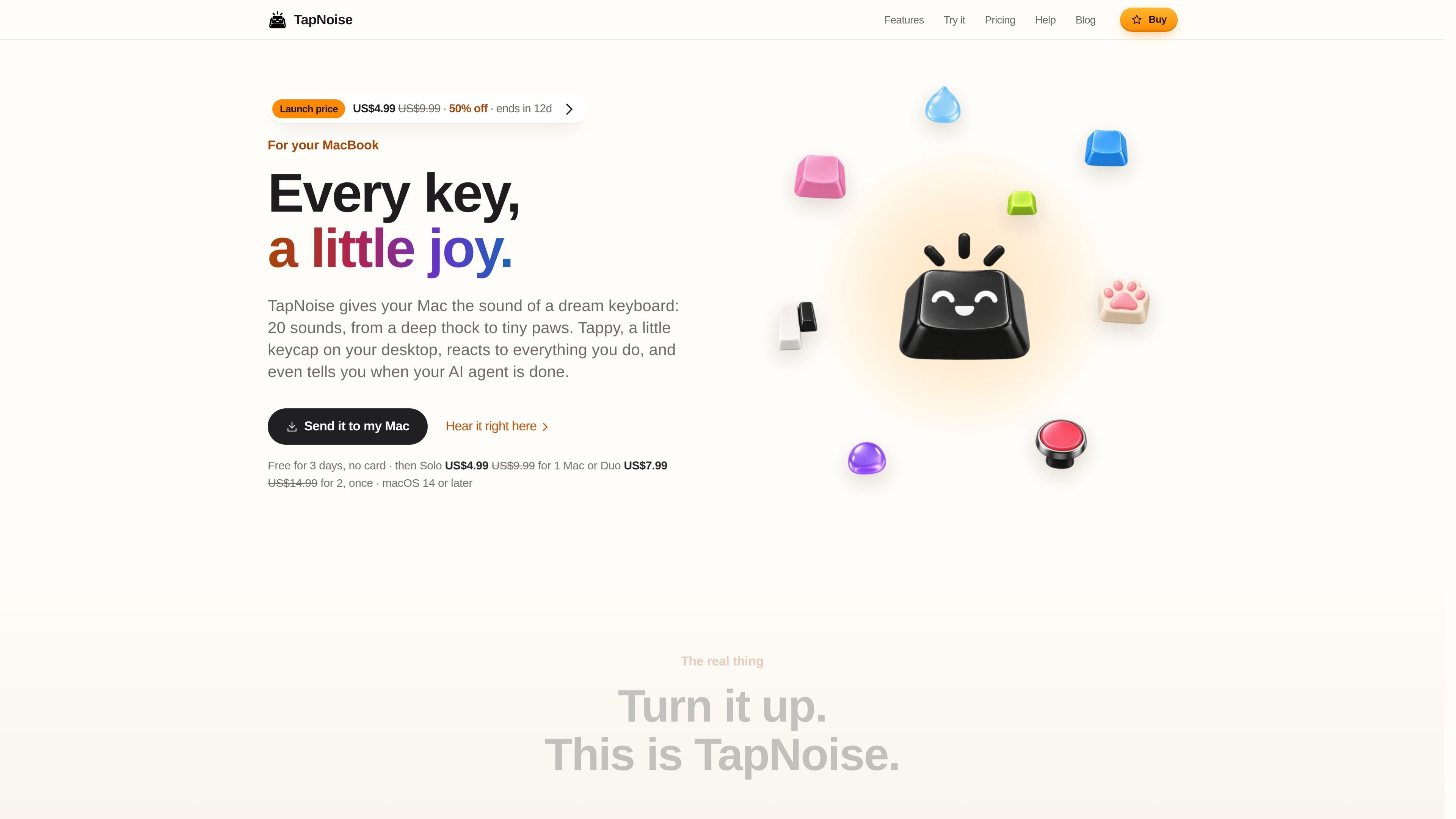
TapNoise is a Mac utility that plays keyboard sounds beneath your typing and adds Tappy, a small desktop keycap companion. It includes 20 sound profiles, menu-bar controls and optional system-event sounds for actions such as plugging in a charger or USB device.
The app is designed to make typing more tactile while adding practical feedback around cleaning, device protection, typing habits and coding-agent activity. It identifies key positions rather than letters, keeps local counts for its statistics, and uses limited network connections for license checks and updates.
TapNoise runs on macOS 14 or later on Apple silicon and Intel Macs. Core key and desktop features work broadly, while motion-dependent functions such as pressure response, knocks, slaps and lift detection require compatible MacBook sensors.
Choose among 20 built-in sounds, including Thock, Clicky, Typewriter, Piano, Rain, Paws, Kalimba and Laser. Volume and sound selection are available from the menu bar.
MacBook motion sensing makes harder presses louder, while individual key samples, larger-key sounds and stereo positioning make fast typing less uniform.
Tappy sits on the desktop, follows each keystroke, displays live words-per-minute data and responds with moods, levels, streaks and unlockable hats.
Clean Mode temporarily holds the keyboard and trackpad while you wipe them, and Guard Mode can sound an alarm when a compatible MacBook is lifted or its charger is removed.
TapNoise can add sounds for lid movement, slaps, charger connection and USB connection. It also supports knock commands, a shortcut cheat sheet, Break Buddy reminders and Song Mode.
Agent Sounds notify you when supported coding agents finish, need input or report an error. The cues use the selected keyboard sound, stay quiet while an app uses the microphone and do not read code or typed words.
Select a quieter or more characterful sound profile while writing, messaging or working in any Mac app. Tappy follows the typing and shows live words per minute without exposing the words being entered.
Leave the terminal while Claude Code, Cursor or the Codex CLI works. Agent Sounds provide distinct done, needs-you or error cues, and supported MacBooks can bring the agent window forward after two knocks.
Use Clean Mode before wiping the keyboard and trackpad so accidental presses do not enter text or trigger clicks. Guard Mode can provide an alarm if a compatible MacBook is lifted or disconnected from its charger.
Use Tappy’s live speed display, daily streaks, weekly card and break reminders to make typing practice or long work sessions more observable. Song Mode turns key presses into notes with Piano, Kalimba or 8-bit sounds.
Use menu-bar controls, shortcut guidance and optional knock commands for quick interaction during work. Knock twice can pause music, mute a call microphone or answer a waiting agent; three knocks can lock the screen on compatible MacBooks.
TapNoise needs macOS 14 Sonoma or later and supports both Apple silicon and Intel Macs. Basic key, click, charger and USB sounds work on any compatible Mac. Harder-press response, slaps, knocks and Guard Mode’s lift alarm require a MacBook with a motion sensor; the lid creak also requires a supported lid-angle sensor.
Download the disk image, drag TapNoise into Applications, and open it from there. On first launch, macOS may require confirmation through Privacy & Security because the app is signed but not notarized by Apple. TapNoise also requests Input Monitoring for key detection; Accessibility is optional for Knock commands, Clean Mode and the shortcut cheat sheet.
The first three days include the full app without a key or payment card. After that, activate a Solo license for one Mac or a Duo license for two Macs. The license key arrives in the Dodo Payments receipt email or customer portal.
Yes. Agent Sounds connect from Settings › Agents › Connect and support Claude Code, Cursor and the Codex CLI. Supported events vary by integration: Claude Code reports done, needs you and errors; Cursor reports done and errors; Codex CLI reports done. Clicking Tappy works on any Mac, while knock-to-answer requires a MacBook with a motion sensor.
TapNoise uses one-time Solo or Duo licensing rather than a subscription. Solo covers one Mac and Duo covers two Macs, with updates included. A license can be moved by removing it from the old Mac in Settings › License, then activating it on the new Mac; support can free a seat if the old Mac is unavailable.

MacSpoof change ou randomise l’adresse MAC Wi‑Fi sur macOS pour reconnecter aux réseaux et limiter l’enregistrement de votre identité sur Wi‑Fi public.

DemoTV is an audience-ranked station for discovering and comparing independent product demos. Founders can submit videos, embed approved demos on their websites, collect viewer inquiries and optionally commission demo production or labelled promotion without buying ranking.

Ship It: Idle Dev Tycoon is an iPhone incremental simulation game about building apps, managing a software studio, and selling it for lasting progression benefits. It supports offline play, automated builds, adviser collection, and optional in-app purchases.

NomNak est une app iPhone gratuite pour découvrir des restaurants grâce aux recommandations d’amis, avec spots enregistrés, passeport food et recherche par ville.

CAPTA is a mobile GPS waypoint app for quickly saving, organizing, and revisiting locations. It supports offline use, camera-based coordinate capture, optional cross-device synchronization, and GPX export for fishermen, explorers, and field professionals.

Ctrl+Shift+3 is a calm, text-first community platform with a chronological feed, profiles, RSS, and private groups called Clicks. It is built for reading, posting, and joining smaller communities without algorithmic ranking or vanity counts.