Timeliner icon

Timeliner

Timeliner is video agency management software that brings review, editor management, client approvals, and payment tracking into one workspace. It is built for video teams that want to keep production, feedback, and handoffs organized in a single system.

Timeliner

Video agency operations in one place

Timeliner is video agency management software for teams that need to review footage, manage editors, collect client approvals, and track payments in one system. The site positions it as an operating system for video agencies rather than a general-purpose project manager.

Its workflow combines timecoded media review, project and task management, branded client portals, version control, and payment tracking. The product also exposes WhatsApp, Slack, email, REST API, and webhook-based notifications so approvals and project updates can connect to existing team tools.

Core capabilities

Timecoded media review

Review videos with frame-accurate timestamped comments, range selections, on-screen drawings, and voice memos. The review workspace also accepts images, documents, and audio files so teams can keep creative feedback in one place.

Project management

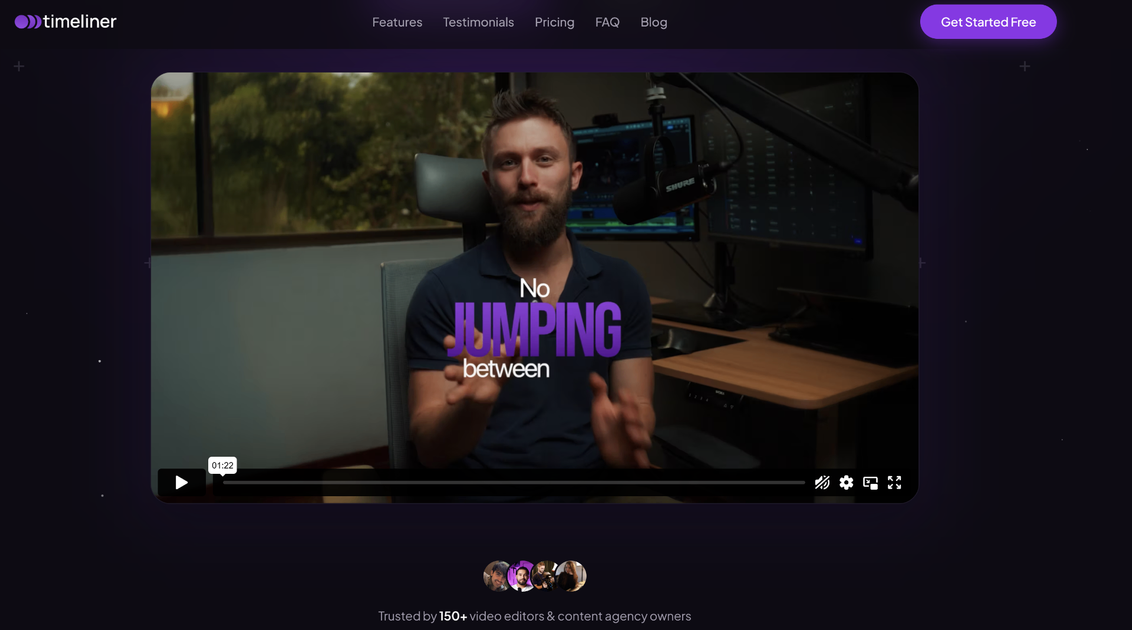
See editor workload, client approval status, and deadlines in a single view. The project board is designed to replace the need to jump between separate task tools.

Client approvals

Send approvals through WhatsApp or email with a direct review link. Clients can approve or request changes without back-and-forth link chasing.

Version tracking

Track versions so teams can compare changes and restore prior cuts when needed. The site describes version comparison as part of the plan set and version control as a core workflow.

Permission-based portals

Separate client-visible work from internal coordination. Clients do not see editor names, internal comments, or pay rates, while editors see only the tasks they are assigned.

Payment and performance tracking

Use built-in payment tracking and KPI views to monitor what clients owe, what editors are owed, and how editors are performing over time.

Common ways teams use Timeliner

  • Centralize production operations

    A video agency can keep rough cuts, comments, approvals, and payment status in one system instead of moving between a review tool, a task manager, and spreadsheets.

  • Coordinate editors and supervisors

    A producer can assign work to editors, watch workload and deadlines in a shared view, and keep clients out of internal notes and pay information.

  • Run approval cycles

    A client-facing team can send review links through WhatsApp or email, gather one-click approvals, and keep revisions tied to a clear version history.

  • Organize incoming client work

    Agencies with recurring work can use intake forms, project briefs, and branded client portals to turn new orders into structured tasks and organized review threads.

  • Track performance and payouts

    Teams that need a broader operations layer can use payment tracking, KPI views, and editor performance data to monitor margins and delivery patterns alongside project status.

Pros and Cons

Pros

  • Combines review, editor management, client approvals, and payment tracking in one product.
  • Supports frame-accurate comments, drawings, voice memos, and file uploads for creative review.
  • Keeps internal details hidden from clients through separate client and editor views.
  • Offers branded client portals and version comparison for approval workflows.
  • Documents multiple communication and automation paths, including WhatsApp, Slack, email, REST API, webhooks, Zapier, and n8n.

Cons

  • The public pages do not spell out every storage, streaming, or plan boundary in detail.
  • Integration details are present, but the site does not provide a complete catalog of third-party tools or every configuration option.

FAQ

Does Timeliner offer a free trial?

Timeliner offers a 14-day free trial with full access to all features. The pricing page says you can switch plans anytime and cancel before the trial ends without being charged.

How do seats work, and do clients need them?

The pricing page says Pro includes 3 seats (up to 10) and Elite includes 5 seats (up to 25). It also notes that clients do not need seats.

Can I change plans later?

The pricing page says you can upgrade or downgrade at any time, and that onboarding support is included on all plans.

What kind of media output does Timeliner support?

The site says Timeliner supports 4K streaming on Pro and 4K plus raw streaming on Elite. Storage allowances are listed on the pricing page as part of the plan comparison.

What integrations are documented on the site?

The source pages do not document every integration or workflow limit in detail. The product site does confirm WhatsApp, Slack, email, REST API, webhooks, Zapier, and n8n support.

Quick Facts

Category
Video agency management software
Primary users
Video teams and agencies
Core workflow
Review footage, manage editors, collect approvals, and track payments
Plans
Pro, Elite, and Enterprise
Trial
14-day free trial
Source domain
timeliner.io