
AI cartoonization
Transforms uploaded photos into cartoon-style images using ToonMe's AI cartoonizing flow.

ToonMe is an AI photo-to-cartoon app that turns photos into toon-style images. It is distributed as a mobile app and supports preset toons, custom toon creation, and sharing.
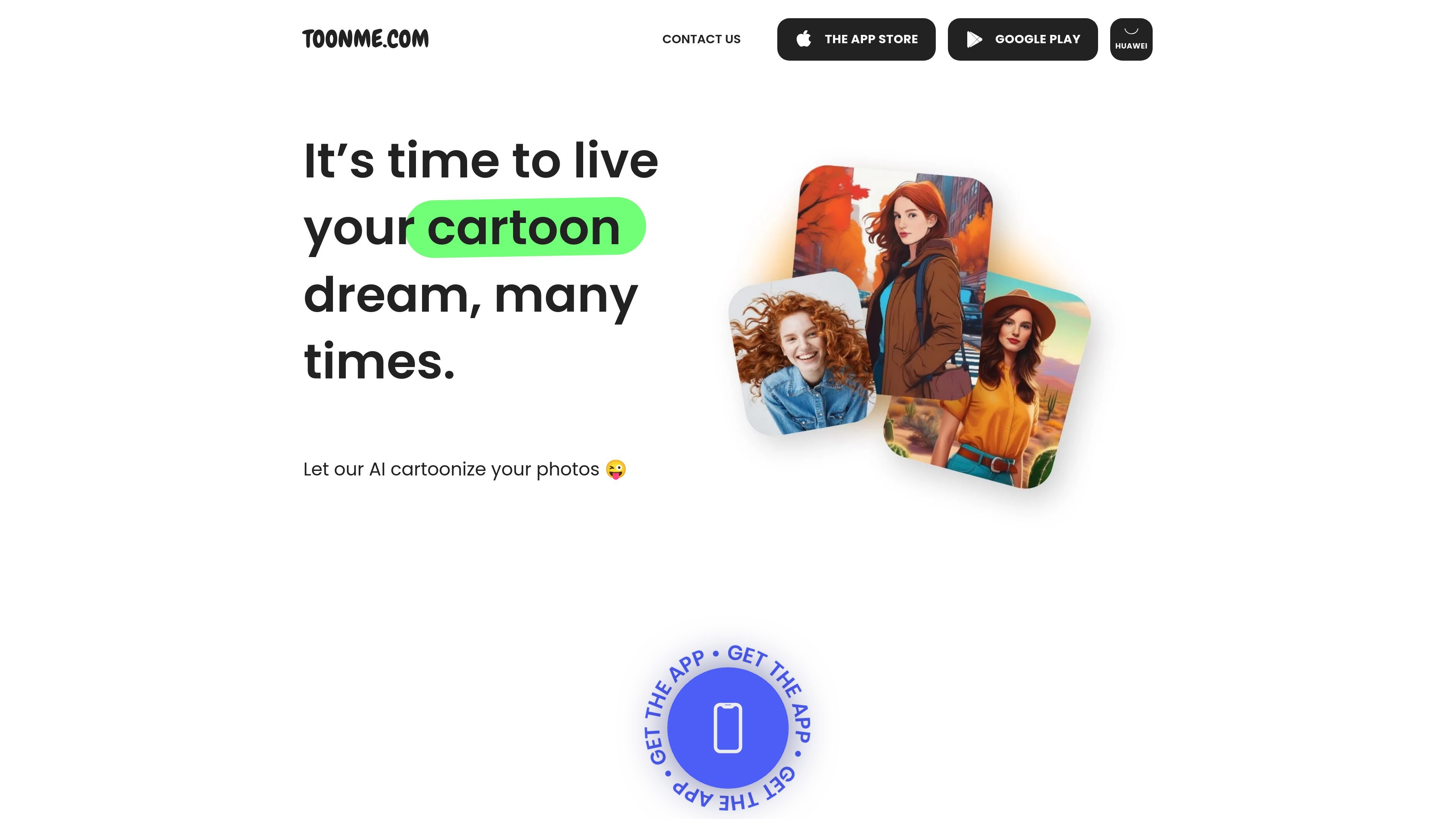
ToonMe is an AI photo-to-cartoon app from Pho.to. Its main job is to cartoonize user photos and turn them into toon-style images.
The website points users to the mobile app experience and says they can use toons from the collection or create their own, then share the result. The home page also highlights ongoing effect updates and shows examples of use on social profiles.
Transforms uploaded photos into cartoon-style images using ToonMe's AI cartoonizing flow.
Provides a collection of toon styles that users can apply to their photos.
Lets users create their own toon instead of choosing only from the preset collection.
Supports sharing creations with others after generating a toon.
Distributes the product through mobile app stores, including the App Store, Google Play, and Huawei.
Users can turn ordinary selfies or photos into cartoon-style images for personal profiles, posts, or just for fun.
People who want a different look can choose a toon from the collection rather than starting from scratch.
Users interested in more control can create their own toon and share it with others.
Creators can update shared visuals with newer ToonMe effects promoted on the site.
The site indicates that users need to download the ToonMe app to their device to apply toons to photos. The homepage and pricing page do not describe a web editor.
The pricing page says users can choose a toon from the collection or create their own and share it with the world. The available page text does not explain the full editing workflow.
The collected page text shows links for the App Store, Google Play, and Huawei, which indicates mobile distribution. It does not provide more detailed platform support or desktop availability.
The source mentions updated effects on Instagram and a prompt to share creations, but it does not specify export formats or publishing options beyond sharing.

Pixelcut is an AI photo editor for creating and editing product images, social content, and video assets. It offers free and paid plans, plus mobile app and browser access for individual users and teams.

Petalica Paint is a web service for automatically coloring line art and tracing line drawings from photographed images. The home page says it can be used under the stated terms for commercial and noncommercial work, but it is scheduled to end on 2025-07-31 at 16:00 JST.

Wearvue AI generates personalized outfit previews from a photo, lets users refine the style for an occasion, and surfaces similar real products to shop. It is aimed at people who want to preview outfit ideas before buying and compare them with shoppable alternatives.

Upscale.media is an AI image upscaling and enhancement tool from Pixelbin that enlarges low-resolution or pixelated images and improves clarity in the browser. It offers free individual image use, paid credit plans, and team-oriented workflows such as bulk processing and API integration.

PhotoAid’s AI Image Enlarger is a free browser-based tool for upscaling images without a standard blur-heavy resize. It supports JPEG, WEBP, and PNG uploads and is described as working best for photos with faces.

Magic Eraser est un outil alimenté par l'IA qui permet aux utilisateurs de supprimer rapidement des objets, des personnes, du texte et des imperfections indésirables des photos avec facilité.