
Local-first monitoring
Reads usage directly from provider files and APIs so nothing leaves the machine unless you configure a provider request.

TrackNotch is a native macOS app that tracks LLM usage across providers such as Claude, OpenAI, Cursor, Codex, Anthropic API, and Google Gemini. It displays that status in the notch or menu bar and keeps monitoring local to the machine.
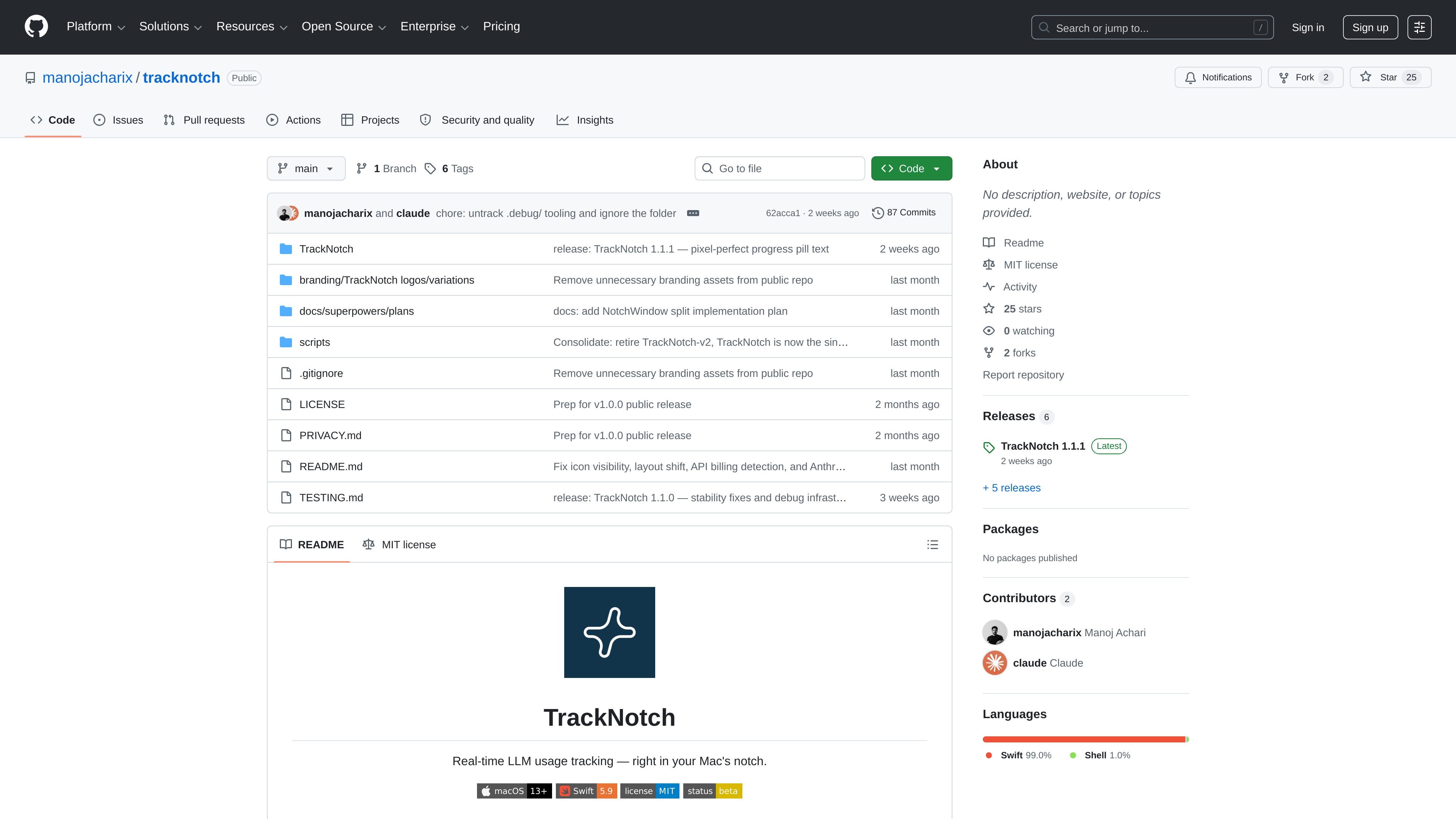
TrackNotch is a native macOS app for monitoring LLM usage from the menu bar or Mac notch. It is built to surface current usage and session status for providers including Claude, OpenAI, Cursor, Codex, Anthropic API, and Google Gemini without routing data through a proxy.
The app reads usage directly from providers' own files and APIs, with Claude Code context tracking based on local JSONL session files. The README emphasizes that all data stays local, API keys are stored in the macOS Keychain, and no telemetry or third-party services are used.
Reads usage directly from provider files and APIs so nothing leaves the machine unless you configure a provider request.
Tracks Claude Code, OpenAI API, Cursor, Codex, Anthropic API, and Google Gemini in one interface.
Shows a live visual arc for the active Claude session's context window, based on Claude Code's local JSONL files.
Supports monthly budget tracking for OpenAI and Anthropic when using the required admin-level keys.
Stores API keys in macOS Keychain instead of plaintext files on disk.
Opens from the notch with a springy animation and also works in the menu bar on non-notched Macs.
Use the live notch display to check Claude, OpenAI, Cursor, Codex, or Gemini usage while you are actively working in macOS.
Track Claude Code context fill level from local session files so you can see how close a conversation is to the model's context limit.
Set monthly budgets for OpenAI or Anthropic accounts when you have the required admin-level keys and want a quick spend check.
Run the app on a non-notched Mac and keep the same workflow in the menu bar instead of the notch.
Install from Releases and follow the one-time open-in-Finder flow when Gatekeeper blocks an unsigned build.
TrackNotch is a native macOS app that monitors LLM usage across providers such as Claude, OpenAI, Cursor, Codex, Anthropic API, and Google Gemini, then shows the current status in the notch or menu bar.
It is designed for macOS 13 (Ventura) or later and works on Apple Silicon and Intel Macs. On non-notched Macs, it sits in the menu bar instead of the notch.
You download the latest DMG from GitHub Releases, drag TrackNotch into Applications, and on first launch use Finder's Open action because the current build is unsigned. The README says a signed and notarized build is planned.
No. Claude Code context tracking uses local JSONL session files, while other provider tracking uses API keys or OAuth tokens that are stored in the macOS Keychain.
The README lists Apple Developer ID signing and notarization, auto-update via Sparkle, first-launch onboarding, light-mode support, and crash logs as roadmap items.

AakarDev AI helps teams manage AI provider access, project-level setups, logs, and analytics from one dashboard. It supports BYOK workflows and lists providers including OpenAI, Google Gemini, Anthropic, Groq, Mistral AI, and Perplexity AI.

Benchspan is an AI agent security platform that discovers agents, blocks prompt injection and data exfiltration in real time, and supports pre-launch red teaming. It is aimed at teams running agents in production and includes Python and TypeScript SDKs.

PromptScout tracks how ChatGPT, Gemini, Google AI Overviews, and Perplexity mention your brand or competitors, then pairs those results with source analysis and website audits. It helps teams decide what to fix in content, positioning, or site readiness next.

Sleek Analytics is a privacy-friendly web analytics tool with real-time visitor tracking, Core Web Vitals, and revenue attribution. It helps site owners understand traffic and conversions without cookie banners or a heavy setup.

Ably Chat is a chat API platform for building custom realtime chat applications. It supports room-based messaging, typing indicators, presence, reactions, and message updates, with usage-based pricing options for different deployment stages.

MacSpoof change ou randomise l’adresse MAC Wi‑Fi sur macOS pour reconnecter aux réseaux et limiter l’enregistrement de votre identité sur Wi‑Fi public.