
AI-assisted plan creation
Create workout and nutrition plans from plain-language prompts, then review a preview before saving. The agent can also swap individual exercises or rebuild a plan without manual form entry.

TrainZilla is personal trainer software and a gym management platform for coaches who want to handle client plans, scheduling, messaging, and reporting in one place. Its AI agent drafts changes for review, then saves them only after coach approval.
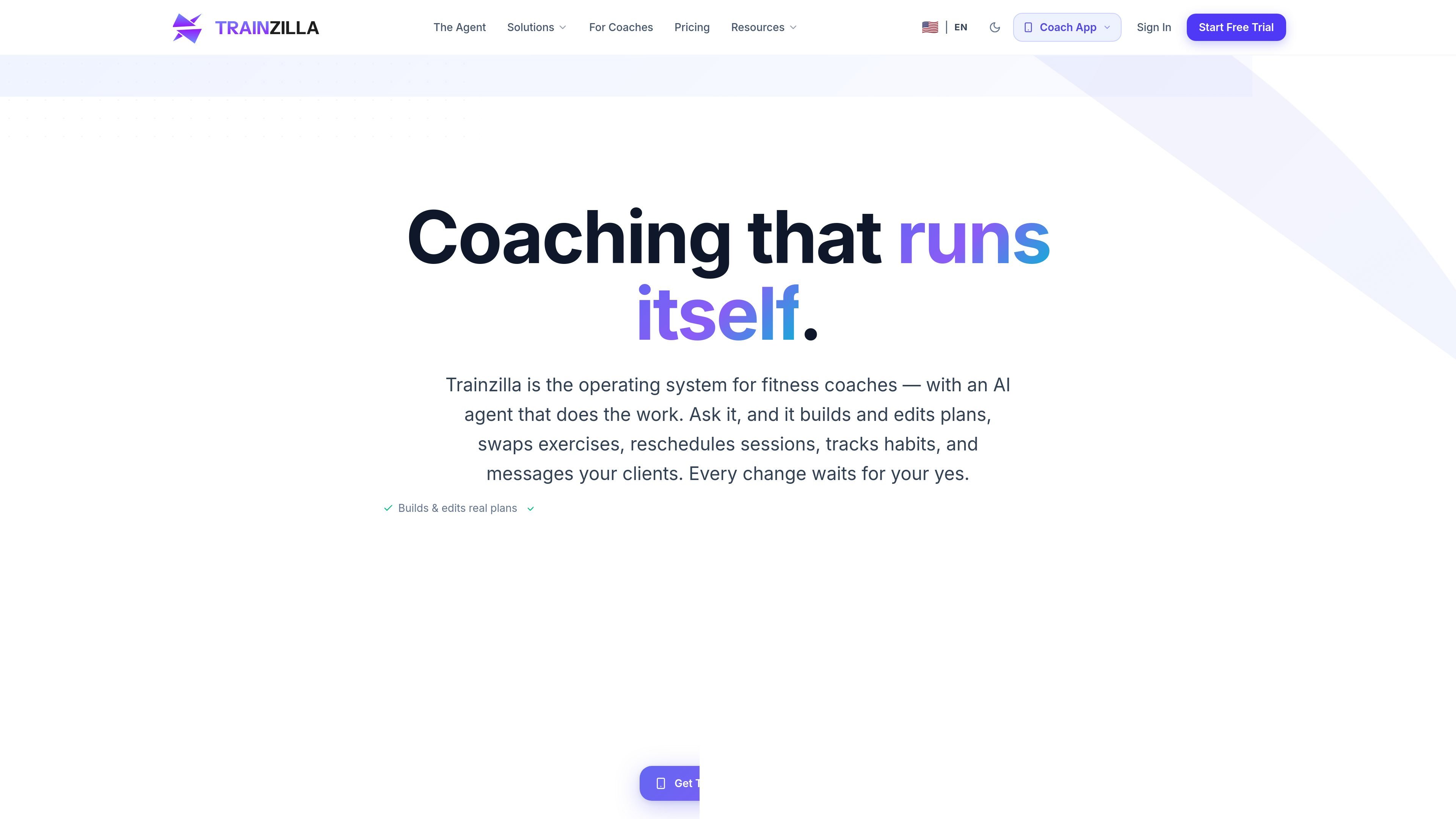
TrainZilla is a personal trainer software and gym management platform built for fitness coaches who want to manage clients, plans, scheduling, and business activity from one system. The product presents itself as an “Agentic Fitness Coaching OS,” with an AI agent that can draft and edit workout and diet plans, reschedule sessions, track habits, and message clients.
The core workflow is approval-based: the agent prepares changes, shows a preview, and waits for the coach to confirm before anything is saved. TrainZilla also includes a client-facing app and coach access on web, iOS, and Android, so plans and updates can move from the coach dashboard to the client app without manual handoffs.
Create workout and nutrition plans from plain-language prompts, then review a preview before saving. The agent can also swap individual exercises or rebuild a plan without manual form entry.
Manage client profiles, communication, payment handling, and progress tracking from a central dashboard. The platform is designed to keep client records and coaching activity in one place.
Track workouts, progress photos, body measurements, achievement badges, and performance metrics. The product also describes recovery signals and AI run history as part of its insight workflow.
Schedule, reschedule, or cancel sessions with automated notifications. The source also mentions calendar sync, waitlist management, and support for time zones.
Send messages, reminders, and coaching updates through the platform and the client app. The AI agent can draft or send messages in the coach's voice after approval.
Use business analytics to review revenue tracking, client retention, and growth metrics. Pricing and plan pages also position analytics as part of the coaching workflow for active businesses.
A solo coach can create workout and nutrition plans for individual clients by describing the goal in plain language and then approving the draft before it is delivered.
A coach managing several active clients can keep profiles, progress tracking, messaging, and billing in one place instead of switching between spreadsheets and chat tools.
Studios and teams can use scheduling tools, reminders, and client notifications to handle bookings, reschedules, and waitlists across time zones.
Coaches who rely on client follow-up can use the AI agent to draft messages, send reminders, and surface recovery or progress signals for review.
Growing businesses can review revenue, retention, and performance metrics to understand how coaching activity is translating into business results.
TrainZilla is built around an approval-first workflow. The AI agent can draft workout plans, diet plans, schedules, habits, and client messages, but changes are previewed and only saved after you confirm them.
Yes. The source shows web, iOS, and Android access for coaches, and a client app that receives updates when plans or messages are saved.
TrainZilla combines client management, workout planning, progress tracking, messaging, scheduling, and business analytics in one platform for coaches.
The pricing page shows a Free Launch plan and paid Coach Pro, Assisted Launch, and Growth Sprint options. It also says the AI agent is included to start and uses credit-based billing for actions.
The source does not list third-party integrations. It does mention an open MCP tool server and says you can connect Claude or another MCP-compatible assistant to the platform.

Teloframe is an AI-powered football coaching platform for building tactics, editing drills, planning sessions, and managing player development in one workspace. It includes a Free tier plus Pro and Club plans for coaches and analysts who need more collaboration and team features.

LeanUp is an AI calorie tracker and meal-planning app for logging meals, tracking macros, and getting personalized nutrition guidance. It supports barcode scanning, photo-based food recognition, manual search, and recipe reuse.

TrakMac is a voice-first macro tracking app for fitness-focused users on iOS. It estimates calories and macros from spoken meal descriptions, then helps users log food and stay aligned with their training goals.

Padel Chess is a web-based learning platform for improving padel tactical skills through puzzle-based practice. It helps players work on positioning, shot selection, and decision-making in realistic court scenarios.

Liam is an AI copilot for managing inboxes, writing replies, prioritizing email, and scheduling meetings. It is offered free for individuals, with custom pricing for teams and enterprise.

Gemma AI is a phone call reminder app that calls you with scheduled reminders instead of push notifications. It helps people who want a more direct way to stay on schedule, with Google Calendar sync and conversational call interactions.