
Advanced search queries
Use X's search syntax or simple keywords to define the conversations you want to monitor, including operators such as `from:user` and hashtags.

TurboX is an AI-assisted X/Twitter engagement tool that finds relevant tweets, drafts replies, and lets you review and approve them before posting. It is aimed at creators, founders, and marketers who want to grow visibility through reply-based engagement.
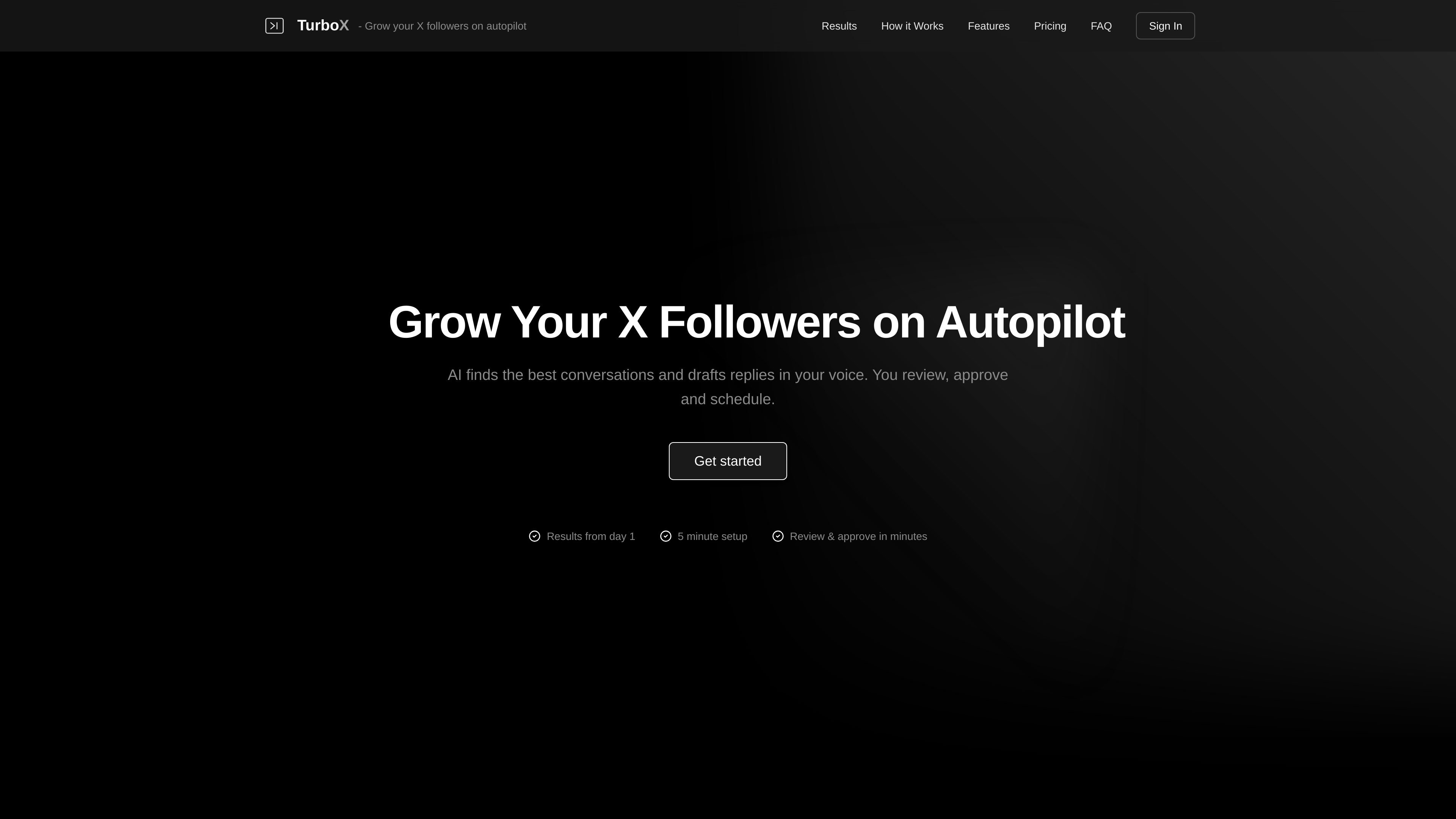
TurboX is an automated X/Twitter engagement tool that searches for tweets based on your own queries, drafts replies with AI, and lets you review before posting. It is designed around the “reply guy” workflow: find relevant conversations, respond quickly, and use that engagement to build visibility and followers on X.
The product combines search, AI drafting, and human oversight. According to the site, TurboX monitors conversations continuously, generates reply drafts in real time, and lets you approve, edit, reject, or schedule them. The pricing page shows three subscription tiers, and the Terms describe the service as reply automation for existing tweets rather than original tweet publishing.
Use X's search syntax or simple keywords to define the conversations you want to monitor, including operators such as `from:user` and hashtags.
TurboX watches for matching conversations and drafts contextual replies in your voice, with a quality score to help you prioritize review.
Review queued replies, edit them if needed, then approve them to post immediately or schedule them later in the day.
When enabled, the AI can add your product link only when it judges the conversation to be a genuine fit, rather than inserting links everywhere.
The service tracks replied tweets automatically so it does not reply to the same tweet twice.
Run several queries at once, each with its own targeting and reply strategy, so you can cover multiple topics or audiences.
For founders and solo builders who want to stay active in niche conversations without manually scanning X all day. TurboX can monitor query-based topics such as build-in-public or industry hashtags and queue replies for quick review.
For creators who want to grow visibility by replying to relevant posts in a consistent way. The workflow is aimed at people who want more profile visits, impressions, and replies without writing every response from scratch.
For people promoting a product or service who want links included only when the conversation clearly calls for a solution. TurboX can conditionally place a product link while keeping the reply tied to the tweet context.
For users who want a structured daily routine rather than one-off manual posting. Queued replies can be reviewed in batches, edited, and scheduled throughout the day for a steadier engagement pattern.
For accounts managing several topics or search strategies at once. Multiple queries let you monitor different audiences or keywords separately instead of using a single broad feed.
TurboX is an automated X/Twitter engagement tool that searches for tweets based on user-defined queries, drafts replies with AI, and lets you post or schedule those replies. The Terms also describe the service as generating and posting replies to existing tweets rather than creating original tweets.
The homepage says you can get started in about 15 minutes, then define search queries, review AI-drafted replies, and approve or schedule them. The Terms explain that queries can be created with optional instructions and style preferences.
The service is built around human review. The homepage says you review and approve replies before posting or scheduling, and the pricing page says all plans include a free preview mode.
TurboX is focused on replies to existing tweets found through your search queries. The Terms say it does not create or post original tweets to your timeline.
The homepage positions the product for people trying to grow X followers and visibility through engagement, and the pricing page offers usage tiers from 20 to 100 replies per day. The source does not show team, agency, or multi-seat features.

Topple.lol is a public pay-to-rank leaderboard where listings start at $1 and their bid balance decays over time and with clicks. It helps makers and marketers buy short-term visibility for product sites or X profiles while tracking live board stats.

Tweetmonk : outil IA pour créer des threads Twitter (X), rédiger, planifier et publier, avec des analytics et des métriques pour votre compte.

roastme.gg is a pay-to-play AI roasting site where users submit their own X handle or website, choose how much to pay, and get a public roast ranked on a leaderboard by amount paid.

Radar is a self-hostable media intelligence and social listening app for monitoring public sources, analyzing mentions, and generating briefs or content outputs with optional Claude AI. It is aimed at individuals and small teams that want an enterprise-style workflow without a cloud account.

Frames vous aide à créer rapidement des posters de lancement et des visuels marketing pour Instagram, Twitter et Product Hunt, avec des modèles. Gratuit.

绘蛙AI是一个面向电商营销的图片、文案和视频内容创作平台,支持训练商品和模特模型,并生成商拍图、小红书内容、电商主图和营销视频。页面还展示了批量生图、团队协作和在线修图等企业与个人工作流。