
Live page extraction
UIDrop reads the live DOM rather than source HTML, which the site says helps it capture what actually renders in the browser.

UIDrop is a Chrome extension that captures a live website’s design system and turns it into structured context for AI coding tools. It also saves snaps in a library and supports exports to design and development formats.
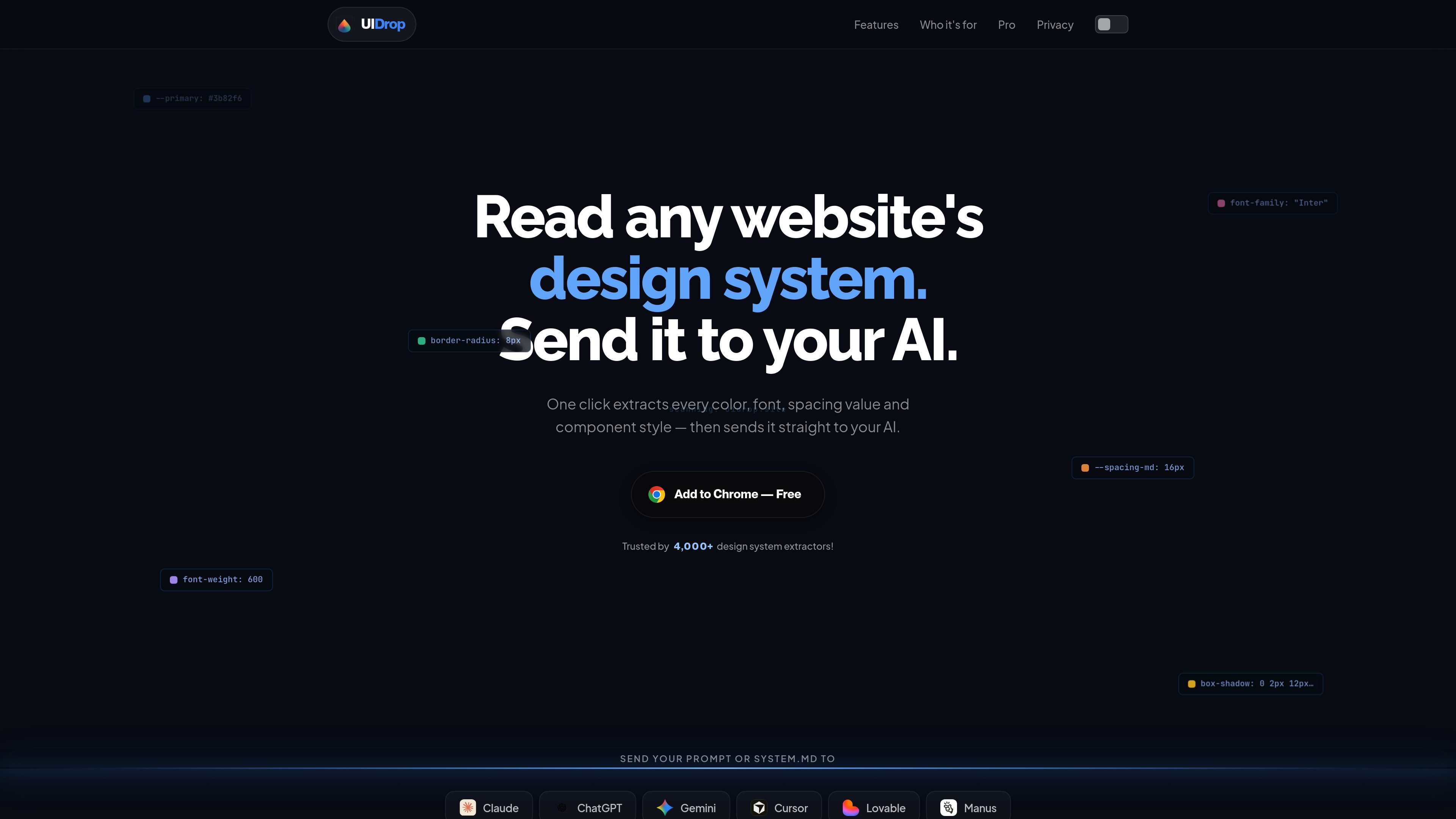
UIDrop is a Chrome-based design system capture tool that reads a live website and turns its visible UI into a structured design brief. The homepage positions it as a way to read any site design system in one click and send that context to an AI coding agent.
Its extracted output includes design tokens and component details such as colors, typography, spacing, shadows, radii, gradients, buttons, cards, chips, and inputs. The product also stores snaps in a library, so users can revisit, compare, export, and combine references later.
UIDrop reads the live DOM rather than source HTML, which the site says helps it capture what actually renders in the browser.
The homepage says it captures colors, fonts, spacing values, component styles, and specific UI details such as buttons, cards, chips, inputs, shadows, radii, and gradients.
It can detect whether a page is in light or dark mode and saves snaps with the associated visual context.
The product sends the extracted brief directly to AI tools such as Claude, ChatGPT, Gemini, Cursor, Lovable, and Manus, with the screenshot already attached to the conversation.
UIDrop keeps a library of saved snaps so you can search by name, filter by tag, star favorites, compare designs, and browse design history.
The site says snaps can be merged into one prompt by combining elements from multiple references, such as a hero section from one site and navigation from another.
A developer can inspect a production site’s visual system, pull the exact tokens, and use them to recreate the look in a build without relying on manual DevTools copying.
A vibe coder can snap a reference site, send the extracted brief to Claude or Cursor, and start a new interface with the palette, typography, and component cues already included.
A designer can capture a site’s palette and type scale for moodboarding or Figma work, then export the result into variables or palette formats instead of sampling values by hand.
A product team can save several snaps in one library, compare them side by side, and merge selected parts from different products into a single prompt for an implementation pass.
UIDrop captures a site’s design system and sends the extracted context to AI coding tools in one click. The homepage says it opens Claude, ChatGPT, Gemini, Cursor, Lovable, Manus and more with the tokens and screenshot already in the chat.
The homepage says you can add it to Chrome for free and use it without an account. A separate pricing page was not available.
The product pages shown support snapping sites such as Stripe, Linear, Spotify, Vercel, Airbnb, and Notion into saved design system files.
The site states that each snap can include a full screenshot, color palette, typography, spacing, and component tokens, and that you can export the result into formats such as Figma variables, CSS custom properties, Tailwind config, shadcn theme, or Canva palette.

ByteAsk is a terminal-first AI coding agent for C and C++ that edits repositories and verifies changes with the real compiler, debugger, sanitizers, and tests before showing a diff. It offers a free tier plus paid plans, with editor connectors and zero-retention handling described in the source.

CreateOS Sandbox is an isolated compute environment for running code and agent workloads inside Firecracker micro-VMs. It is designed for workflows that need machine-level isolation, private networking between sandboxes, and programmatic control through SDK, CLI, or MCP.

GitBot is a local browser-based workspace for creating reusable coding bots powered by Claude Code, Codex, or OpenCode. It helps developers run those agents across repository folders with persistent threads and configurable permissions.

hob is an independent workspace for coding agents that keeps agent sessions, terminals, history, and follow-up work organized around the tools and providers you already use. It is aimed at developers who want local control over routing, history, and workspace structure rather than a bundled model stack.

Ably Chat is a chat API platform for building custom realtime chat applications. It supports room-based messaging, typing indicators, presence, reactions, and message updates, with usage-based pricing options for different deployment stages.

Manta AI is an autonomous web app testing tool for teams that want to map application behavior, catch regressions, and generate tests without writing scripts or maintaining selectors. It works from a URL and supports plain-English test flows, run results with screenshots, and scheduled or deployment-triggered checks.