
Prompt-based editing
Describe an edit in plain language and let the agent analyze footage, plan multiple steps, apply changes, and self-correct on a real timeline.

Vidmoat is an AI video editor that turns plain-language instructions and uploaded footage into editable timeline projects, with tools for cutting silence, captions, reframing, and platform-ready versions. It is aimed at creators and teams who want to speed up repetitive editing while retaining manual control.
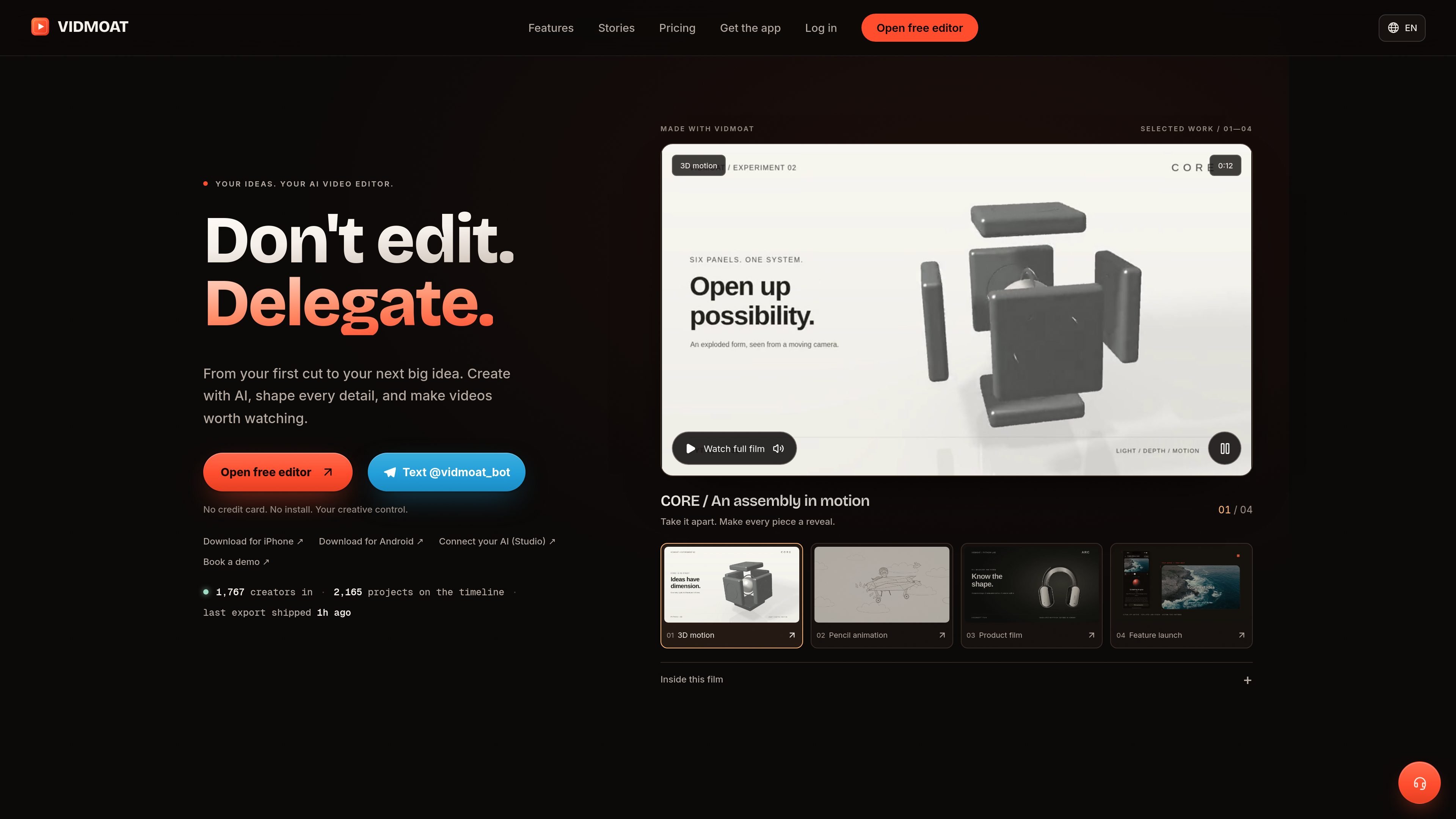
Vidmoat is an AI-assisted video editor that turns natural-language instructions and uploaded footage into editable timeline projects. Its agent can analyze what is said in clips, detect silence, select and tighten material, add captions, apply visual adjustments, and prepare platform-specific versions.
The product is designed for creators who want to delegate repetitive editing without giving up manual control. It works in a browser, on Mac and Windows, and through iPhone and Android apps; clips can also be sent to the Vidmoat Telegram bot. External agents can connect through MCP to drive the same reviewable timeline.
Describe an edit in plain language and let the agent analyze footage, plan multiple steps, apply changes, and self-correct on a real timeline.
Analyze long recordings to find usable takes, remove dead air, and assemble a tighter story while leaving each cut editable.
Create word-synced captions, karaoke-style treatments, stickers, voiceovers, and caption style variations; availability depends on the plan.
Reframe and retime an edit for TikTok, Reels, YouTube, and Shorts, including platform-specific hooks and formats.
Connect Claude, ChatGPT, Cursor, or another MCP client to import media, issue more than 65 timeline commands, inspect frame previews, and render MP4 files.
Continue editing across a browser, desktop or mobile app, and Telegram while keeping the same projects, timeline, and credits.
Turn a long recording into a full episode plus multiple short clips by asking the agent to identify strong moments, remove pauses, add captions, and render platform versions.
Convert a phone recording into a concise recipe video by keeping key actions, removing preparation gaps, and adding captions that make the instructions easier to follow.
Create form checks, follow-alongs, or coaching clips from recorded demonstrations, including reframing and visual cleanup where the plan supports those tools.
Produce tours, detail reels, product demonstrations, and launch videos from existing recordings, with versions prepared for different social formats.
Use MCP to connect a coding or AI assistant to a repeatable editing workflow—for example, importing media, applying timeline commands, previewing frames, and rendering several outputs.
No. You can describe an edit in plain language, such as cutting silence or making a short-form version. Vidmoat applies the request to a standard editable timeline, which you can refine manually afterward.
Vidmoat is available in a current web browser and has apps for Mac, Windows, iPhone, and Android. You can also send clips and instructions to @vidmoat_bot on Telegram; the chat workflow uses the same projects, plans, and credits as the web editor.
The free Hobby plan is available without a card and includes 3 projects, 8 monthly exports up to 720p, 500 MB of cloud storage, and a small watermark with a two-second end card. Paid plans increase export quality, storage, and AI allowances.
Yes. Vidmoat supports MCP connections for Claude, ChatGPT, Cursor, and other MCP clients on every plan. Connected agents can import media, apply timeline edits, preview frames, and render MP4 files; personal API keys for your own agents and servers are included with Studio.
Manual editing actions such as cutting, keyframes, effects, and markers do not use AI credits. Credits are used for agent edits, captions and transcription, stickers, audio or visual analysis, and generation features; included credits refresh every 30 days, while separately purchased packs do not expire.

Video Effects SDK adds real-time webcam effects such as background blur, background replacement or removal, denoising, framing, beautification, and color grading. It is built for teams shipping live video experiences on web, desktop, and mobile platforms.

DeepMotion is a web-based AI motion capture and 3D animation platform with Animate 3D for video-to-animation and SayMotion for text-to-animation. It helps creators and teams generate motion in a browser and export results in common production formats.

Zella is a screen recorder and on-device AI video editor for Mac and iPhone. It helps creators record screens or cameras, automatically clean up footage, add captions, reframe clips, and export videos without uploading the core project to the cloud.

ngram is an AI video generator and editor for teams and individual creators. It turns prompts, uploaded files, or screen recordings into editable videos for demos, training, onboarding, sales enablement, explainers, and launches.

Agentic video understanding is a Gemini video analysis mode that helps developers inspect video more selectively for better accuracy and lower token usage. It is available through the Gemini API in Google AI Studio and the Gemini Enterprise Agent Platform.

Jupitrr Cut is a free iOS and Android teleprompter and recording app for scripted talking-head videos. It records scenes separately, lets users retake individual lines, trims pauses, and stitches the takes into a jump-cut video.