
File-based AI building
Use an AI agent to turn PSDs, Blender scenes, Figma files, storyboards, or sketches into working camera experiences on Vincentt's camera foundation.

Vincentt is a WebAR and interactive camera-experience platform that uses an AI agent to turn creative files or local projects into browser-based experiences. It helps creators, studios, agencies, and teams preview, publish, and operate camera interactions through a link without requiring an app.
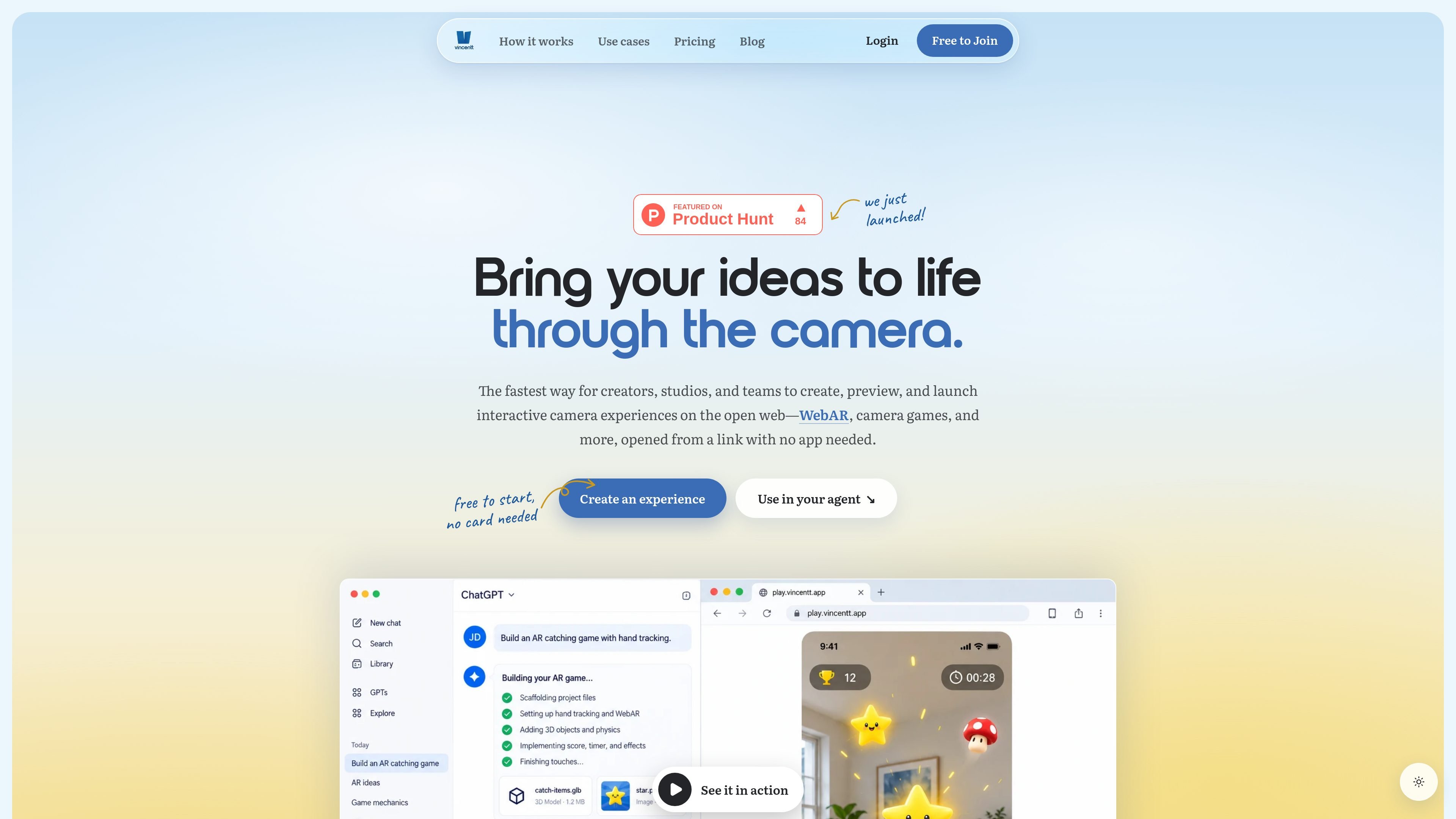
Vincentt is a platform for creating, previewing, and publishing interactive camera experiences and WebAR on the open web. Its AI agent can work from creative files such as PSDs, Blender scenes, Figma files, storyboards, or sketches, turning them into browser-based experiences that use the phone camera without requiring a dedicated app.
The workflow combines file-based creation with phone testing and web publishing. Creators and teams can preview an experience through a QR code, share it through a link, and manage releases, analytics, domains, traffic, and storage in the Vincentt console. The platform also supports a local-first React and react-three-fiber development workflow through its SDK and command-line tool.
Use an AI agent to turn PSDs, Blender scenes, Figma files, storyboards, or sketches into working camera experiences on Vincentt's camera foundation.
Create browser-based experiences that respond to hand movement, faces, body pose, gestures, and person segmentation.
Preview an experience through a real phone camera by scanning a QR code, and pin feedback directly on the live view.
Publish an experience to a browser-accessible link without requiring an app download; eligible paid plans can use a custom domain.
Manage projects, live releases, analytics, domains, traffic, and storage from a single console.
Use a local-first React and react-three-fiber project with the @vincentt-xr/sdk, then preview and publish it with Vincentt's CLI.
Build browser-based games that respond to hand or face movement, allowing people to play from a shared link without installing an app.
Turn products, characters, or visual assets into interactive WebAR moments for campaign pages, social links, or other web placements.
Create camera-led experiences for launches, festivals, stands, and other shared moments where visitors need quick browser access.
Develop interactive visuals that fans can enter through a link as part of a music release or promotional campaign.
Work collaboratively across repeated client projects using shared seats, project workspaces, releases, analytics, and plan-based publishing capacity.
WebAR experiences open from a link in a phone's browser, request camera access, and do not require an app download. The site says they run in Safari on iPhone and other modern mobile browsers.
Bring PSDs, Blender scenes, Figma files, storyboards, or a sketch with clearly named layers and a short brief. Vincentt's AI agent uses those materials to build a camera experience on its camera foundation.
Yes. Vincentt provides a real-phone preview reached through a QR code while an experience is being built. Feedback can be pinned to the live view.
Yes. The Free personal plan lets one creator publish one project at no cost, and a Free Team workspace supports up to three seats and one published project. Paid Creator, Studio, Agency, and Enterprise options are also available for larger or collaborative workflows.
Published experiences are shared through a web link and can use a custom domain on eligible paid plans. Vincentt also provides versioned releases, analytics, and visibility into traffic and storage.

MacSpoof change ou randomise l’adresse MAC Wi‑Fi sur macOS pour reconnecter aux réseaux et limiter l’enregistrement de votre identité sur Wi‑Fi public.

DemoTV is an audience-ranked station for discovering and comparing independent product demos. Founders can submit videos, embed approved demos on their websites, collect viewer inquiries and optionally commission demo production or labelled promotion without buying ranking.

Ship It: Idle Dev Tycoon is an iPhone incremental simulation game about building apps, managing a software studio, and selling it for lasting progression benefits. It supports offline play, automated builds, adviser collection, and optional in-app purchases.

NomNak est une app iPhone gratuite pour découvrir des restaurants grâce aux recommandations d’amis, avec spots enregistrés, passeport food et recherche par ville.

CAPTA is a mobile GPS waypoint app for quickly saving, organizing, and revisiting locations. It supports offline use, camera-based coordinate capture, optional cross-device synchronization, and GPX export for fishermen, explorers, and field professionals.

Ctrl+Shift+3 is a calm, text-first community platform with a chronological feed, profiles, RSS, and private groups called Clicks. It is built for reading, posting, and joining smaller communities without algorithmic ranking or vanity counts.