
Text-to-image generation
Generate images from text prompts for concept art, visuals, or other prompt-driven image creation tasks.

vivago.ai is a free web-based AI generation and editing tool for creating images and videos. It supports text-to-image, image-to-image, text-to-video, and image-to-video workflows, plus expansion, repainting, and quality enhancement tools.
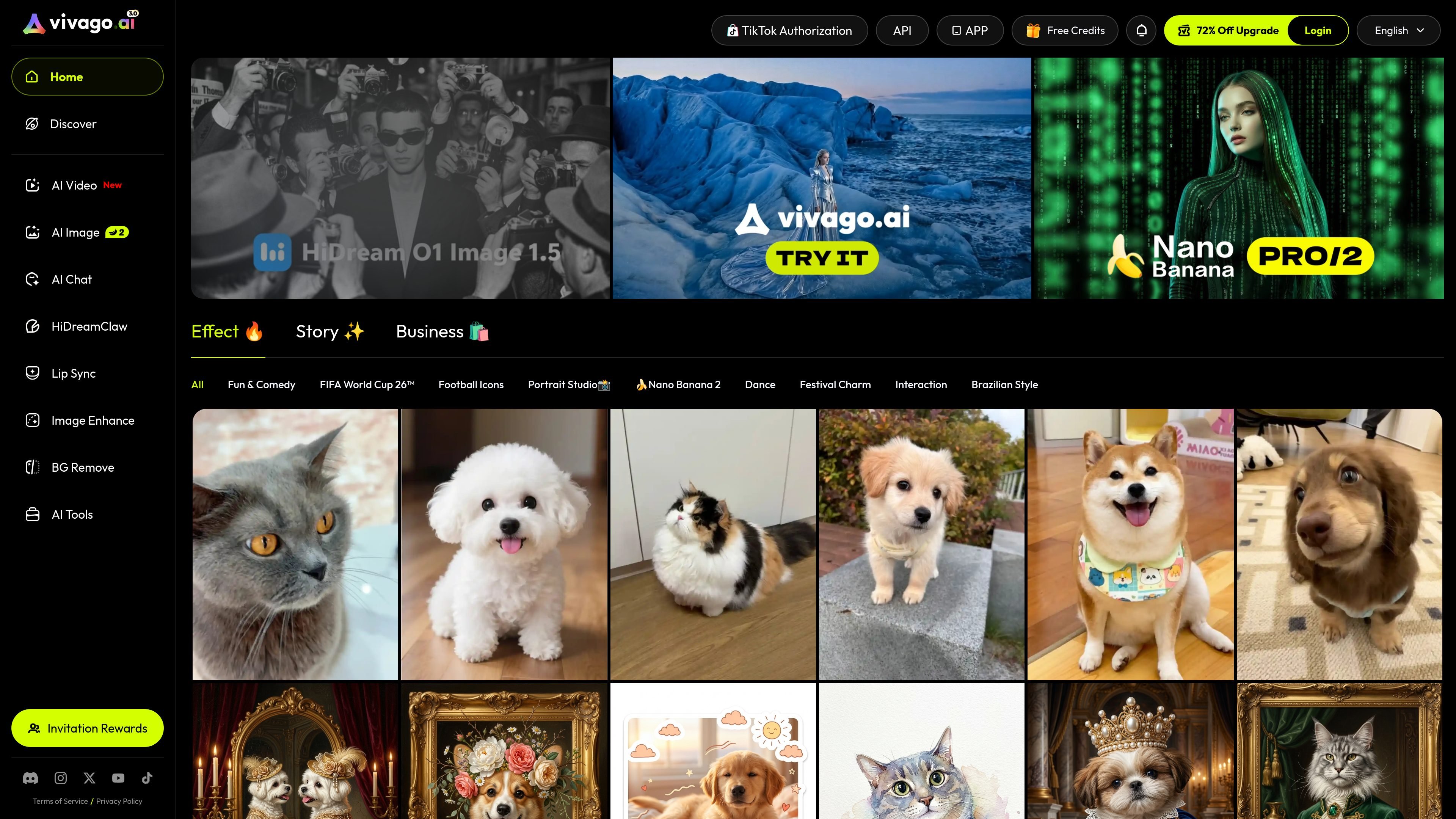
vivago.ai is a free AI generation tool and community focused on creating and editing images and videos. The site describes support for text-to-image, image-to-image, text-to-video, and image-to-video workflows, along with editing tools for expanding images, repainting content, and improving media quality.
The product’s stated purpose is to make AI creation simpler and more efficient while keeping the listed generation and editing functions free of charge. Based on the available pages, it is positioned as a browser-based creation platform for people who want both generation and post-processing in one place.
Generate images from text prompts for concept art, visuals, or other prompt-driven image creation tasks.
Edit or transform an existing image using another image as the starting point, based on the product’s image-to-image workflow.
Create video content from text prompts or existing images, using the text-to-video and image-to-video functions listed on the site.
Use AI editing tools to expand an image beyond its original frame or repaint parts of it.
Improve the quality of images and videos, with the site specifically mentioning 4K output as a target.
Access generation and editing functions through a free AI creation platform described as a community as well as a tool.
Generate still visuals from written prompts when you need quick concept material, illustrations, or draft creative assets.
Use an existing image as the starting point for a revised version when you want to iterate on composition or style.
Create short-form video ideas from text or image inputs when you want to move from static concepts into motion content.
Extend or repaint an image when the original frame is incomplete or needs selective correction.
Improve the apparent quality of images or videos when you want to target higher-quality or 4K output, as described on the site.
The site presents vivago.ai as a free AI generation tool and community. The rendered pages do not provide setup details, so the available evidence only supports that it offers web-based creation functions rather than a documented install process.
The source explicitly mentions text-to-image, image-to-image, text-to-video, and image-to-video generation, along with AI editing tools for expanding images, repainting, and improving media quality.
The pages describe vivago.ai as a tool and community for AI creation, but they do not provide details about team workspaces, collaboration controls, or account roles.
The source says the product can make images and videos higher quality and 4K, but it does not explain the exact enhancement workflow or output settings.

Kling AI is an AI creative studio for generating and editing images and videos, with web, mobile, and API access for creators and developers. It supports a broad set of visual workflows, including video generation, image creation, editing, and native 4K output for the V3 series.

Skybox AI by Blockade Labs generates 360° skyboxes and environments for games, XR, film, education, architecture, and other production workflows. The site also shows integrations for tools like Unity, Blender, Godot, SketchUp, Figma, and Roblox.

智小象(HiDream.ai)est une plateforme de création entièrement en chinois basée sur l'intelligence artificielle générative, conçue pour aider les utilisateurs à maîtriser facilement les compétences créatives de l'AIGC.

Le générateur de peinture AI est un logiciel en ligne qui génère automatiquement des œuvres d'art en fonction des descriptions textuelles fournies par les utilisateurs.

Une plateforme IA tout-en-un qui combine des outils pour l'image, la vidéo, la voix, l'écriture et le chat afin d'améliorer la créativité et la collaboration.

PicCopilot is an AI content platform for e-commerce that turns product photos into marketing visuals, model shots, videos, and social content. It offers a free plan plus paid tiers for templates, model swap, virtual try-on, and batch-oriented creation.