
Text-to-video generation
Generate short clips from a written scene description. The text workflow asks for subject, action, camera, light, mood, and optional dialogue or sound cues.

WAN 3.0 Video is a browser-based AI video studio for creating short clips from text prompts or still images, with downloadable output, audio when available, and credit-based pricing. It is aimed at creators and teams that need quick short-form video for social, product, or concept work.
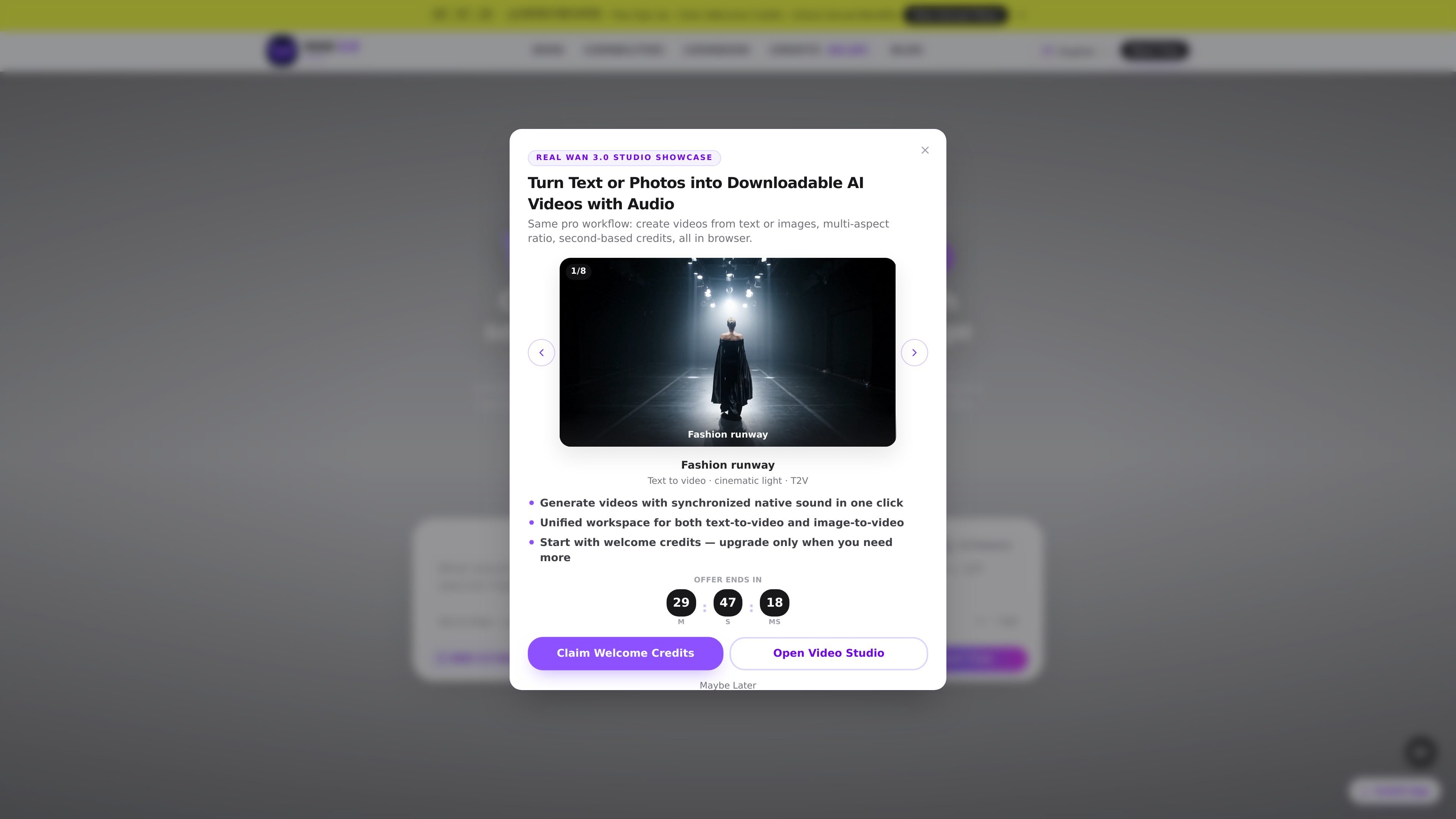
WAN 3.0 Video is a browser-based AI video studio for turning a text prompt or a still image into a short downloadable clip. The site presents it as a focused workspace for short-form generation rather than a full video editor, with text-to-video, image-to-video, configurable duration, and multiple aspect ratios in one flow.
The product emphasizes short clips with sound when the model returns audio, second-based credits, and a simple generate-and-download workflow. Its own copy says the studio is intended for prompts, product shots, character motion, social hooks, lookbook clips, and other short pieces where a finished AI render is more useful than manual editing.
Generate short clips from a written scene description. The text workflow asks for subject, action, camera, light, mood, and optional dialogue or sound cues.
Turn a starting still into motion. The image workflow supports uploading a clean JPG or PNG, then describing the motion and setting duration and aspect ratio.
Use extra reference images to keep characters, talent, or style more consistent across the clip. The site also mentions multi-still binding for start-to-end motion.
Choose landscape or vertical framing, with about 16:9, 9:16, 1:1, 4:3, and 3:4 shown on the about page. The studio is positioned for feeds, Stories, Reels, and other short-form placements.
See the credit cost before generating. The pricing page frames usage as second-based credits, with render costs shown up front before you run the job.
Preview and download finished clips from the browser studio. The site says audio is included when generated and that downloads come from the same workspace.
Turn a prompt into a short cinematic take with control over subject, camera movement, lighting, and mood. This fits quick concepting when you want to see an idea before spending time on a larger production.
Upload an approved still, add motion directions, and generate a short animation without rebuilding the scene. The site positions this workflow for product shots, key art, and character-focused images.
Create vertical or landscape clips for feeds, Stories, Reels, or ad placements. The multi-ratio framing and short duration options are aimed at short-form social output.
Use reference images to keep a character or style consistent across a clip or across variations. This is useful when a team wants several takes from the same visual starting point.
Generate rough motion pieces for launch teasers, lookbook motion, UI/game stingers, or storyboard-like animatics. The browser workflow lets users iterate quickly without a full editing pipeline.
WAN 3.0 Video is a browser-based studio for generating short AI video from either a text prompt or an uploaded still image. The site says finished clips can be downloaded, and audio is included when the underlying model returns it.
Yes. The site supports both text-to-video and image-to-video workflows. In the image workflow, you upload a starting still and can add extra reference images for consistency; in the text workflow, you describe the scene, camera, light, and mood.
The pricing page says credit usage is based on output seconds, with a retail framing of 2 credits per second. Example mappings shown on the site include 5 seconds ≈ 10 credits, 10 seconds ≈ 20 credits, and 15 seconds ≈ 30 credits.
The site states that new accounts may receive starter credits when enabled, and that the exact amount and rules are shown in the account area and on the generate button. It also says pack credits do not expire.
The about page describes multi-ratio framing, including 16:9, 9:16, 1:1, 4:3, and 3:4, and says output can go up to about 1080P depending on the connected API and plan. It also notes that live output length and queue time depend on the API, plan, and load.

艺映AI is a free AI video creation tool for generating video from text, images, or existing footage. It is positioned for short-form social content, promotional clips, and stylized AI video projects.

VIDEOAI.ME is an AI video generator for making spokesperson-style videos, ads, explainers, and social content from a script. It is aimed at founders, marketers, agencies, and creators who want to produce videos without filming.

ngram is an AI video generator and editor for teams and individual creators. It turns prompts, uploaded files, or screen recordings into editable videos for demos, training, onboarding, sales enablement, explainers, and launches.

讯飞绘镜 (iFlytek Huijing) est une plateforme de création vidéo basée sur l'IA qui transforme rapidement et efficacement les idées créatives en scripts, en images de storyboard et en vidéos dynamiques.

Topview AI is a web-based AI video creation platform for social ads, ecommerce creatives, avatar videos, and short drama workflows. It combines channel-based templates, prompt-driven generation, reference uploads, and storyboard-based production tools.

Coursebox AI Training Video Generator creates training videos from scripts, slides, or avatar-based setups. It is aimed at course authors and teams that want to produce training content without filming equipment or manual editing.