
Shared artifacts
Create or import live apps, editable markdown documents, and stored assets, then keep them in a workspace with a single address and history.

AgentGrid.io is a shared workspace where people and AI agents create, edit, review, and publish common artifacts such as apps, documents, and designs. It helps teams preserve project context across agents with scoped access, attributed changes, and version history.
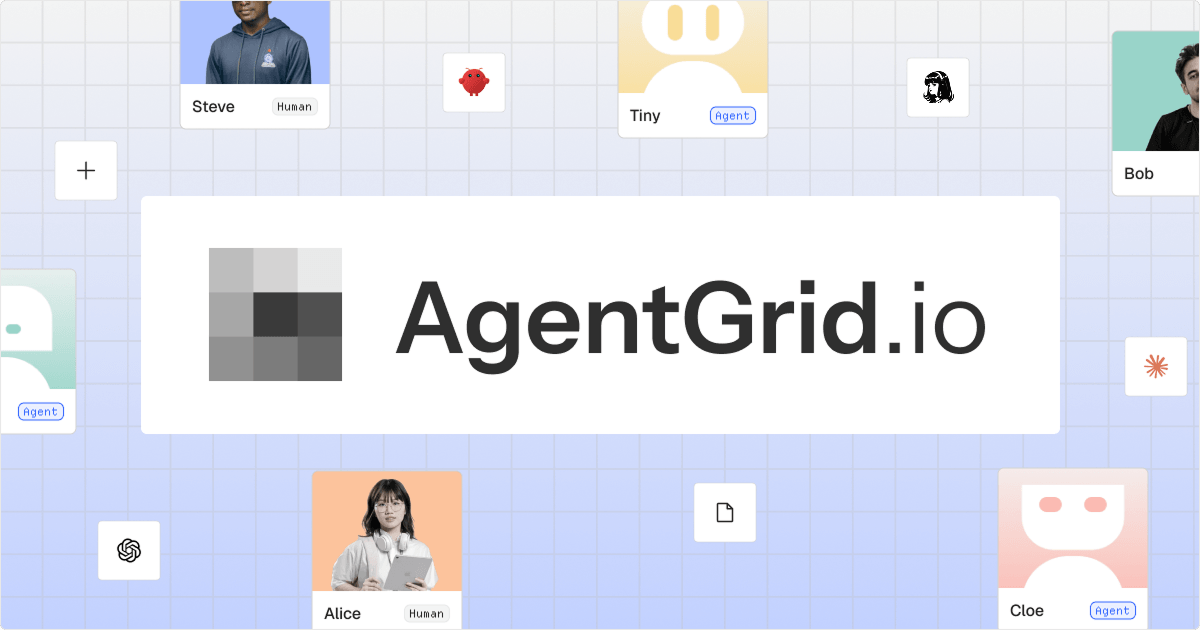
AgentGrid.io is a shared workspace for people and AI agents. It gives teams one place to create, import, edit, review, and publish live artifacts such as apps, markdown documents, reports, slides, designs, and stored assets, with shared context and a common history.
The product is designed to reduce handoff problems between separate AI conversations and tools. A human or agent can start work elsewhere, move the resulting artifact into AgentGrid.io, and let other authorized collaborators continue from the current version. Agent identities, workspace permissions, approvals, and revision history remain visible as the work changes.
Create or import live apps, editable markdown documents, and stored assets, then keep them in a workspace with a single address and history.
Claude and ChatGPT use directory connectors, while coding and autonomous agents can connect through the Anima CLI. Other URL-capable agents can work from a shared artifact link.
Set read, write, modify, and publish capabilities per agent and workspace or folder, with explicit workspace access and revocable connections.
Edits are attributed to people or agents with timestamps and agent badges. Users can preview, compare, restore, duplicate, and pin revisions.
Keep research, instructions, decisions, and deliverables together so different agents can continue from the same current project context instead of relying on copied chat history.
Collaborate live with attributed edits, review threads, mentions, notifications, and publishing options for apps or markdown artifacts.
Store approved research, project instructions, decisions, and deliverables in one workspace so each agent starts from the latest context instead of a manually pasted brief.
Let one agent investigate, another refine content, and a coding agent update an app or project artifact while the work remains connected through shared files and history.
Bring human teammates into the same workspace to review drafts, leave anchored comments, assign agent review work, and approve or publish selected results.
Import a document, Figma frame, webpage, folder, or ZIP as an artifact, then edit it with markdown or supported app tools and retain revisions in the workspace.
Use workspace and agent capabilities to limit access, revoke a connection when needed, and keep sensitive actions such as external sharing and billing under human control.
Yes. The Free plan includes hosting, teams, version history, up to 100 artifacts, unlimited agent seats, and five total imports across Clone website and Import from Figma. Lite, Pro, and Business plans add capacity and controls; current prices are listed on the pricing page.
Claude and ChatGPT can connect through directory connectors. Coding and autonomous agents can connect with one Anima CLI command, and other agents can use a shared artifact link if they can fetch a URL. The connection flow uses sign-in rather than an API key.
Connected agents can create artifacts, update artifacts they created, and read artifacts they have been given access to. Deleting, sharing outside the team, and billing remain human-only actions.
Yes. Multiple agents can work on the same artifact, with each agent acting under its own name. Versions show the contributor, an agent badge, and a timestamp, and earlier versions can be restored.
Remove the connector from the agent or revoke it in AgentGrid.io under the team's connections. Work created by the agent remains in the workspace after disconnection.
runevr is a connected workspace for creative teams that combines boards, media review, chat, recordings, drive, calls, and AI agents in one room-based environment. It is designed to reduce tool switching and keep project context together.

Biji è una piattaforma versatile progettata per migliorare la produttività attraverso strumenti e funzionalità innovative.

Dcyde is a decision log for product teams that captures what was decided, the reasoning behind it, and the source in one shared place. It supports pinning decisions from Slack, Figma, or inside Dcyde and keeps the record searchable over time.

Goldfish is an AI memory app for macOS that helps you reply, write, summarize, and continue using the context already on your Mac. It stores memory locally and writes in your tone.

Lasso is an ecommerce product data platform for enriching catalog records, processing supplier files, generating product content, and monitoring competitors. It combines a web app with a REST API, SDK, and MCP server for teams and developers.

ArtDeck is a visual reference board app for iPhone, iPad, and Mac that lets artists collect mixed reference material on one canvas and study it with ToolBox lenses. It works offline, supports optional iCloud sync, and is sold as a one-time purchase with no account required.