
Real-data test set creation
Build test sets from unstructured documents or knowledge bases, or turn production traces into evaluation sets so tests stay grounded in real usage.

AgentX provides a production-focused framework for evaluating AI agents and LLMs with layered scoring, trace analysis, drift detection, and release gating. It supports real-data test sets, multi-step runs, and self-serve or enterprise purchasing options.
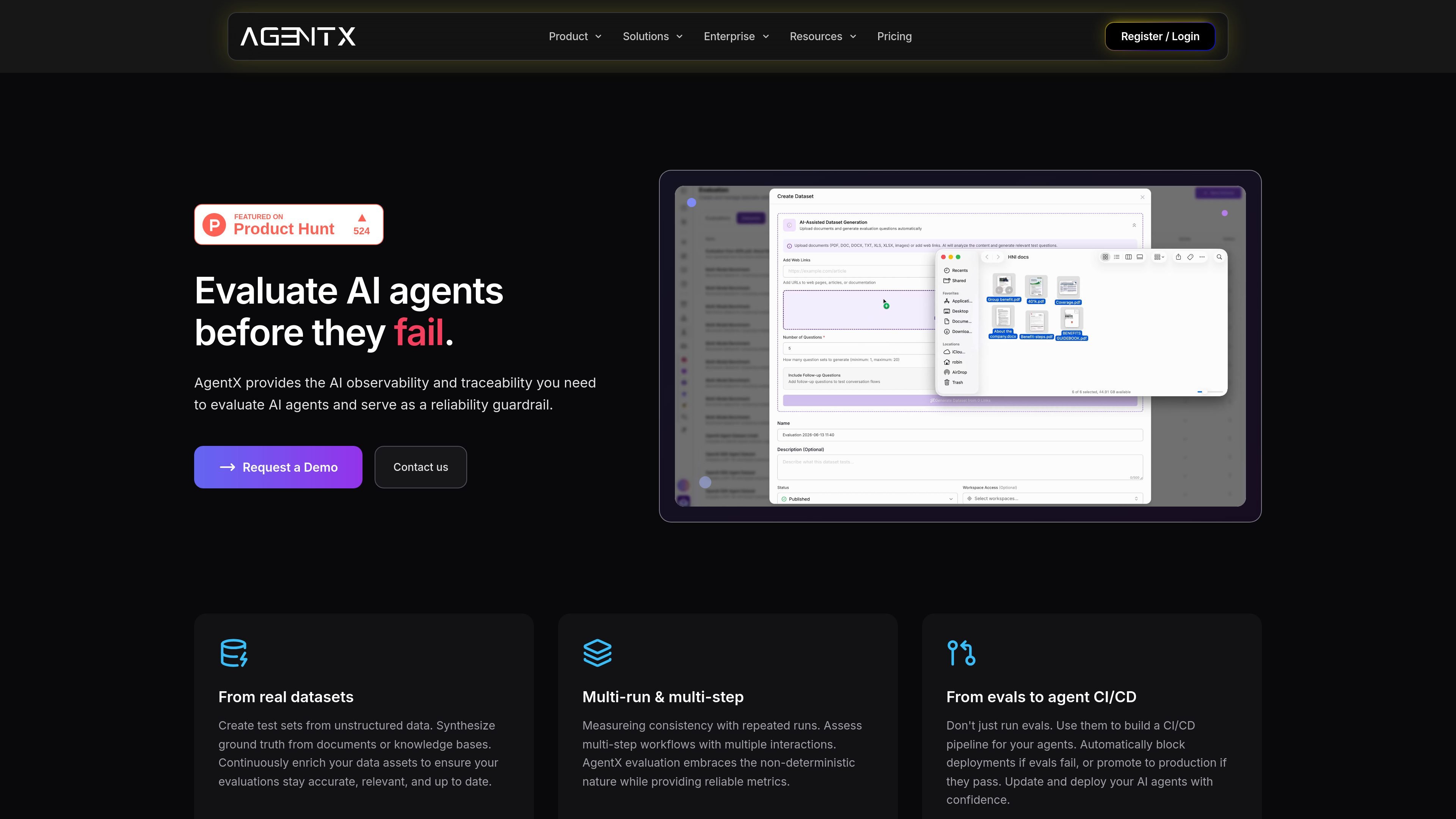
AgentX’s AI evaluation framework is a production-oriented system for evaluating AI agents and LLMs before and after deployment. The page positions it as an observability and traceability layer for agents, with support for building test sets from real data, running evaluations, and monitoring results over time.
The framework focuses on how agents behave in realistic workflows, not just whether they produce a correct answer on a single turn. It highlights multi-step and multi-run evaluation, layered scoring, drift detection, and CI/CD-style gating so teams can block releases when evaluation results fall below a threshold and promote changes when they pass.
The source also shows a broader product workflow around evaluation: create datasets from production traces or uploaded content, run evaluations, inspect step-level reports, compare model behavior with multiple LLM judges, and apply fixes before rerunning tests. Pricing information indicates AgentX is available through self-serve plans for builders and teams, as well as a sales-led enterprise offering with evaluation and deployment support.
Build test sets from unstructured documents or knowledge bases, or turn production traces into evaluation sets so tests stay grounded in real usage.
Run repeated evaluations across multi-step workflows to measure consistency rather than relying on a single pass or single-turn answer.
Evaluate agents with four layers: task correctness, tool and API reliability, reasoning and consistency, and business and user impact.
Use benchmark and regression suites, plus metrics tied to business KPIs such as completion rate and user satisfaction, to connect eval results to release decisions.
Detect prompt and dataset drift and use alerting to monitor changes before and after deployment.
Review execution timelines, tool actions, and traces across agent steps to understand where a failure occurred and what to change.
Teams can evaluate whether an agent completes business tasks correctly before shipping, using layered scoring instead of a single accuracy number.
Product and platform teams can create evaluation datasets from production traces, then keep those tests aligned with how users actually interact with the agent.
Engineering teams can inspect multi-step runs, tool calls, and execution timelines to identify where a workflow breaks and what to fix.
Organizations using agents in production can monitor drift after deployment and use alerts or threshold breaches to trigger another evaluation cycle.
Teams comparing agent or model behavior can use side-by-side evaluation and multiple judges to reduce reliance on a single scoring model.
It evaluates AI agents and LLMs in production using layered metrics such as task correctness, tool and API reliability, reasoning and consistency, and business and user impact. The site also describes continuous evaluation, regression suites, drift detection, and A/B results.
The site describes a workflow that starts with building a test set, then running an evaluation, scoring and surfacing failures, making a threshold decision, iterating or deploying, and monitoring drift afterward.
The homepage says it supports multi-run and multi-step evaluation, including repeated runs and workflows with multiple interactions, which helps account for non-deterministic agent behavior.
The pricing page shows self-serve plans for builders and teams, plus a sales-led enterprise option. It also mentions API access, multi-agent workflows, and demo evaluation mode on the self-serve plans.
The source emphasizes production traces and real datasets as the preferred foundation, while also noting that synthetic generation can be used when coverage gaps exist.

ByteAsk is a terminal-first AI coding agent for C and C++ that edits repositories and verifies changes with the real compiler, debugger, sanitizers, and tests before showing a diff. It offers a free tier plus paid plans, with editor connectors and zero-retention handling described in the source.

PromptScout tracks how ChatGPT, Gemini, Google AI Overviews, and Perplexity mention your brand or competitors, then pairs those results with source analysis and website audits. It helps teams decide what to fix in content, positioning, or site readiness next.

SaveMRR is a Stripe retention tool for SaaS teams that scans billing data for churn and MRR leaks, then automates recovery through dunning, cancel-save offers, win-back emails, and onboarding nudges. It is built for founders and bootstrapped teams using Stripe.

CreateOS Sandbox is an isolated compute environment for running code and agent workloads inside Firecracker micro-VMs. It is designed for workflows that need machine-level isolation, private networking between sandboxes, and programmatic control through SDK, CLI, or MCP.

Hype is a web tool for finding trending YouTube topics by category, time range, and scoring mode. It helps creators spot emerging ideas, inspect source videos, and decide what to cover next.

Sleek Analytics is a privacy-friendly web analytics tool with real-time visitor tracking, Core Web Vitals, and revenue attribution. It helps site owners understand traffic and conversions without cookie banners or a heavy setup.