
Text, image, and effects-based creation
Start from a text prompt, a still image, or an effects preset, then choose a model and generate a clip. The platform is positioned as a single place to move from idea to finished video.

ClipStudios is a web-based AI video platform for creating clips from prompts or images and refining them with built-in audio, lip sync, stitching, and model selection tools. It offers a free tier and paid plans starting at €20/month.
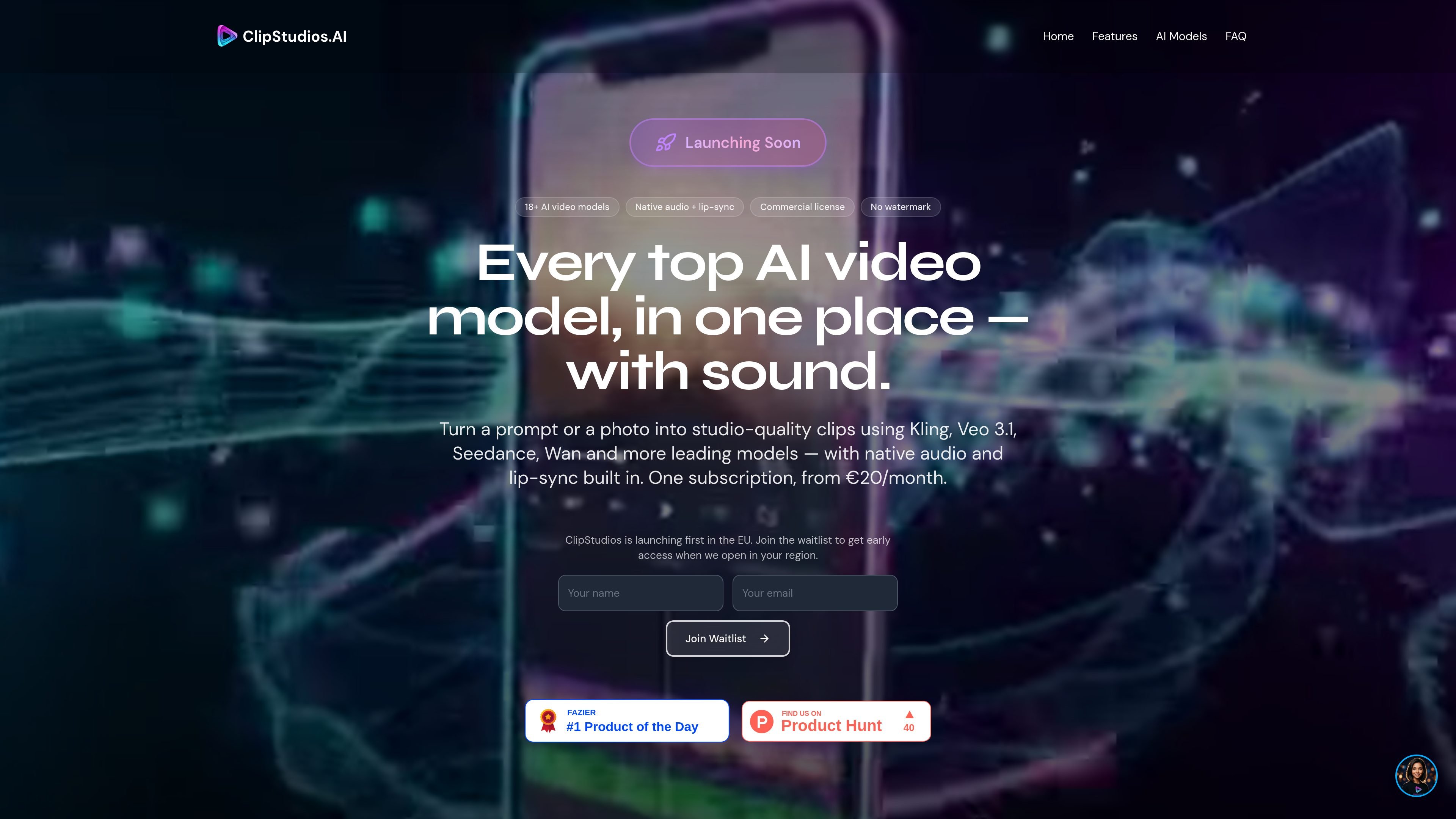
ClipStudios is an AI video generation platform that brings multiple video models into one web-based workflow. The site positions it as a place to create short clips from text prompts or images, then refine them with audio, lip sync, stitching, and related tools.
The product focuses on helping creators, marketers, educators, and businesses choose a model for the task at hand rather than committing to a single generator. The home page and pricing page both emphasize multi-model access, native audio support, commercial licensing on paid plans, and a free entry tier for testing the workflow.
Start from a text prompt, a still image, or an effects preset, then choose a model and generate a clip. The platform is positioned as a single place to move from idea to finished video.
ClipStudios includes a model selection layer with more than 15 AI video models mentioned across the site, including Veo, Kling, Runway, Seedance, and Wan. This lets users match the model to the task instead of using one generator for every project.
The site describes native audio features such as voice-over, global dubbing, sound effects, and adding or syncing audio to video. It also calls out lip-sync workflows for talking avatars.
Video stitching is available to combine multiple clips into longer sequences, with plan tiers listing different clip limits. The home page also highlights extending clips to build longer scenes.
Paid plans include higher-resolution output options and model-dependent resolution caps. The pricing page also shows motion control and 4K upscaling among the creation tools.
The platform says paid plans include commercial licensing, C2PA provenance, and no watermarks, while the free tier is limited to a watermarked output and a single model.
Use the platform to turn a written brief into a short video clip, then choose a model that fits the desired style or motion quality. This is the main workflow highlighted on the home page.
Animate a product photo, concept image, or character image into a moving clip. The site explicitly calls out image-to-video generation and model selection for different creative needs.
Create talking avatars or dubbed clips with lip sync and voice tools. The pricing page lists lip sync tiers, and the home page highlights avatar-focused creation.
Produce narrated or sound-enhanced clips using voice-over, sound effects, and add/sync audio tools. The platform shows examples that mix visuals with ambient audio and effects.
Merge multiple generated clips into a longer sequence when a project needs more than a single short output. The site highlights video stitching and clip extension for longer scenes.
ClipStudios is a web-based AI video platform that lets you create videos from prompts or images, then add audio, lip sync, stitching, and export tools in the same workflow.
The source shows ClipStudios includes a free entry tier with 12 one-time credits and paid plans starting at €20 per month. Paid plans include commercial licensing and no watermarks.
The platform presents a model quiz that helps match a project to the most suitable AI model and plan based on the kind of video you want to create.
The source highlights text-to-video, image-to-video, AI avatar lip sync, voice-over and dubbing, sound effects, audio-to-video sync, and video stitching as part of the creation workflow.
The rendered pages do not provide a full list of export formats, team controls, or integration details, so those specifics are not clear from the available source content.

Official HeyGen API documentation for building AI avatar videos, translations, lipsync, and interactive video-agent sessions. It supports direct API use plus MCP and CLI-style workflows for developers and AI agents.

Wallie is an open-source AI streamer that watches your screen, hears chat, and generates live commentary in a configurable persona. It runs locally on your machine with your own keys and is aimed at faceless content, autonomous streams, and real-time reactions.

VIDEOAI.ME is an AI video generator for making spokesperson-style videos, ads, explainers, and social content from a script. It is aimed at founders, marketers, agencies, and creators who want to produce videos without filming.

Wisry is an AI advertising studio for ecommerce brands that researches competitor ads, develops evidence-backed campaign concepts, and generates static and video creatives. It also supports editing and connected campaign workflows for Meta and Google.

ngram is an AI video generator and editor for teams and individual creators. It turns prompts, uploaded files, or screen recordings into editable videos for demos, training, onboarding, sales enablement, explainers, and launches.

艺映AI is a free AI video creation tool for generating video from text, images, or existing footage. It is positioned for short-form social content, promotional clips, and stylized AI video projects.