
Authentication
Provide email, SMS, OAuth, anonymous-session, and magic-URL authentication, with phone OTP available for SMS-based verification.

Appwrite is an open-source developer platform that provides authentication, databases, storage, serverless functions, messaging, Realtime, hosting, and security capabilities in one stack. It helps developers and teams build, deploy, and operate web and application backends through Appwrite Cloud or self-hosted workflows.
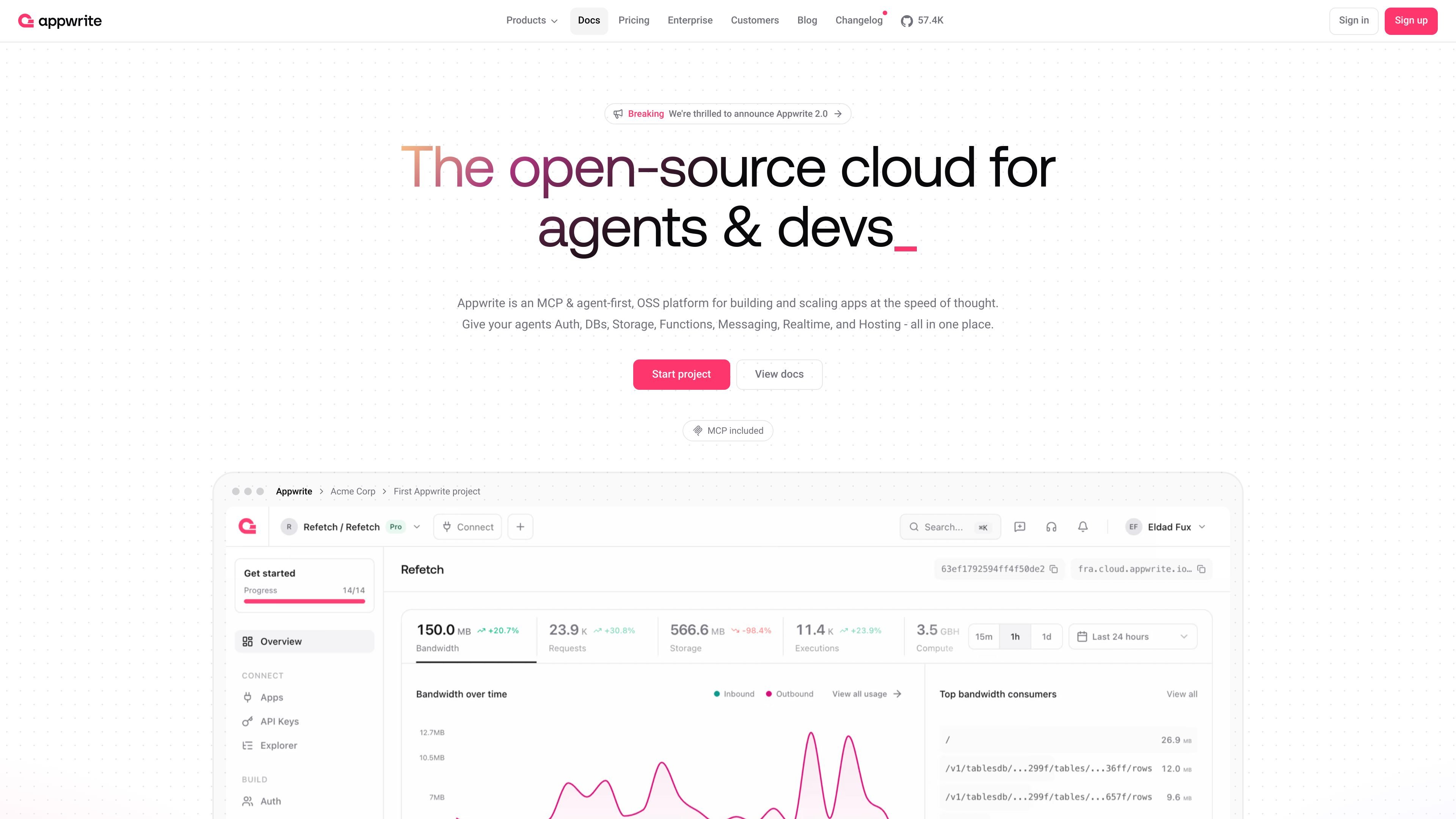
Appwrite is an open-source developer platform for building and operating applications. It brings authentication, databases, file storage, serverless functions, messaging, Realtime, and frontend hosting into a unified stack, with Appwrite Cloud and self-hosted workflows supported by the platform.
The service is designed to cover multiple stages of an application lifecycle: teams can authenticate users, persist and protect data, run backend logic, deliver notifications, react to live events, and deploy web frontends. Its site also describes MCP and agent-oriented workflows for interacting with live Appwrite projects.
Provide email, SMS, OAuth, anonymous-session, and magic-URL authentication, with phone OTP available for SMS-based verification.
Model and query data using Appwrite databases, or use managed PostgreSQL and MySQL options. The pricing page also lists vector databases and text-embedding quotas.
Store files with compression, encryption, image transformations, and access control. Buckets can be used alongside the rest of a project’s backend services.
Deploy backend code in secure isolated runtimes with event-driven execution. Functions have configurable execution and compute allowances based on the plan.
Deploy static, SSR, and CSR frontends from Git with instant previews, while Appwrite provides the application backend behind them.
Send email, SMS, and push notifications, subscribe to project events through Realtime, and apply traffic rules and abuse controls through the platform’s network security features.
Create an application backend with user accounts, database records, file uploads, and server-side logic without assembling each foundational service independently.
Use email, SMS, OAuth, anonymous sessions, or magic URLs to support different sign-in and verification flows. Mock phone numbers allow no-cost testing of phone integrations.
Deploy a web frontend from a Git repository and use static, SSR, or CSR delivery depending on the application architecture, with instant previews for changes.
Run event-driven backend tasks in isolated serverless runtimes, such as processing uploads, responding to application events, or connecting custom application logic to platform services.
Send transactional or engagement messages through email, SMS, and push channels, while using Realtime subscriptions when an application needs to react to project events as they occur.
Appwrite is an open-source developer platform that combines authentication, databases, storage, serverless functions, messaging, Realtime, Sites hosting, and network security capabilities in one stack. It is available as Appwrite Cloud and supports self-hosted data migrations according to the site content.
Appwrite Auth supports email, SMS, OAuth, anonymous sessions, and magic URLs. Phone OTP is billed per SMS sent on applicable plans, while mock phone numbers can be used to test integrations without SMS charges.
Appwrite Cloud plans include a free tier, a Pro plan, and an Enterprise plan. The pricing page states that plan limits cover services such as bandwidth, storage, executions, users, databases, buckets, and functions; exact allowances depend on the plan.
Appwrite Sites can deploy static, server-side rendered, and client-side rendered frontends from Git, with instant previews. Appwrite Functions provide isolated serverless runtimes and event-driven execution for backend code.
Appwrite billing is configured per organization. Billing periods last 30 days from a plan change, and organizations can view invoices, use supported credit or debit cards, and set budget caps and alerts for add-on usage.

CreateOS Sandbox is an isolated compute environment for running code and agent workloads inside Firecracker micro-VMs. It is designed for workflows that need machine-level isolation, private networking between sandboxes, and programmatic control through SDK, CLI, or MCP.

GitBot is a local browser-based workspace for creating reusable coding bots powered by Claude Code, Codex, or OpenCode. It helps developers run those agents across repository folders with persistent threads and configurable permissions.

AakarDev AI helps teams manage AI provider access, project-level setups, logs, and analytics from one dashboard. It supports BYOK workflows and lists providers including OpenAI, Google Gemini, Anthropic, Groq, Mistral AI, and Perplexity AI.

Trigger.dev chat agent is a durable AI chat backend for developers building stateful conversations that can survive refreshes, crashes, and long-running turns. It connects with the AI SDK `useChat` flow and runs on managed infrastructure with no timeout on a turn.

ByteAsk is a terminal-first AI coding agent for C and C++ that edits repositories and verifies changes with the real compiler, debugger, sanitizers, and tests before showing a diff. It offers a free tier plus paid plans, with editor connectors and zero-retention handling described in the source.

Codex Plugins bundle reusable skills, app integrations, and MCP servers into workflows you can install in the Codex app or use from Codex CLI. They help extend Codex with connected-service tasks, reusable instructions, and shared team workflows.