
Agentic intake flow
Start with a guided AI Chat intake that asks follow-up questions about your goal, audience, platform, first version, profile, and skills before generating a prompt.

Archly is a prompt generation workspace for AI app builders that turns an idea into a structured prompt for tools like Lovable, Bolt, v0, Cursor, Claude Code, and Replit. It is aimed at developers, indie founders, and vibe coders who want a guided way to produce platform-specific prompts.
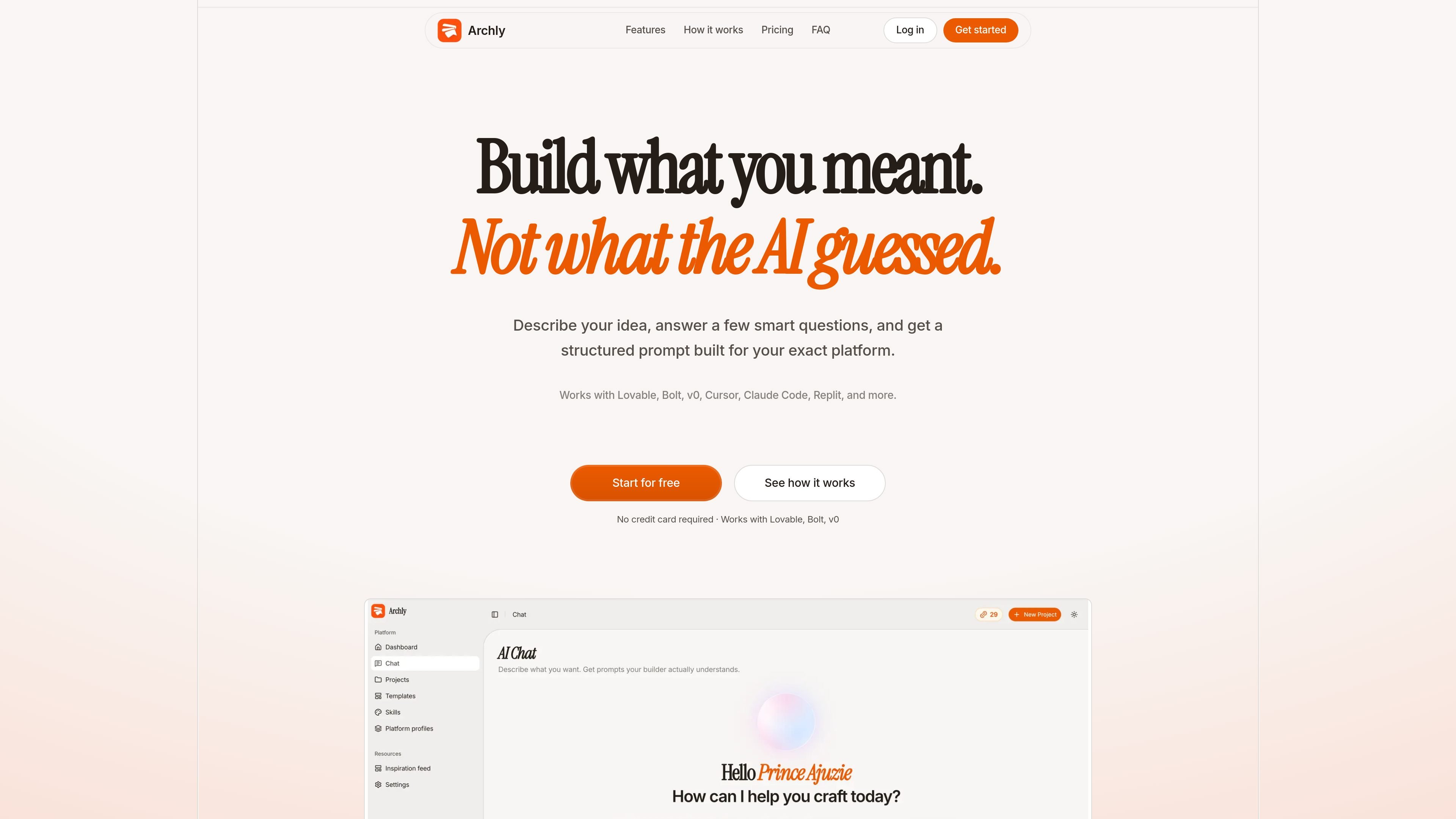
Archly is a prompt generation workspace for AI app builders. It turns an idea into a structured prompt for tools such as Lovable, Bolt, v0, Cursor, Claude Code, and Replit.
The product is designed to reduce the back-and-forth of rewriting prompts from scratch. You describe what you want to build, answer guided follow-up questions, and receive a craft prompt shaped around the platform you plan to use. Archly also keeps prompts, projects, skills, and inspiration connected so you can refine an idea over time rather than starting over each time.
The homepage positions Archly for developers and vibe coders who want better prompt outputs when building landing pages, apps, or other AI-assisted projects. Its workflow combines intake, platform profiles, saved inspirations, and prompt tracking in a single workspace.
Start with a guided AI Chat intake that asks follow-up questions about your goal, audience, platform, first version, profile, and skills before generating a prompt.
Archly stores each prompt as part of a project so your sessions, platform profile, and craft prompts stay connected over time.
Use the dashboard to track prompts, projects, skill use, and platform activity from one place.
Select platform profiles for builders such as Lovable, Bolt, v0, and Cursor so the output is structured for the destination you are using.
Browse Product Hunt launches, save ideas, and turn them into builder-ready prompts without leaving the workspace.
Copy a craft prompt or open it directly in your builder after generation, rather than rebuilding the prompt manually.
Describe a new app or landing page idea, answer the guided questions, and generate a prompt tailored to the builder you want to use.
Store a project and its platform profile so later prompt refinements build on the same context instead of restarting the brief.
Use platform profiles and the craft prompt output to format work for Lovable, Bolt, v0, Cursor, or another supported builder.
Browse Product Hunt launches, save a useful reference, and turn that inspiration into a prompt for your own project.
Track prompts, skills, and platform usage from the dashboard when you are handling multiple ideas or versions at once.
Archly is a prompt generation workspace for AI app builders. It helps you turn an idea into a structured, platform-ready prompt for tools like Lovable, Bolt, v0, Cursor, Claude Code, and Replit.
You start by describing your idea in AI Chat. Archly asks follow-up questions, applies platform profiles and skills, and then produces a craft-ready prompt you can copy or open in your builder.
The Free plan includes 3 credits, 1 project, platform profiles for Lovable, Bolt, v0, and Cursor, a basic skill catalog, community templates, and 5 saved inspirations.
Starter is positioned for builders who craft prompts regularly and includes 150 credits per month, up to 5 projects, all platform profiles, the full skill catalog plus custom skills, all community templates, and unlimited saved inspirations. Builder includes 600 credits per month, unlimited projects, and the ability to create and save your own templates.
Archly uses credits for actions such as chats, craft prompts, and skill applications. The pricing section says every chat, craft, and skill apply costs one credit.

ByteAsk is a terminal-first AI coding agent for C and C++ that edits repositories and verifies changes with the real compiler, debugger, sanitizers, and tests before showing a diff. It offers a free tier plus paid plans, with editor connectors and zero-retention handling described in the source.

Epherem is a static security scanner for web apps built with AI coding tools such as Lovable, Bolt, v0, Replit, Cursor, and Claude Code. It checks source files and dependencies for common security mistakes, then provides categorized findings and suggested fixes without running the app.

CreateOS Sandbox is an isolated compute environment for running code and agent workloads inside Firecracker micro-VMs. It is designed for workflows that need machine-level isolation, private networking between sandboxes, and programmatic control through SDK, CLI, or MCP.

GitBot is a local browser-based workspace for creating reusable coding bots powered by Claude Code, Codex, or OpenCode. It helps developers run those agents across repository folders with persistent threads and configurable permissions.

hob is an independent workspace for coding agents that keeps agent sessions, terminals, history, and follow-up work organized around the tools and providers you already use. It is aimed at developers who want local control over routing, history, and workspace structure rather than a bundled model stack.

Ably Chat is a chat API platform for building custom realtime chat applications. It supports room-based messaging, typing indicators, presence, reactions, and message updates, with usage-based pricing options for different deployment stages.