
Wallet-funded tool access
Lets agents use paid tools from one wallet instead of requiring a separate provider subscription, account, or API key for each service.

Composio Instant gives AI agents wallet-funded access to supported paid tools without separate provider accounts, subscriptions, or API keys. It helps developers and teams run search, browser, media, data, and related workflows while paying per call from a Composio balance.
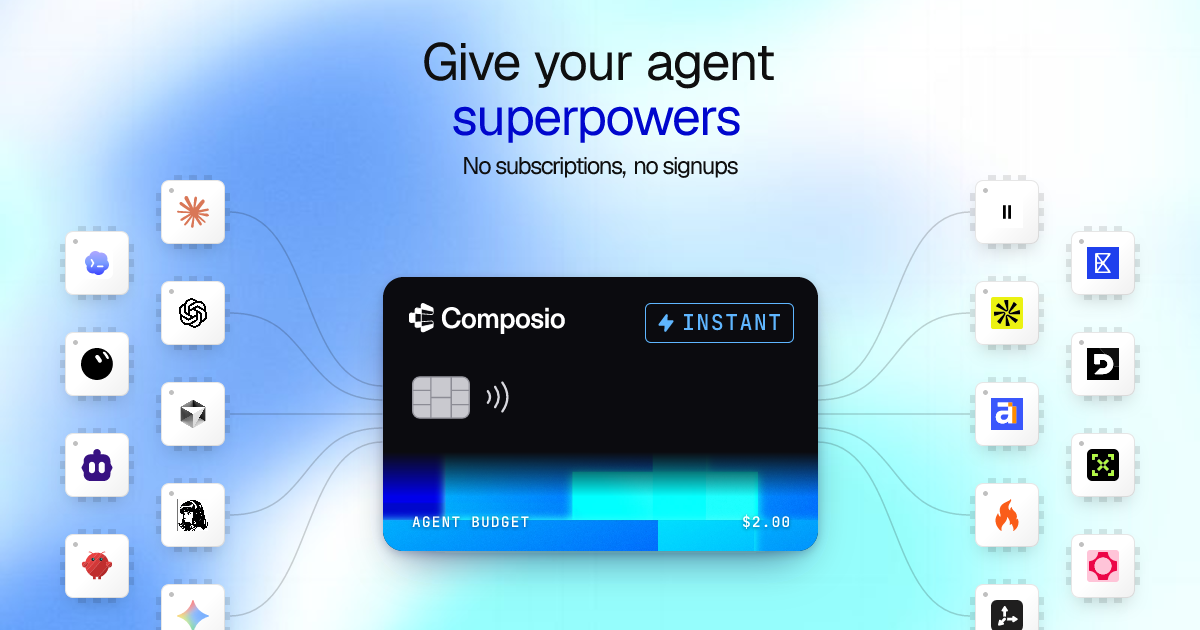
Composio Instant is a wallet-based access layer for AI agents that need to call paid third-party tools without setting up a separate account, subscription, or API key for every provider. It is part of Composio's agent tooling platform and is intended for use with MCP clients such as Claude, ChatGPT, Cursor, and others.
An agent can use Instant for tasks across search, browser access, data collection, company enrichment, audio, video, weather, SEO, and scraping. Usage is charged per call from a Composio wallet at provider prices with no stated markup, while actions through a user's already connected accounts remain outside Instant charges.
Lets agents use paid tools from one wallet instead of requiring a separate provider subscription, account, or API key for each service.
Covers web search and research-oriented tools, including services for finding pages, answers, public web content, and business information.
Supports browser-oriented tools that can navigate websites, read pages, and collect information needed for an agent task.
Provides access to audio capabilities such as speech generation and audio transcription, with video creation also listed among supported workloads.
Shows the tool used and the cost of each Instant call in execution logs, giving teams a record of wallet-funded usage.
Can be switched off for a team without disabling tools that run through accounts the team has already connected.
Have an agent search the web, read source pages, and gather evidence or relevant answers without arranging individual search-provider accounts first.
Use business-information and contact-finding tools to research a company or identify contacts as part of a sales or CRM workflow.
Turn written material into a voiceover or convert recorded audio into text when an agent needs to prepare or process media.
Let an agent navigate websites and collect public-page information for a research, monitoring, or scraping task.
Research a company with an Instant tool, then save the resulting brief to a connected app such as Notion; the connected-app step does not incur an Instant charge.
Instant lets an agent use paid tools without creating a separate provider account, subscription, or API key for each one. The agent's Instant calls are paid from a Composio wallet.
The product lists audio, video, web search, browser access, data, company enrichment, SEO, weather, and scraping among its supported capability areas. Tools are added over time.
No. Calls through accounts you have already connected continue to work without an Instant charge; Instant is for tools that are not connected through your own account.
You add funds to a Composio wallet and pay per Instant call. Composio states that provider usage has 0% markup.
Instant calls stop after Composio confirms that the balance is exhausted. Because balance checks are asynchronous, the balance is not a strict per-call spending cap. Connected accounts keep working.

CreateOS Sandbox is an isolated compute environment for running code and agent workloads inside Firecracker micro-VMs. It is designed for workflows that need machine-level isolation, private networking between sandboxes, and programmatic control through SDK, CLI, or MCP.

GitBot is a local browser-based workspace for creating reusable coding bots powered by Claude Code, Codex, or OpenCode. It helps developers run those agents across repository folders with persistent threads and configurable permissions.

AakarDev AI helps teams manage AI provider access, project-level setups, logs, and analytics from one dashboard. It supports BYOK workflows and lists providers including OpenAI, Google Gemini, Anthropic, Groq, Mistral AI, and Perplexity AI.

Trigger.dev chat agent is a durable AI chat backend for developers building stateful conversations that can survive refreshes, crashes, and long-running turns. It connects with the AI SDK `useChat` flow and runs on managed infrastructure with no timeout on a turn.

ByteAsk is a terminal-first AI coding agent for C and C++ that edits repositories and verifies changes with the real compiler, debugger, sanitizers, and tests before showing a diff. It offers a free tier plus paid plans, with editor connectors and zero-retention handling described in the source.

Epherem is a static security scanner for web apps built with AI coding tools such as Lovable, Bolt, v0, Replit, Cursor, and Claude Code. It checks source files and dependencies for common security mistakes, then provides categorized findings and suggested fixes without running the app.