
In-browser file sending
Drop files into the browser tab, drag them onto the card, or pick them from your device. The product works without an app and without installing anything.

BetterFileTransfer is a browser-based file transfer service for sending files through a private link. It supports anonymous transfers, end-to-end encryption by default, and account-based features such as delivery receipts and longer retention.
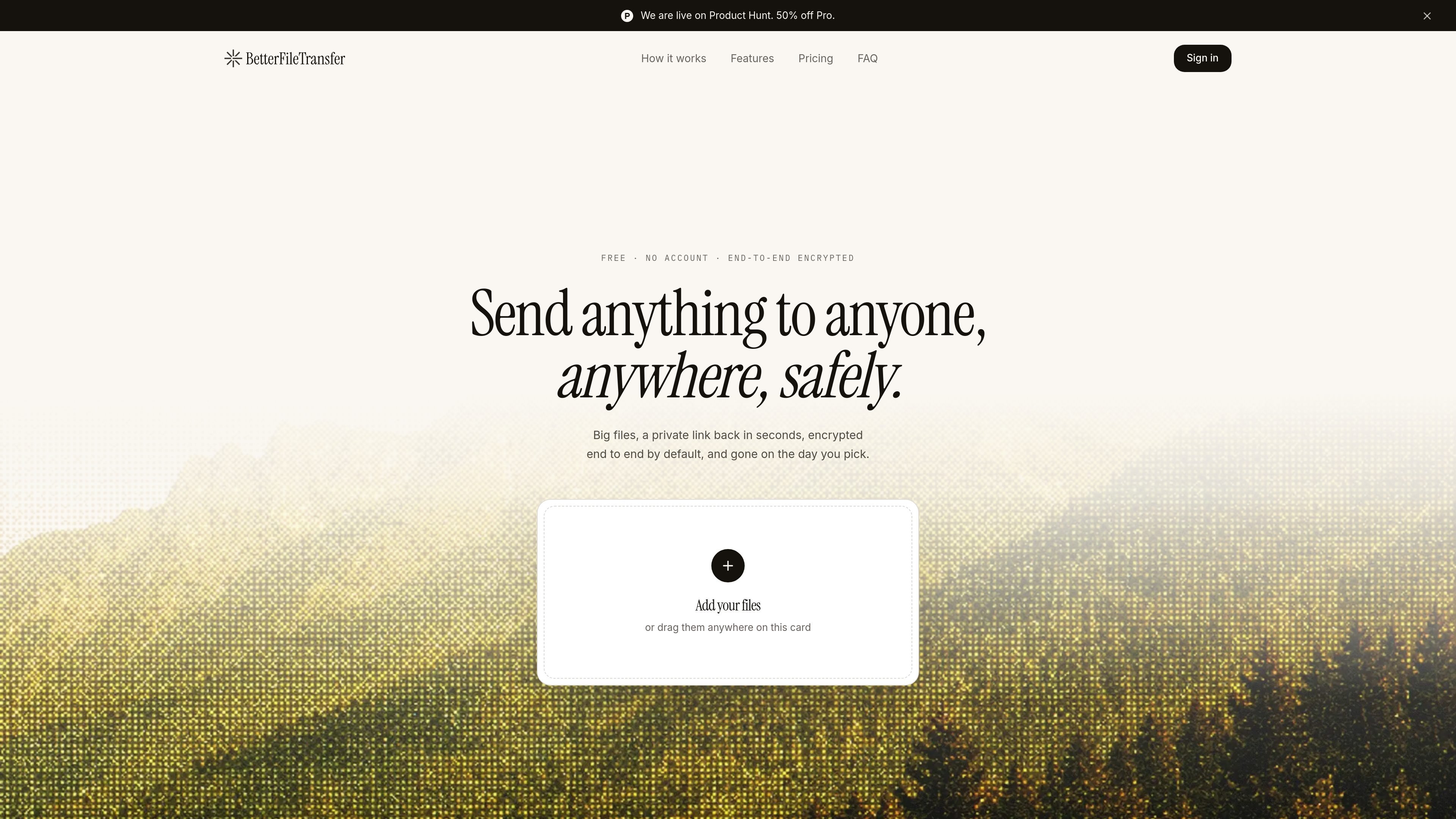
BetterFileTransfer is a browser-based file transfer service for sending files through a private link. The service focuses on quick uploads, a short setup flow, and link-based sharing that works without installing software.
Its core workflow is simple: add files, choose how long the link should last, and copy, email, or share the resulting address. The product is designed to handle large files, protect them with end-to-end encryption by default, and let the sender decide when the transfer expires or is revoked.
Drop files into the browser tab, drag them onto the card, or pick them from your device. The product works without an app and without installing anything.
Send transfers with or without an account. Anonymous transfers are available from the homepage, while accounts add larger limits and transfer history.
Files are sealed in the browser before upload, and the service says it only stores sealed bytes when encryption is on. The key stays with the sender and recipient, not the server.
The uploader splits files into chunks so interrupted connections do not force a full restart. Failed chunks retry automatically.
Choose how long the link should stay active and revoke it early if needed. The service supports short-lived links, longer retention, and never-expiring links on Pro.
When you use an account, the dashboard can send links by email and show delivery, open, and bounce status. Pro extends that to larger recipient lists.
Send a one-off file from a browser tab when you do not want to create an account or install software. The homepage flow returns a private link in seconds.
Use an account when you need larger transfers, storage, and a record of past sends. The dashboard preserves transfer history and supports revoking links later.
Share a sensitive file with encryption turned on so the browser seals it before upload and the recipient unlocks it locally with the same key.
Email the link to one or more recipients and use the delivery and open receipts to confirm the message reached them.
Send from a phone using the iOS or Android share sheet when a desktop upload is not convenient.
No. The homepage says you can drop a file in and get a private link back without creating an account. Anonymous transfers are limited to 100 MB and can be set to expire after 1 or 7 days.
Yes. If you use an account, BetterFileTransfer can email the link for you, and the dashboard shows delivery and open status for each recipient. The free account can send to one person at a time, while Pro can send to up to 100 people at once.
Anonymous transfers are capped at 100 MB. A free account raises the limit to 1 GB per transfer with 10 GB of storage, and Pro raises it to 10 GB per transfer with 1 TB of storage.
The sender chooses the expiry time. Anonymous links can live for 1 or 7 days, free accounts can keep links alive for up to 30 days, and Pro can create links that never expire. You can also revoke a link early from the dashboard.
Yes. The site says the uploader accepts files from the iOS and Android share sheets, and the interface is designed to work on a phone as well as on a laptop.

ArtDeck is a visual reference board app for iPhone, iPad, and Mac that lets artists collect mixed reference material on one canvas and study it with ToolBox lenses. It works offline, supports optional iCloud sync, and is sold as a one-time purchase with no account required.

Codex Plugins bundle reusable skills, app integrations, and MCP servers into workflows you can install in the Codex app or use from Codex CLI. They help extend Codex with connected-service tasks, reusable instructions, and shared team workflows.

MacSpoof cambia o randomizza l’indirizzo MAC Wi‑Fi su macOS: riconnettiti alle reti e limita la registrazione dell’identità su Wi‑Fi pubbliche.

NomNak è un’app gratuita per iPhone per scoprire ristoranti grazie ai consigli degli amici, con spot salvati, food passport e ricerca città.

Ctrl+Shift+3 is a calm, text-first community platform with a chronological feed, profiles, RSS, and private groups called Clicks. It is built for reading, posting, and joining smaller communities without algorithmic ranking or vanity counts.

Hexel Editor is a macOS hex editor for opening, searching, inspecting, and editing binary files. It is aimed at developers, reverse engineers, and security researchers who need structured byte-level analysis on the Mac.