
Chronological main feed
The main feed is a shared chronological stream of public posts, sorted newest first, with no algorithmic For You feed by default.

Ctrl+Shift+3 is a calm, text-first community platform with a chronological feed, profiles, RSS, and private groups called Clicks. It is built for reading, posting, and joining smaller communities without algorithmic ranking or vanity counts.
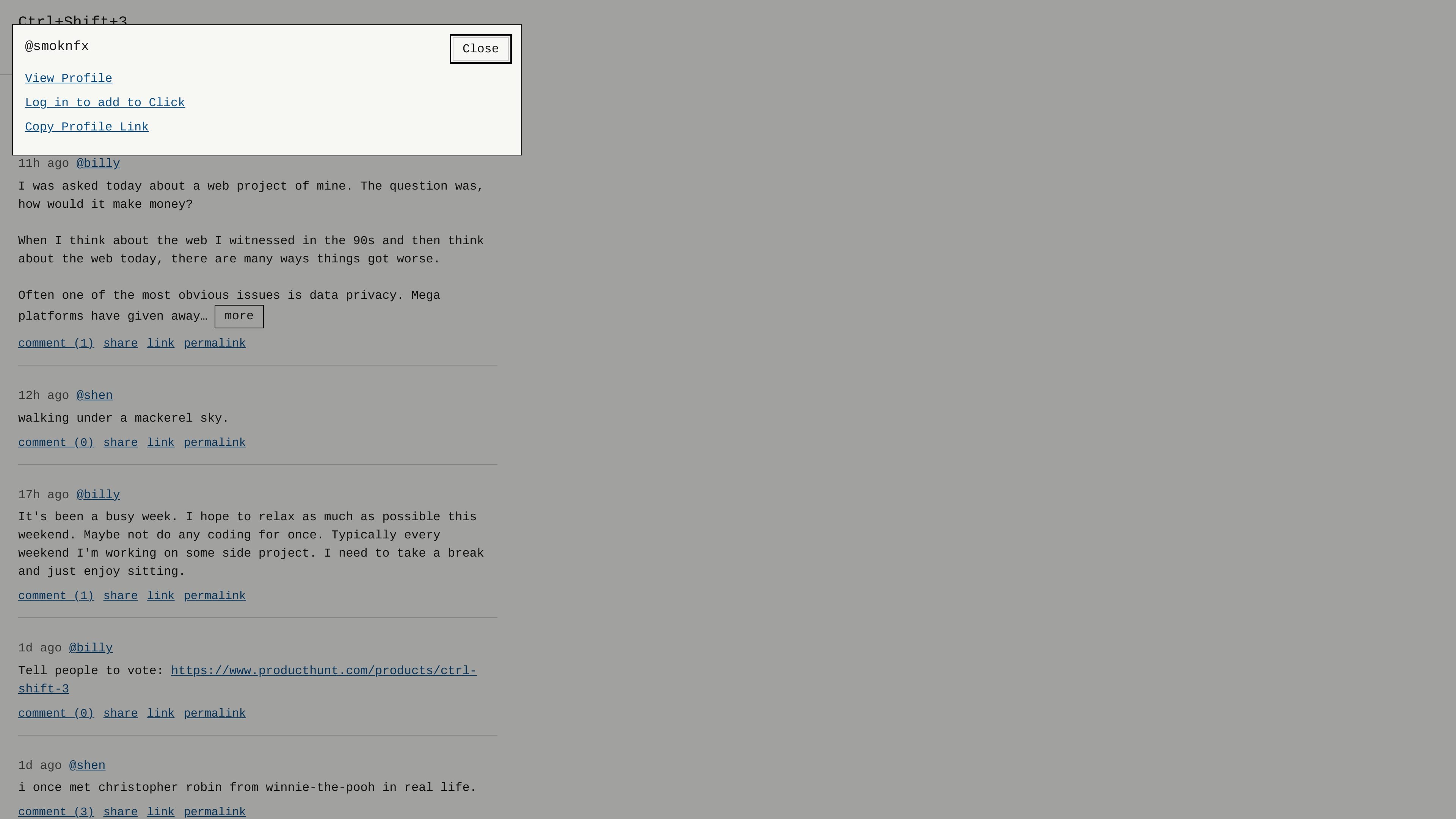
Ctrl+Shift+3 is a calm, chronological, text-first community platform built around public posts, comments, profiles, and private groups. The site presents itself as an alternative to large social platforms, with an emphasis on simpler interaction and fewer vanity metrics.
The core experience centers on a main feed, optional Wave sorting, private subscriptions, and public profiles with RSS. It also adds features such as flat comments, linked thoughts, polls, art posts, Clicks, moderation logs, data export, and optional Fediverse sharing for accounts that opt in.
The main feed is a shared chronological stream of public posts, sorted newest first, with no algorithmic For You feed by default.
An optional Wave view can reorder the feed to show posts with more comments first, while still favoring newer posts so older items do not stay fixed at the top.
Users can subscribe to people from their profile without follower counts. The Subs feed shows subscribed accounts' main-feed posts in chronological order.
Profiles include a public bio, posts, optional wall posts from others, and RSS. Profile owners can control whether visitors may write on their profile.
Posts support flat comments, thought linking, polls, and art posts. Polls can run for 1-30 days, and art posts use a 40×40 paint grid.
The platform includes Clicks for private groups, mentions and pings, search, moderation logs, data export, optional Fediverse sharing, and Direct Connect beta chat when browser-to-browser connection is possible.
Read a public chronological feed of posts without algorithmic ranking getting in the way. This suits people who want a simple stream of text updates and linked thoughts.
Join a private Click for a topic, friend group, or family space. Signed-in users can browse titles and descriptions before requesting access or using an invite code.
Publish posts, comments, polls, or art from a profile while keeping control over profile wall settings and account visibility through blocks and moderation tools.
Follow people or public feeds from an RSS reader, or use the profile embed script when direct RSS fetching is not available.
Use Direct Connect beta or pings to handle short text exchanges and attention signals, while keeping public-feed posting separate from private or one-to-one communication.
The source describes Ctrl+Shift+3 as a text-first community platform with a chronological main feed, private Clicks, profiles, search, RSS, comments, polls, art posts, and optional Fediverse sharing. It is designed for logged-in participation rather than anonymous browsing alone.
Users can log in or register to post. The site also exposes profiles, RSS, search, moderation pages, and a public feed; the About page says profiles include bio, posts, optional wall posts, and RSS.
The About page says the platform supports RSS for public feeds and profiles, and that profiles also offer an embed script at /u/username/rss.js for sites that cannot fetch RSS directly.
Clicks are private communities. Signed-in people can browse titles and descriptions, but membership is required to enter a Click by invite code or by requesting to join.
The source does not present a pricing page with plans or prices. The public site does show login and register flows, but no pricing details are available from the pages provided.

MacSpoof cambia o randomizza l’indirizzo MAC Wi‑Fi su macOS: riconnettiti alle reti e limita la registrazione dell’identità su Wi‑Fi pubbliche.

DemoTV is an audience-ranked station for discovering and comparing independent product demos. Founders can submit videos, embed approved demos on their websites, collect viewer inquiries and optionally commission demo production or labelled promotion without buying ranking.

Ship It: Idle Dev Tycoon is an iPhone incremental simulation game about building apps, managing a software studio, and selling it for lasting progression benefits. It supports offline play, automated builds, adviser collection, and optional in-app purchases.

NomNak è un’app gratuita per iPhone per scoprire ristoranti grazie ai consigli degli amici, con spot salvati, food passport e ricerca città.

CAPTA is a mobile GPS waypoint app for quickly saving, organizing, and revisiting locations. It supports offline use, camera-based coordinate capture, optional cross-device synchronization, and GPX export for fishermen, explorers, and field professionals.

Hexel Editor is a macOS hex editor for opening, searching, inspecting, and editing binary files. It is aimed at developers, reverse engineers, and security researchers who need structured byte-level analysis on the Mac.