
Sealed testimony
Each participant answers the same four questions apart, keeping one person from reading the other’s account before the ruling.

Capybara Court is a web app for settling small interpersonal disputes through private, sealed statements reviewed by Judge Cappy. It issues a shared ruling and can be used with both sides or, as the site describes it, by opening a ruling yourself.
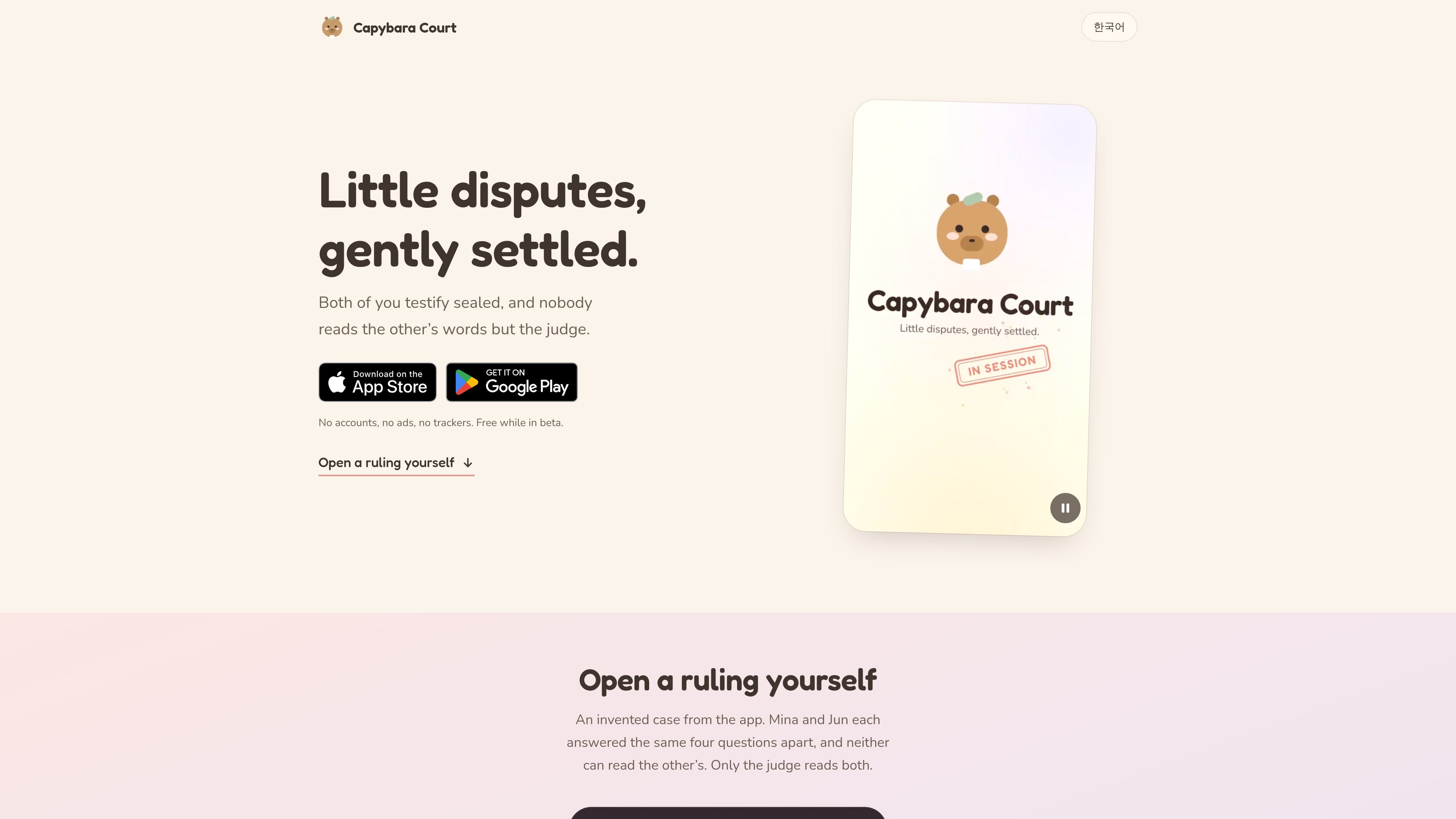
Capybara Court is a lightweight web app for settling small interpersonal disputes. Judge Cappy the capybara reviews sealed statements from the people involved and issues a shared ruling, with the aim of giving both sides a private way to explain what happened.
The homepage illustrates the process with a dispute about household dishes. Mina and Jun answer four questions separately, neither can read the other’s testimony, and the example ruling assigns an outcome, divides fault, and records findings of fact. The service says it requires no accounts and is free while in beta.
Each participant answers the same four questions apart, keeping one person from reading the other’s account before the ruling.
The site says only Judge Cappy reads both statements, while each participant sees only the ruling and their own submitted material.
The judge’s example ruling gives one outcome to both participants rather than presenting separate decisions.
A sample ruling includes a sentence, a percentage fault split, and findings of fact to explain the decision.
Once testimony is sealed, the page says it cannot be edited, and written material is automatically destroyed 30 days after filing.
Use the sealed four-question process when two people disagree about a small household responsibility, such as the illustrated dishes dispute, and want an outside ruling without reading each other’s statements first.
Use a shared ruling to turn an informal disagreement into a defined next step. The example assigns a concrete action and a playful tie-breaker rather than leaving the dispute unresolved.
Open a ruling yourself when you want Judge Cappy’s perspective on a personal disagreement but do not have a second participant available; the site advertises this option, although it does not explain the one-sided workflow in detail.
The public page describes a sealed process in which both people answer the same four questions separately. Each person’s statement is hidden from the other and read by Judge Cappy; the site does not explain the case-opening or participant-joining steps in further detail.
The site says the product can be used with both sides testifying, and its description also presents an option to open a ruling yourself. The detailed workflow for a one-sided case is not specified on the public page.
After both statements are sealed, the judge produces a ruling shown on both screens. The example ruling includes a sentence, a fault split, and findings of fact, but the site does not document whether other output formats are available.
The page says that statements cannot be edited after sealing and that everything written shreds itself 30 days after filing. It does not describe reopening, appeals, or how a ruling can be shared.
The homepage says Capybara Court is free while in beta. It does not provide usage limits, future pricing, or plan details.

roastme.gg is a pay-to-play AI roasting site where users submit their own X handle or website, choose how much to pay, and get a public roast ranked on a leaderboard by amount paid.

Loniva is a mobile puzzle app that offers a calm daily mix of games across memory, attention, language, speed, logic, and focus. It runs on iPhone, iPad, and Android, with a free 7-day trial and a free daily workout after the trial.

Postaway is a web-based postcard service for creating free vintage-style digital postcards and sharing them by link. It also has a separate postcard club waitlist for physical vintage mail shipped from Thailand.

MacYaps è un'app per la barra menu di macOS che riproduce clip audio divertenti quando accadono eventi di sistema. Include voci integrate, upload audio personalizzati e licenza a vita.

Snail Walk is a mobile walking-survival game that converts daily steps from Apple Health or Health Connect into progress along a shared path while a persistent snail pursues each player. It is designed for iOS and Android users who want social rankings and a consequence-driven alternative to passive step tracking.

SnakeBid is a browser-based Snake game with a daily leaderboard. Players can claim verified scores, and businesses can buy a featured site spot.