
Single-server MCP integration
Connect to one external MCP server through Streamable HTTP and choose either `MCP_URL` or `MCP_APPS_URL`, with runtime rejection if both are set.

Chat is a general-purpose AI chat interface for services that expose an MCP server. It supports natural-language interaction, configurable deployments, persistent conversation history, and optional bot-channel integrations.
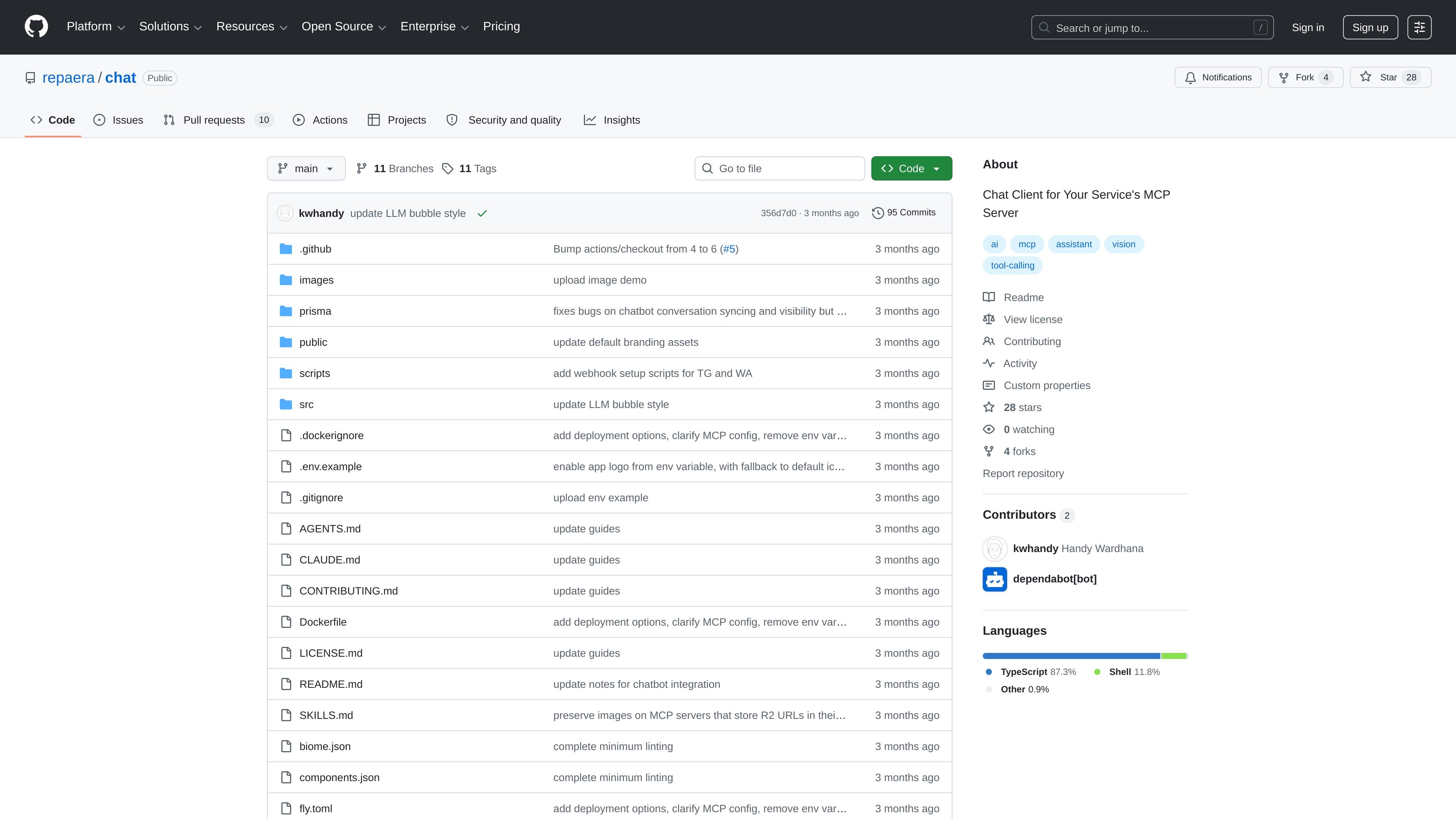
Chat is a general-purpose AI chat interface built for services that expose an MCP server. It is designed to let users interact with a domain-specific backend through normal conversation instead of a separate task form or dashboard.
The project is built with Next.js App Router, Vercel AI SDK v6, and Prisma v7. According to the README, it supports configurable branding and locale strings, streaming AI responses, image attachments, persistent conversation history, authentication, and optional integrations such as location sharing, weekly message limits, and background cleanup jobs.
Connect to one external MCP server through Streamable HTTP and choose either `MCP_URL` or `MCP_APPS_URL`, with runtime rejection if both are set.
Customize the app name, AI persona context, and locale strings so the same codebase can be deployed for different services.
Send and receive messages in real time with typing indicators, Markdown rendering, link detection, and optional LLM image output.
Attach images with a mandatory crop step, compress them on send, and upload them to Cloudflare R2 only when the message is sent.
Keep chat records in persistent history with cursor-based pagination and infinite scroll for older conversations.
Support Telegram, WhatsApp, Slack, Teams, Google Chat, Discord, GitHub, and Linear through Chat SDK when the relevant environment tokens are present.
A service team can expose its backend through MCP and give users a chat interface for common requests, such as delivery, booking, or task workflows.
An internal product team can reuse the same codebase across multiple deployments by changing the app name, persona context, and locale strings.
Operators can connect selected bot channels and serve the same LLM plus MCP workflow through messaging platforms such as Slack, Discord, Telegram, or GitHub.
Teams that need continuity can keep persistent conversation history with pagination and infinite scroll so older exchanges remain accessible.
Products that rely on visual context can let users attach images with cropping before send and have the assistant return image-based responses when needed.
It is a general-purpose AI chat interface that connects to a single MCP server and lets users talk to that service in natural language.
The README lists MCP_URL for any backend or MCP_APPS_URL for TypeScript plus embedded UI. It accepts one of those connection modes at a time; setting both is rejected at runtime.
The project includes email/password authentication with verification, password reset, email change, and Google OAuth, plus persistent conversation history and image attachments.
The repository supports optional per-user weekly message limits, and the README notes a warning banner when the limit is nearly reached and a 429 response when it is exhausted.
The README says it can be deployed as one codebase for multiple deployments, with configurable app name, AI persona context, and locale strings.

BookAI ti consente di chattare con i tuoi libri utilizzando l'IA semplicemente fornendo il titolo e l'autore.

Ably Chat is a chat API platform for building custom realtime chat applications. It supports room-based messaging, typing indicators, presence, reactions, and message updates, with usage-based pricing options for different deployment stages.

Gemma AI is a phone call reminder app that calls you with scheduled reminders instead of push notifications. It helps people who want a more direct way to stay on schedule, with Google Calendar sync and conversational call interactions.

Claude Overlay is a Windows desktop overlay for Claude Code that reads your screen so you can ask questions, inspect content, and request edits without leaving the current app. It runs on your existing Claude subscription through the Claude CLI, so no separate API key is required.

Grok è un assistente AI gratuito sviluppato da xAI, progettato per dare priorità alla verità e all'obiettività, offrendo al contempo capacità avanzate come l'accesso a informazioni in tempo reale e la generazione di immagini.

Spotit è un’app per macOS che legge lo schermo e evidenzia dove cliccare, con domande vocali e guida sullo schermo nell’app che usi.