
Multi-model chat
Chatbox supports 30+ mainstream models, including ChatGPT, Claude, and DeepSeek, so users can work across multiple model providers in one client.

Chatbox is an AI chat client that lets users work with 30+ mainstream models in one place. The web app includes guided setup, while some advanced features are reserved for the desktop app.
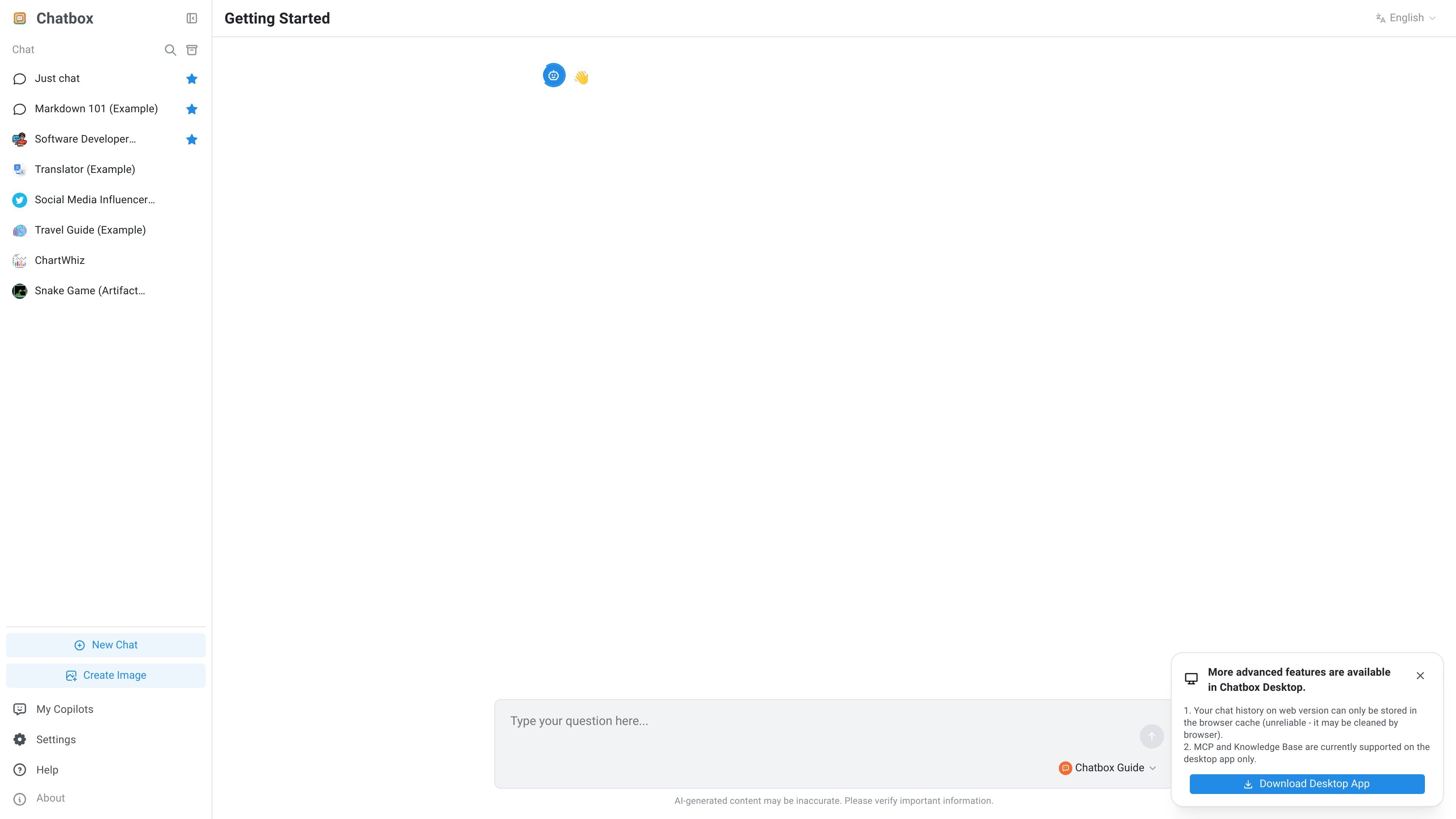
Chatbox is an AI chat client that brings multiple mainstream language models into a single interface. The homepage describes it as an all-in-one AI chat client supporting 30+ models, including ChatGPT, Claude, and DeepSeek.
The web app is positioned as an entry point to Chatbox’s broader product, with guided onboarding, chat history stored in the browser cache, and a notice that some advanced capabilities such as MCP and Knowledge Base are available in the desktop app only. The overall purpose is to give users one place to chat with different models while keeping their data local-first on supported setups.
Chatbox supports 30+ mainstream models, including ChatGPT, Claude, and DeepSeek, so users can work across multiple model providers in one client.
The product is positioned as local first, with data staying on the device on supported setups to emphasize privacy and security.
A knowledge base feature is listed for letting AI understand private documents, although the page notes this is currently supported on the desktop app only.
The web experience includes guided setup through Boxy, with prompts for users who are new to AI or already know how to configure API keys.
The interface includes support links to a product manual and help center, indicating documentation-oriented onboarding and troubleshooting.
Use Chatbox when you want to compare outputs or switch between several major model providers without moving between separate apps.
Use the web app for a guided start if you are new to AI chat tools or want a simple setup path before configuring API keys.
Use the desktop app when you need advanced features such as MCP or Knowledge Base support that are not available in the web version.
Use Chatbox when you want your chat experience framed around local-first storage and documentation access for setup or troubleshooting.
Chatbox is an AI chat client for using multiple mainstream models in one place. The web version also includes setup guidance and help links, while some advanced capabilities are limited to the desktop app.
The source notes that more advanced features are available in Chatbox Desktop. It also says the web version stores chat history only in the browser cache and that MCP and Knowledge Base are currently supported on the desktop app only.
The site highlights a Product Manual, a Help Center, and a contact email at [email protected]. Those are the support channels explicitly shown on the page.
The rendered page points to desktop app support for advanced features, but it does not provide a complete feature-by-feature platform matrix beyond that.

绘蛙AI是一个面向电商营销的图片、文案和视频内容创作平台,支持训练商品和模特模型,并生成商拍图、小红书内容、电商主图和营销视频。页面还展示了批量生图、团队协作和在线修图等企业与个人工作流。

Ably Chat is a chat API platform for building custom realtime chat applications. It supports room-based messaging, typing indicators, presence, reactions, and message updates, with usage-based pricing options for different deployment stages.

Falconer is an AI-powered company brain that keeps internal documentation accurate, searchable, and up to date by syncing with tools like GitHub, Slack, and Linear. It helps engineering and cross-functional teams centralize knowledge and answer questions from a shared source of truth.

Claude Overlay is a Windows desktop overlay for Claude Code that reads your screen so you can ask questions, inspect content, and request edits without leaving the current app. It runs on your existing Claude subscription through the Claude CLI, so no separate API key is required.

Grok è un assistente AI gratuito sviluppato da xAI, progettato per dare priorità alla verità e all'obiettività, offrendo al contempo capacità avanzate come l'accesso a informazioni in tempo reale e la generazione di immagini.

Trigger.dev chat agent is a durable AI chat backend for developers building stateful conversations that can survive refreshes, crashes, and long-running turns. It connects with the AI SDK `useChat` flow and runs on managed infrastructure with no timeout on a turn.